
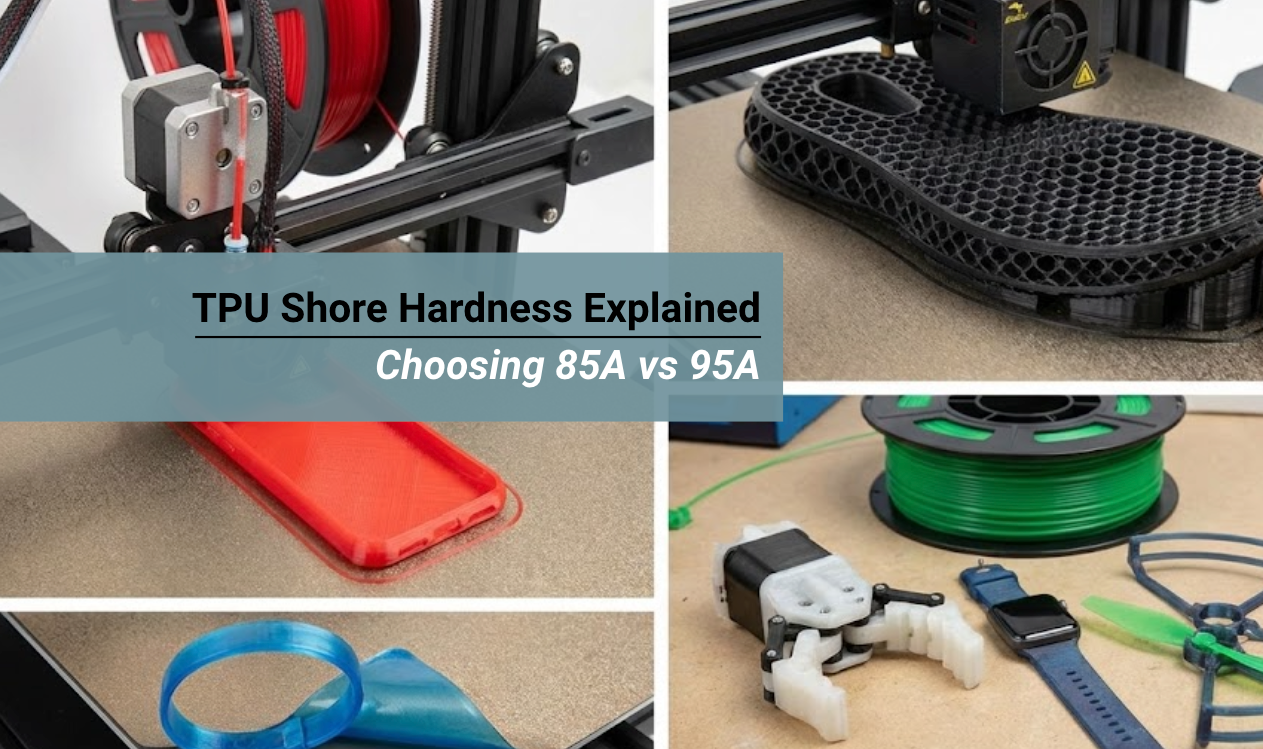
The TPU shore hardness determines not just how your final print feels in your hand, but whether your printer can actually handle the material. Choosing the wrong hardness for your specific machine is the #1 cause of jammed extruders and failed prints.
In this guide, we break down the Shore A scale, compare the two most popular flexible filaments (85A vs 95A), and help you pick the right one for your project.
- 95A (Hard Rubber): Best for beginners. Prints like PLA but bends. Feels like a shopping cart wheel. Works on almost all printers.
- 85A (Soft Rubber): Best for comfort and grip. Feels like a shoe insole. Requires a Direct Drive extruder and slow speeds.
The Rule: Higher numbers = Harder plastic. Lower numbers = Softer rubber.
What is the Shore Hardness Scale?
The Shore scale measures resistance to indentation. Here is how common TPU filaments stack up against real-world objects:
Feels Like:
Shopping Cart Wheel
Dense Eraser
Feels Like:
Shoe Insole
Leather Belt
Feels Like:
Rubber Band
Earplugs
Why 3D Printing Uses Shore A
When we talk about flexible filament, we almost always use the Shore A scale. This scale ranges from 0 to 100.
- 0A: Extremely soft.
- 100A: Extremely hard (basically rigid plastic).
Most printable filaments fall between 80A and 98A. While these numbers seem close together, the difference in printability is massive. A 95A filament is stiff enough to push through a tube. An 85A filament acts like a wet noodle.
95A TPU: The "Easy" Flexible

If you have never printed flexible material before, 95A is your starting line. It is the industry standard for a reason. In fact, if you buy a spool just labeled "TPU" without a number, it is almost certainly 95A.
What It Feels Like
Imagine the wheel on a shopping cart or a skateboard. It is rubber. It grips the ground. But if you try to squish it with your fingers, it barely moves. That is 95A.
It is flexible, but it is not "soft." If you print a thin wall, it will bend. If you print a thick block, it will feel like a hard rock.
Why It Is Easier to Print
The biggest challenge in printing flexible filament is feeding it. Your extruder gears have to push the filament into the hot nozzle.
- Columnar Strength: 95A TPU has good "columnar strength." This means if you push on the end of the filament, it moves forward instead of bending sideways.
- Constraint: Because it is stiff, it does not coil up inside the extruder gears as easily.
This makes 95A compatible with almost all printers. You can often print it on Bowden-style printers (like older Ender 3s) where the motor is far away from the nozzle.
Best Applications for 95A
- Protective Cases: Phone cases and GoPro mounts need to pop on and off but stay rigid enough to protect the device.
- Drone Parts: Bumpers and motor guards need to absorb high-impact crashes without ripping.
- Functional Mechanics: Living hinges and flexible brackets work best with 95A because they don't fatigue easily.
If you are just starting, check out our TPU 95A HF best quality slicer settings to get your profile dialed in.
85A TPU: The "True" Soft Rubber

When you want something that feels like real rubber, you need to go lower on the scale. 85A is where things get interesting. This is considered a "soft flexible."
What It Feels Like
Think of the rubber sole of a running shoe or a leather belt. When you squeeze it, it gives way. It conforms to your hand. It offers true elasticity and rebound.
If you print a phone case in 85A, it feels grippy and soft. If you print a tire, it actually squishes against the ground to get traction.
The Buckling Challenge
Printing 85A is like trying to push a cooked piece of spaghetti through a straw.
- Low Columnar Strength: When the extruder gears push the filament, it wants to bend sideways immediately.
- The "Noodle" Effect: If there is any gap between your extruder gears and the nozzle entrance, 85A TPU will find it. It will coil up and jam the machine instantly.
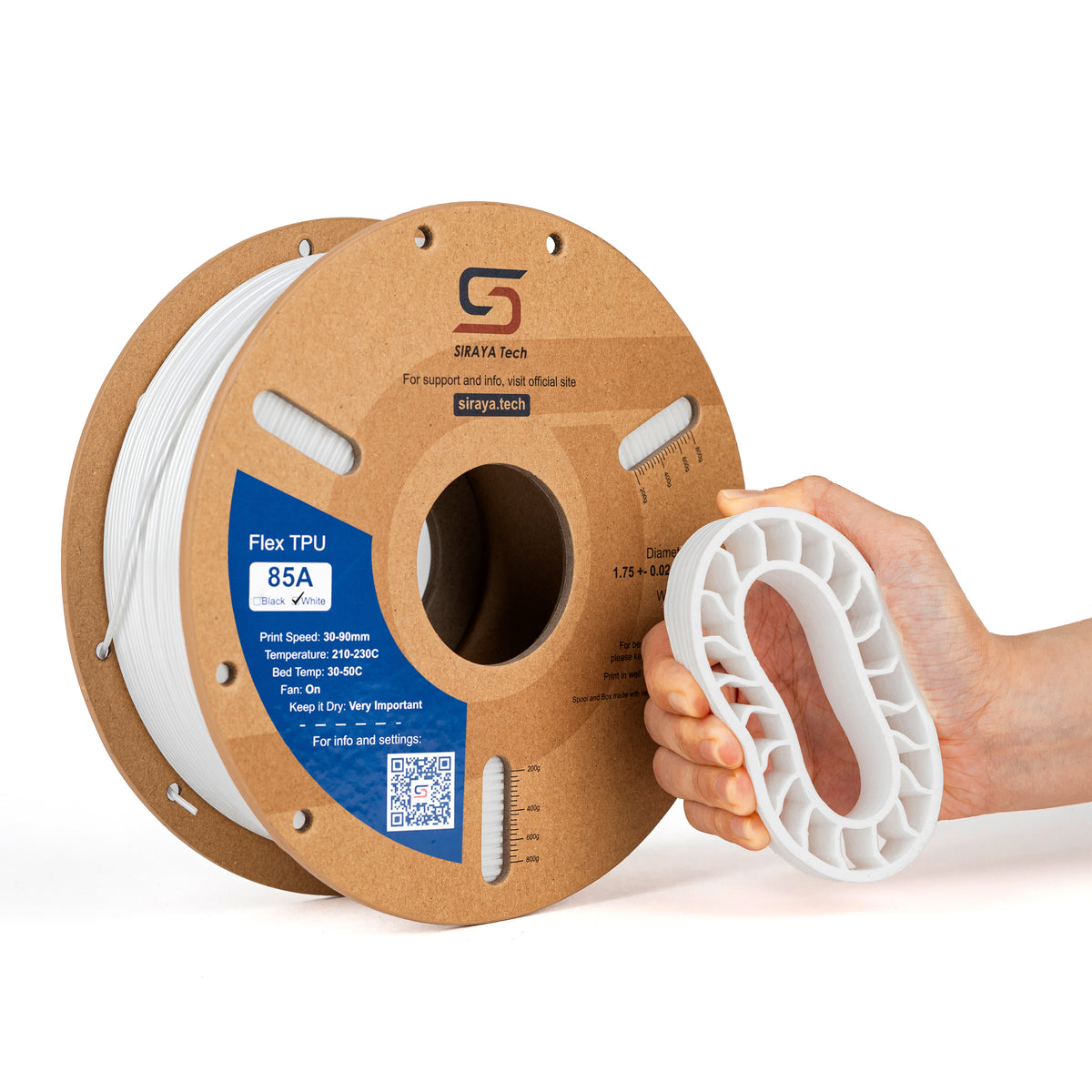
👉 Because of this, 85A usually requires a specialized setup. We highly recommend reading our guide to printing with Siraya Tech Flex 85A TPU filament before loading a spool.
Best Applications for 85A
- Wearables: Watch bands, bracelets, and cosplay armor that touch human skin need to be soft to prevent chafing.
- Seals: O-rings and gaskets need to squish to create a water-tight seal. 95A is often too hard for this.
- Grip: Soft rubber has a higher friction coefficient. This is ideal for feet on furniture or tires on robots.
Comparison: 95A vs 85A Deep Dive
Before you buy, compare these critical factors to see which material fits your setup.
| Feature | 95A (Harder) | 85A (Softer) |
|---|---|---|
| Print Speed | Fast (40-60 mm/s) | Slow (15-20 mm/s) |
| Ease of Printing | Easy (Beginner Friendly) | Hard (Advanced) |
| Retraction | Manageable (1-3mm) | Turn OFF (0mm) |
| Durability | High Abrasion Resistance | High Grip & Comfort |
| Best Use | Phone Cases, Drone Bumpers | Wearables, Gaskets, Seals |
👉 For specific machine advice, read our guide how to print soft flex TPU on Bambu Lab printers.
Hardware Requirements: Can Your Printer Handle It?
Before you buy 85A filament, look at your printer.
Direct Drive Extruder
This is where the motor is mounted right on top of the nozzle.
- Verdict: Essential for 85A. Good for 95A.
- Why: The filament path is short. There is no room for the filament to bend. This gives you the control needed for soft materials.
Bowden Tube Extruder
This is where the motor is far away, connected by a long tube.
- Verdict: Okay for 95A. Very bad for 85A.
- Why: Pushing soft rubber through a long tube creates friction and lag (hysteresis). By the time the motor pushes, the nozzle hasn't extruded yet. By the time the motor stops, the nozzle is still oozing.
If you have a Bowden printer, stick to 95A unless you are willing to print incredibly slowly and deal with failures.
Advanced Tip: Simulating Softness with Slicer Settings
Here is a secret that experts use. You can make 95A filament feel like 85A filament just by changing your slicer settings. You don't always need to buy a new spool.
The Wall Count Trick
The stiffness of a 3D print comes mostly from the walls (perimeters).
- Standard: 3 walls make a stiff part.
- Soft Trick: Use only 1 or 2 walls. This makes the outer shell very thin and flexible.
The Infill Trick
- Density: Lower your infill to 10% or even 5%. The more air inside the part, the easier it is to squish.
- Pattern: This is critical. Do not use "Grid" or "Triangles." These patterns create rigid triangles that do not bend.
- Gyroid Infill: Use "Gyroid" or "Cross 3D." These patterns are squiggly. They allow the part to flex in all directions without crushing.
👉 By combining 2 walls with 10% Gyroid infill, you can make a 95A phone case feel surprisingly soft. See our Flex TPU 95A filament user guide for more tips on slicer manipulation.
The Moisture Factor: Hygroscopy
There is one thing that both 85A and 95A have in common. They love water.
TPU is hygroscopic. This means it absorbs moisture from the air.
- Symptoms: If your filament is wet, it will make popping sounds while printing. The print will look fuzzy. The layers will be weak.
- Severity: 85A is often more sensitive to moisture bubbles because the walls are usually printed slower.
You must dry your TPU before printing. A filament dryer is not optional for flexible materials. It is a necessity.
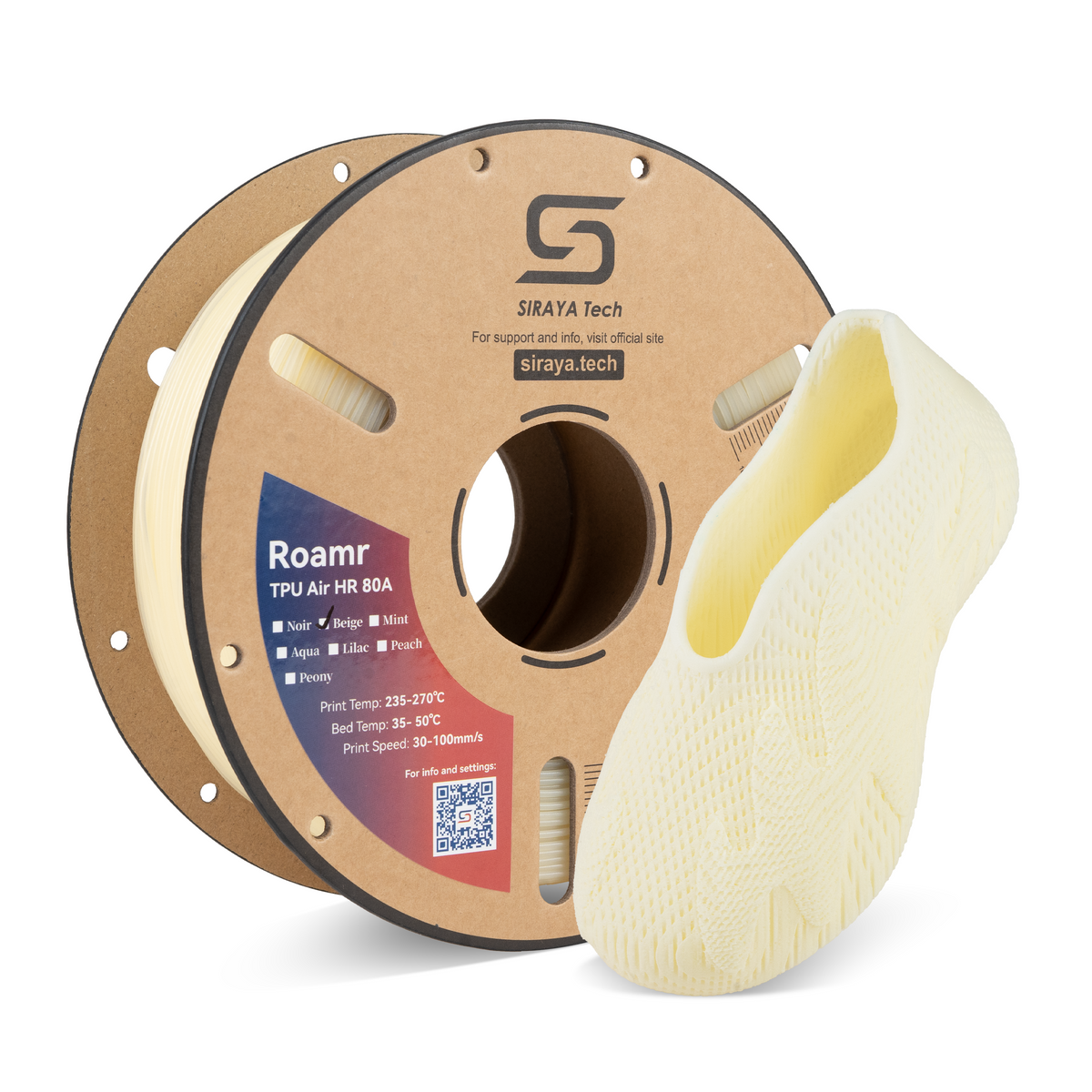
👉 Refer to the Siraya Tech TPU Air user manual for specific drying times and temperatures.
Project Ideas: Which Hardness for What?
Still unsure? Here are some common projects and the recommended hardness.
RC Car Tires
- Terrain: For rock crawling, you want grip. Use 85A. The tire will deform over rocks for better traction.
- Speed: For street racing, you want stability. Use 95A. Soft tires will balloon and rip at high speeds.
Drone Parts
- Bumpers: Use 95A. You want the bumper to absorb the crash but hold its shape. 85A might just squish and let the prop hit the wall anyway.
- GoPro Mount: Use 95A. It vibrates less than soft TPU, giving you smoother video.
Shoes and Insoles
- Insoles: Use 85A. You want cushion under your heel.
- Sole: Use 95A. You need durability to walk on concrete without wearing through the shoe in one day.
👉 Check out our list of ideas to print with TPU to see more examples.
You May Want to Shop TPU Filaments
Explore More
Conclusion
Understanding TPU shore hardness is the key to unlocking the full potential of your 3D printer. It is not just about picking a color. It is about picking the right mechanical property for the job.
If you are new to flexibles, do yourself a favor. Start with the trusty 95A. It offers the perfect balance of printability and durability. It will teach you how to handle stringing and bed adhesion without driving you crazy with jams.
Once you master 95A, step down to 85A. This unlocks the world of professional-grade wearables, soft seals, and high-grip parts.
Remember, the right number on the box leads to the right result on the bed.
Ready to get flexible?
- Shop TPU Filament – Find both 85A and 95A options to start your journey.
- Shop Prusa Filaments – Materials optimized for direct drive systems.
- Shop Strong 3D Printer Filament – For when you need rigid functional parts.
- Shop High Temp 3D Printer Filament – For engineering applications.
- Shop PETG UV Resistant – For outdoor projects that need to last.
FAQs About TPU Shore Hardness (85A vs 95A)
Can I print 85A TPU on an Ender 3?
It is possible but difficult. The stock Ender 3 has a Bowden tube which causes soft filament to buckle. To succeed, you must print very slowly (15mm/s) and turn off retraction completely. You will likely have a lot of stringing. Upgrading to a direct drive extruder makes it much easier.
Is there a 100A TPU?
A: Technically, once you get to 100A, it is basically rigid plastic. At that point, you are looking at materials like semi-flexible PETG or Nylon. The Shore A scale is mostly used for rubbers. Rigid plastics use the "Shore D" scale. 95A is about as hard as TPU gets while still being called "flexible."
Why is my TPU print stiff?
If your TPU print feels like hard plastic, you likely used too much infill. TPU relies on empty space to flex. If you fill the inside with 100% plastic, it becomes a solid block. Try reducing your infill to 10% or 15% and reducing the number of wall perimeters to 2.
What is the softest filament I can buy?
Some brands sell 60A or 70A filament. However, these are incredibly difficult to print on consumer FDM machines. They act almost like a wet string. For most users, 85A is the softest practical limit before you need specialized syringe-based extruders or pellet printers.
Do I need to dry both 85A and 95A?
Yes. Shore hardness does not change the chemistry. All TPU absorbs moisture rapidly. Whether it is hard or soft, if it is wet, it will pop, hiss, and fail. Always dry your TPU before printing for the best surface finish and layer strength.