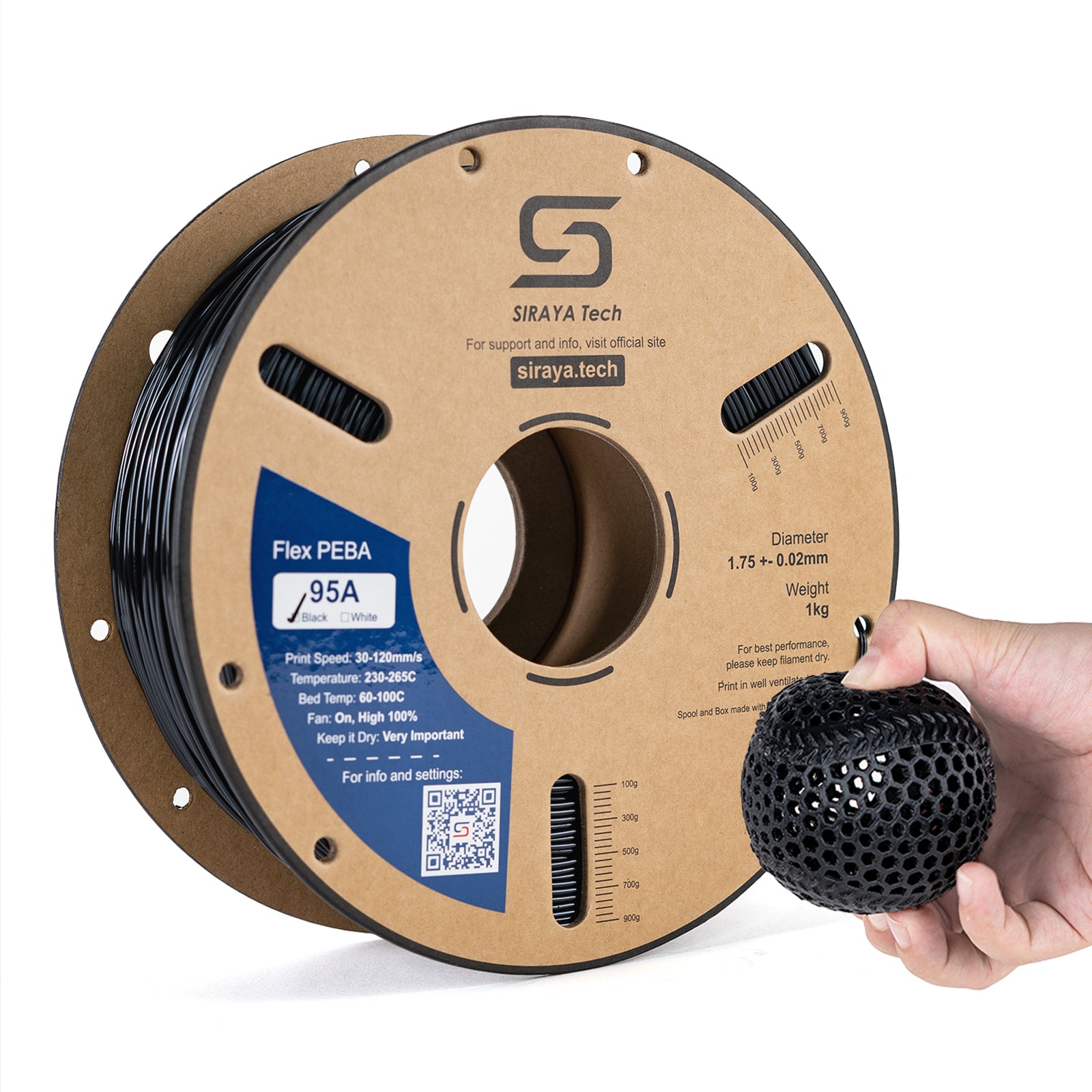
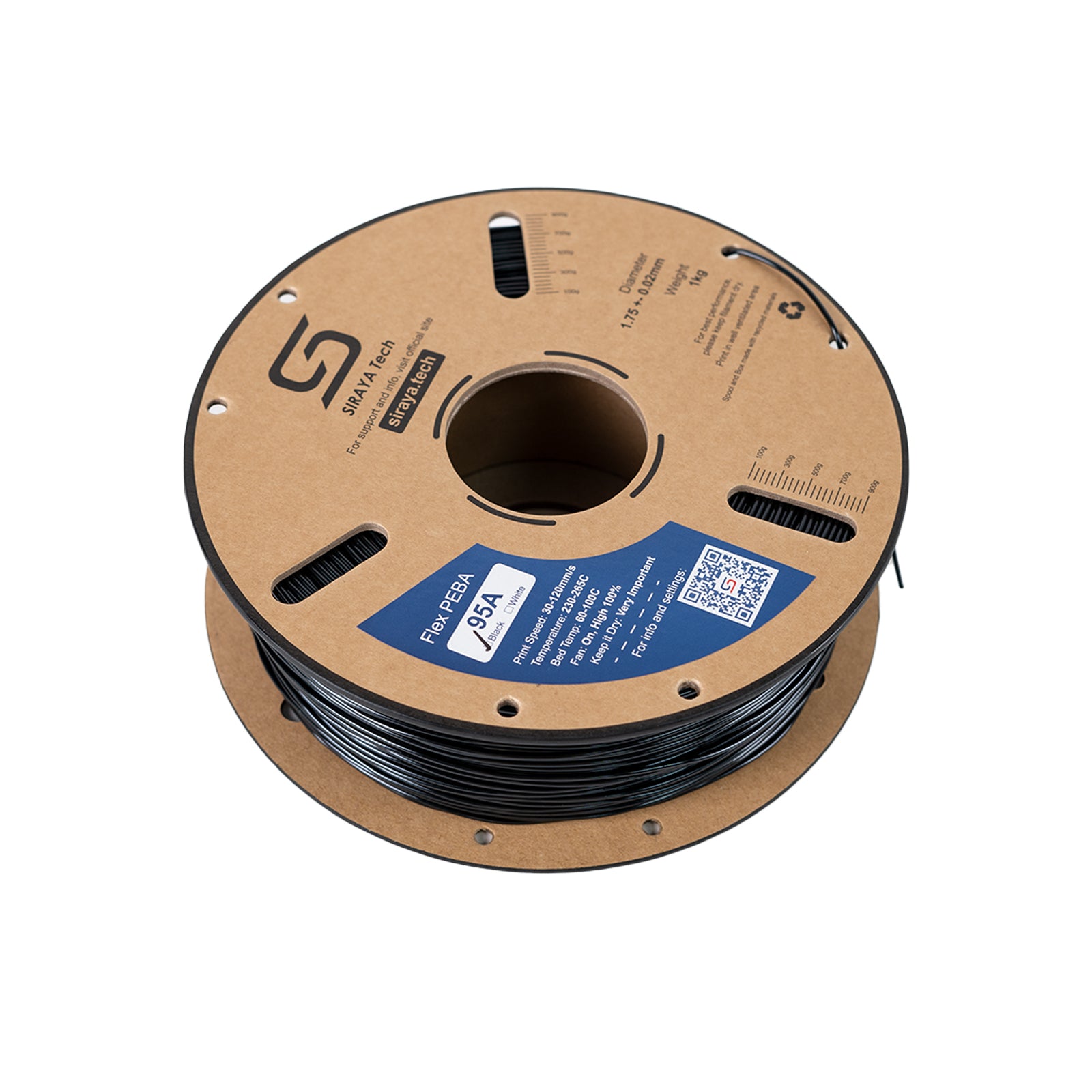
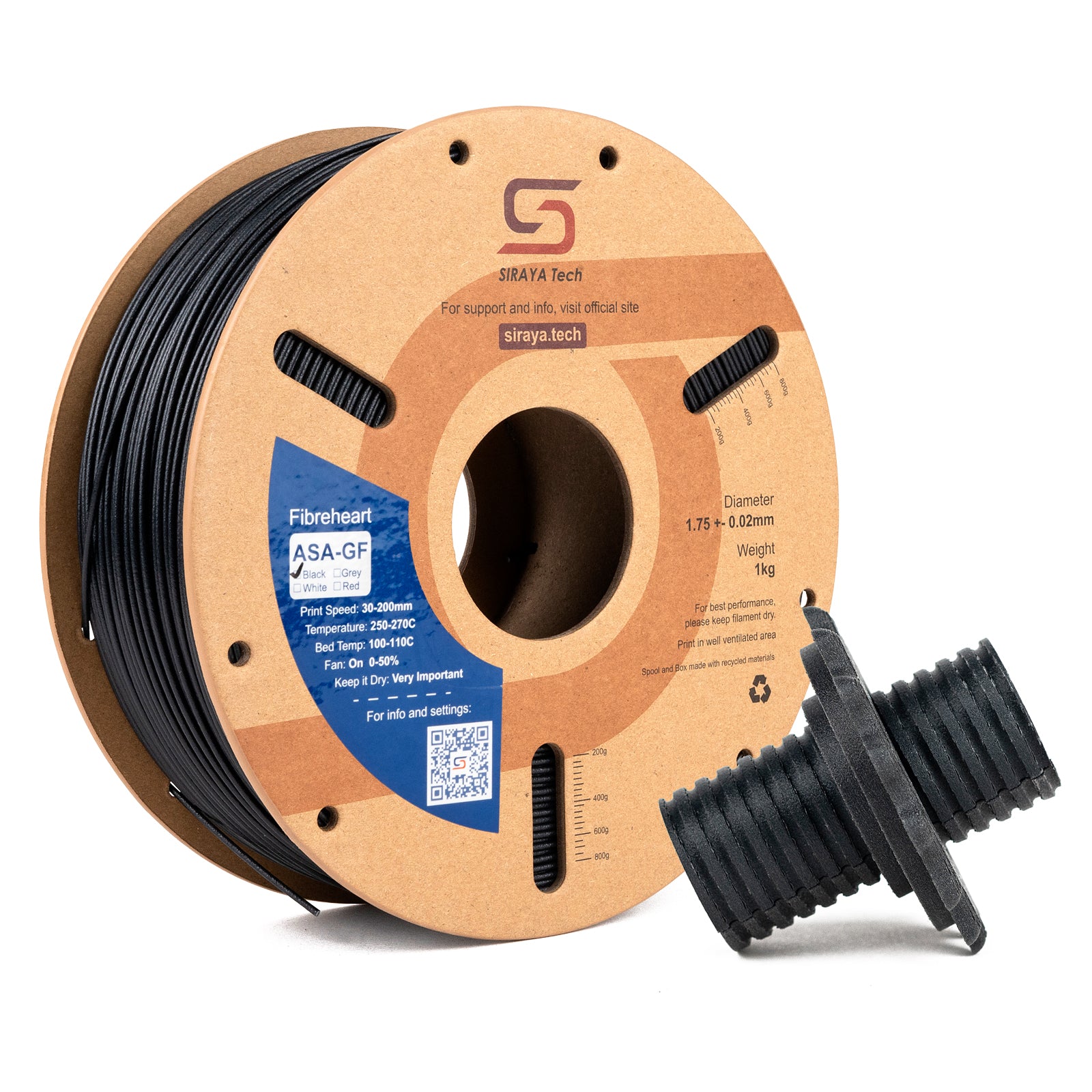
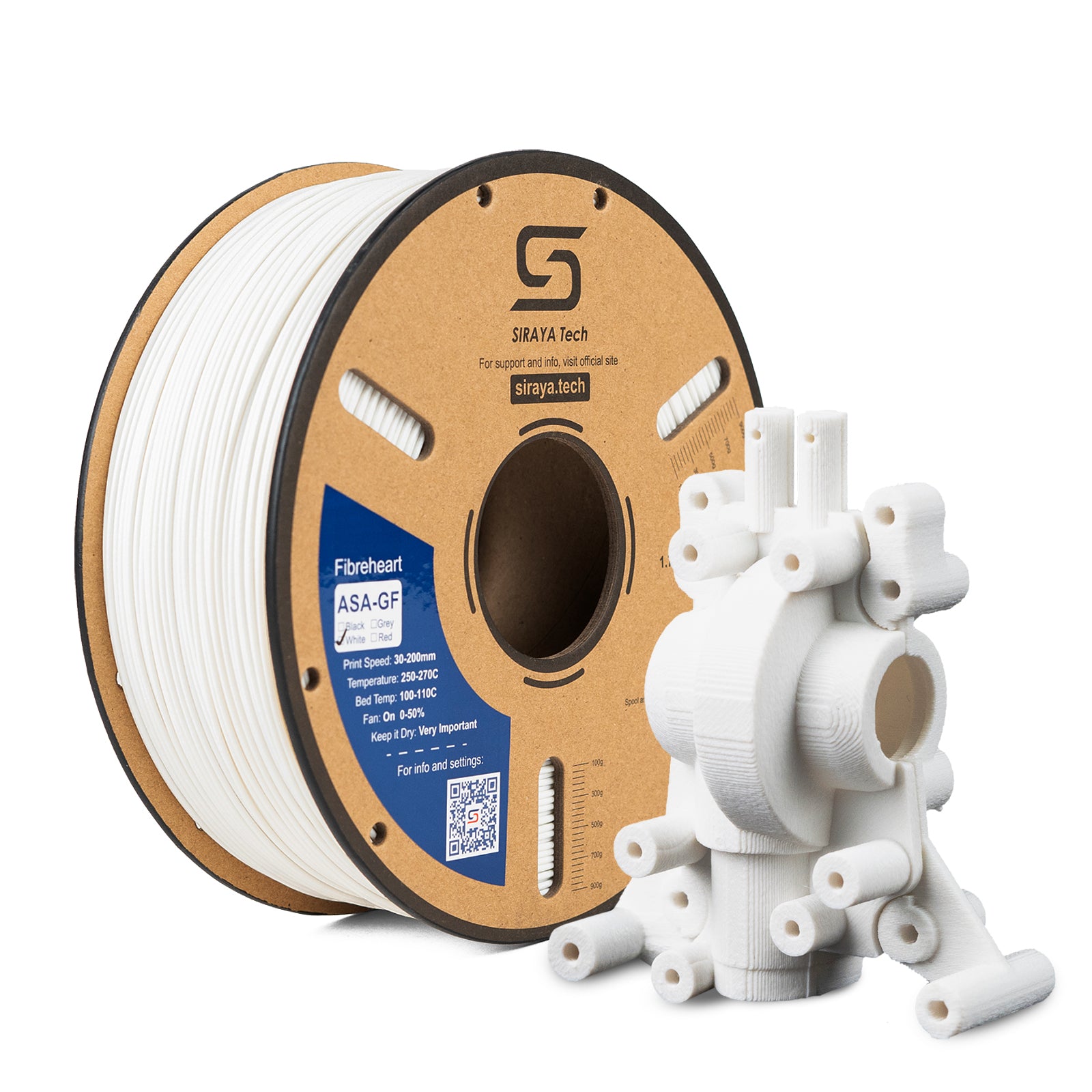
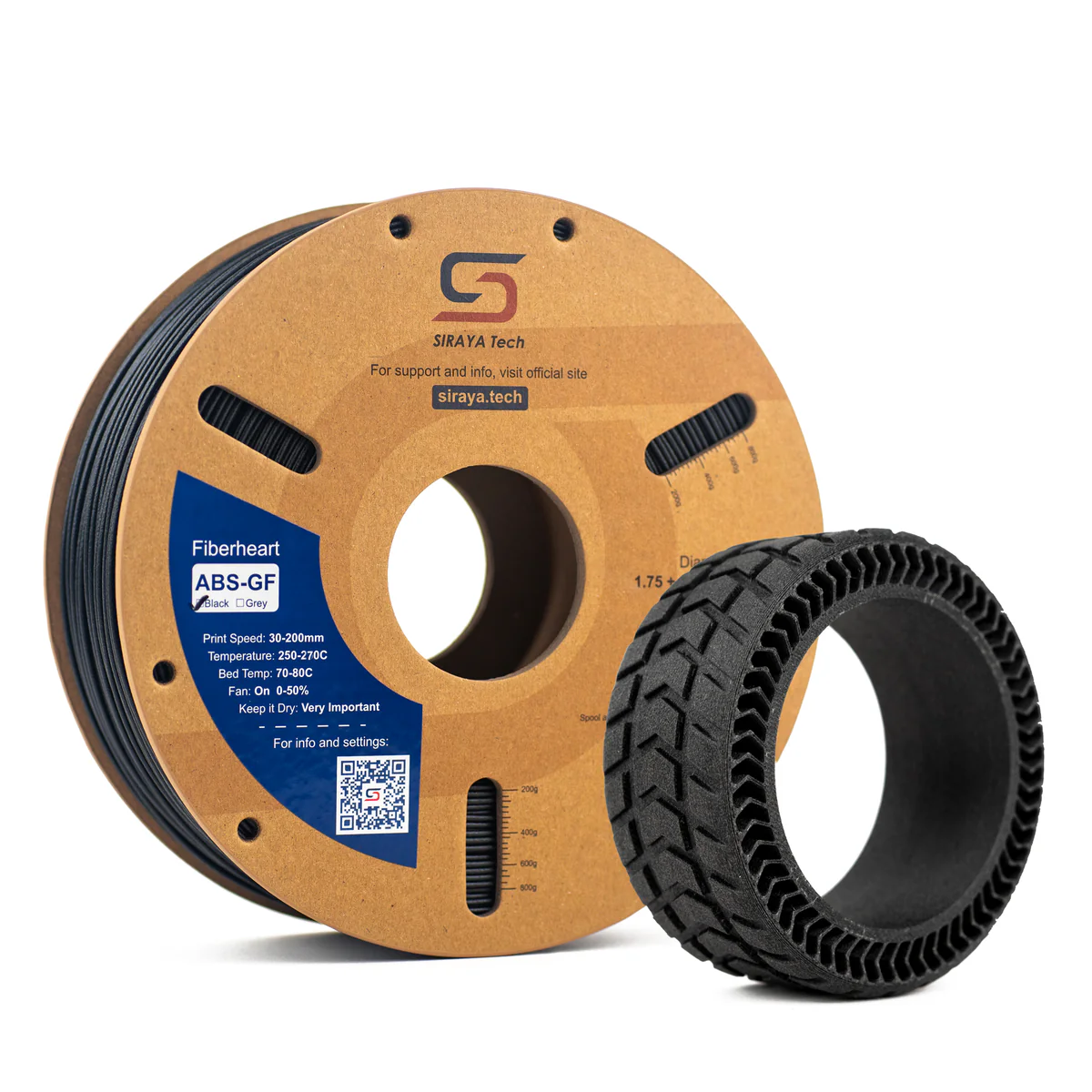
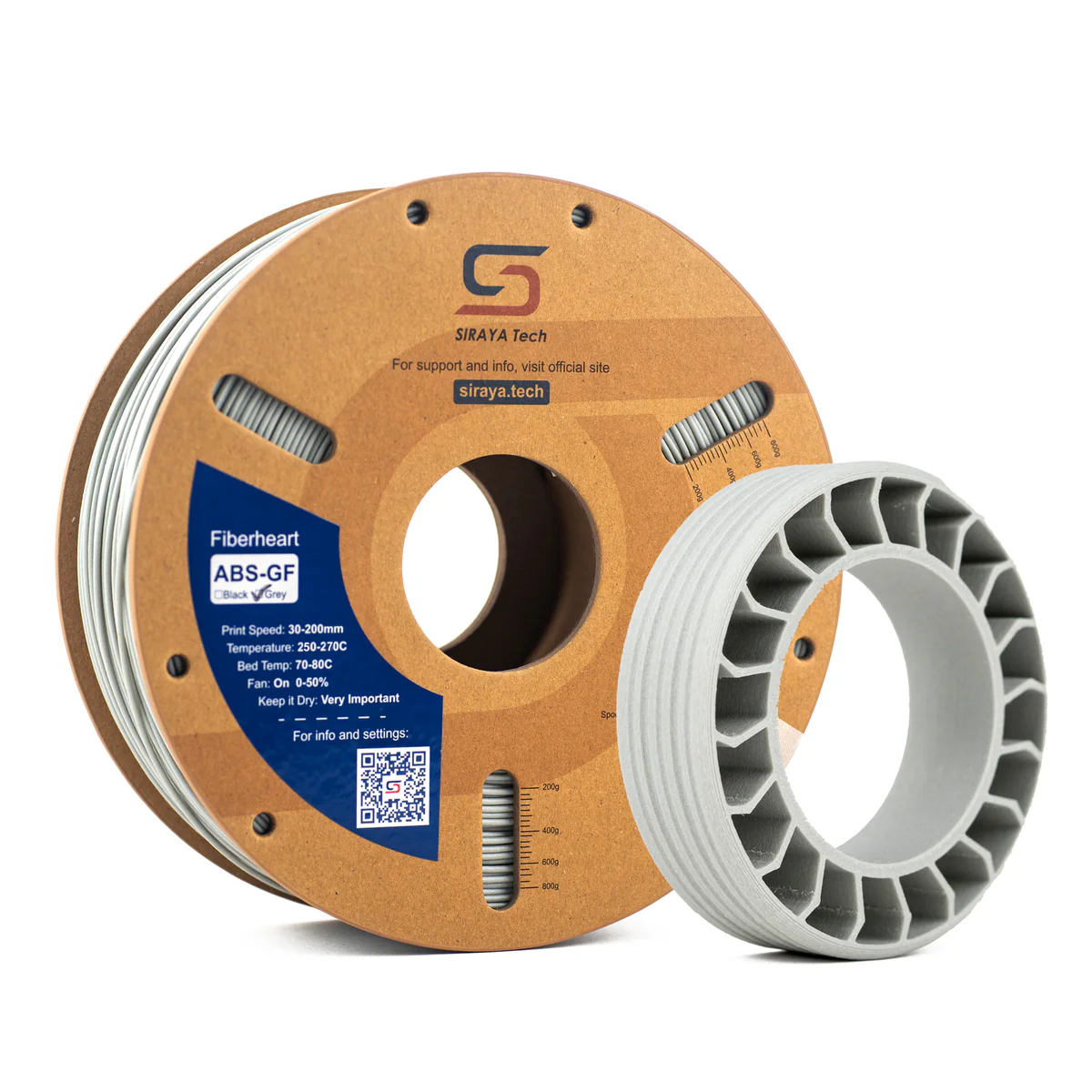
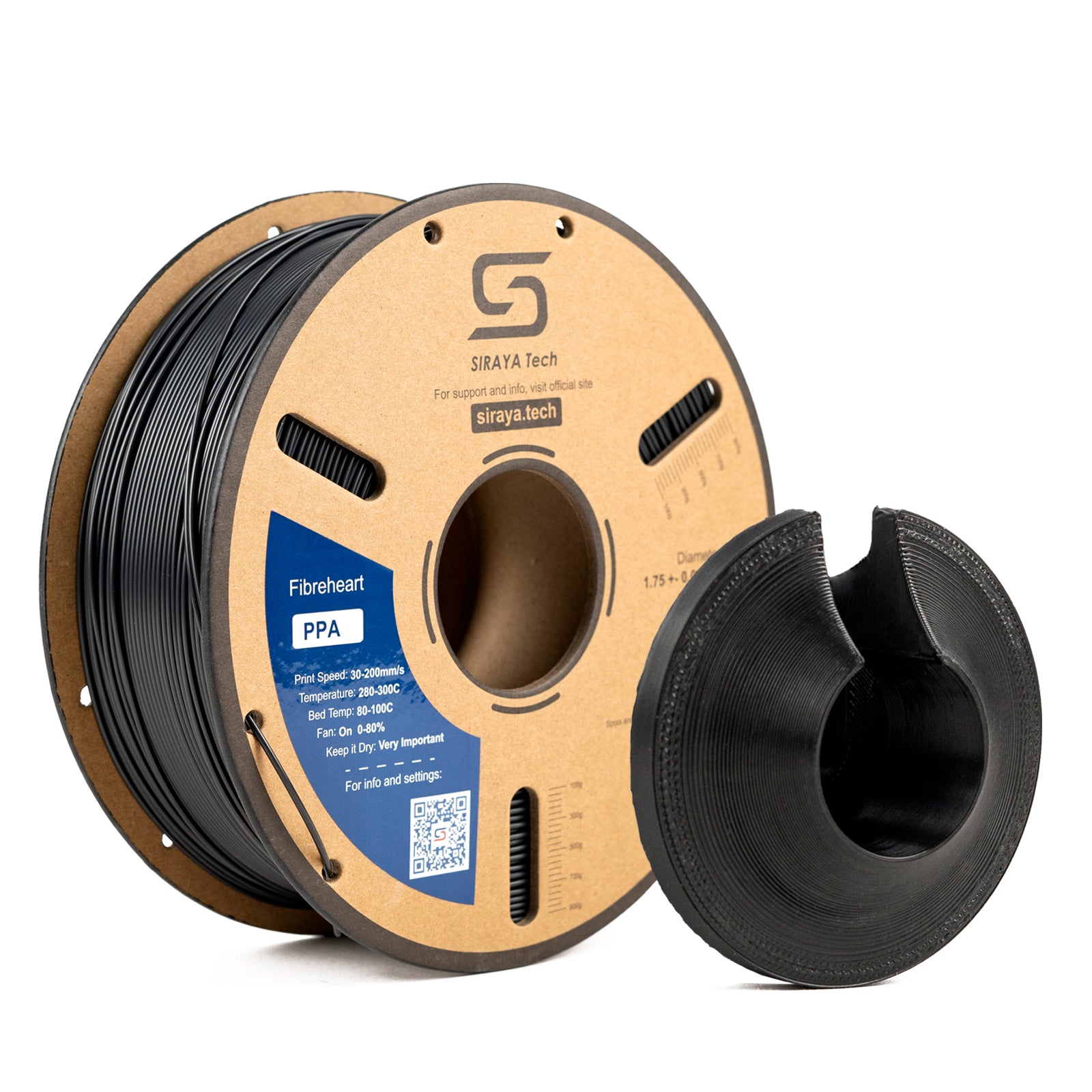
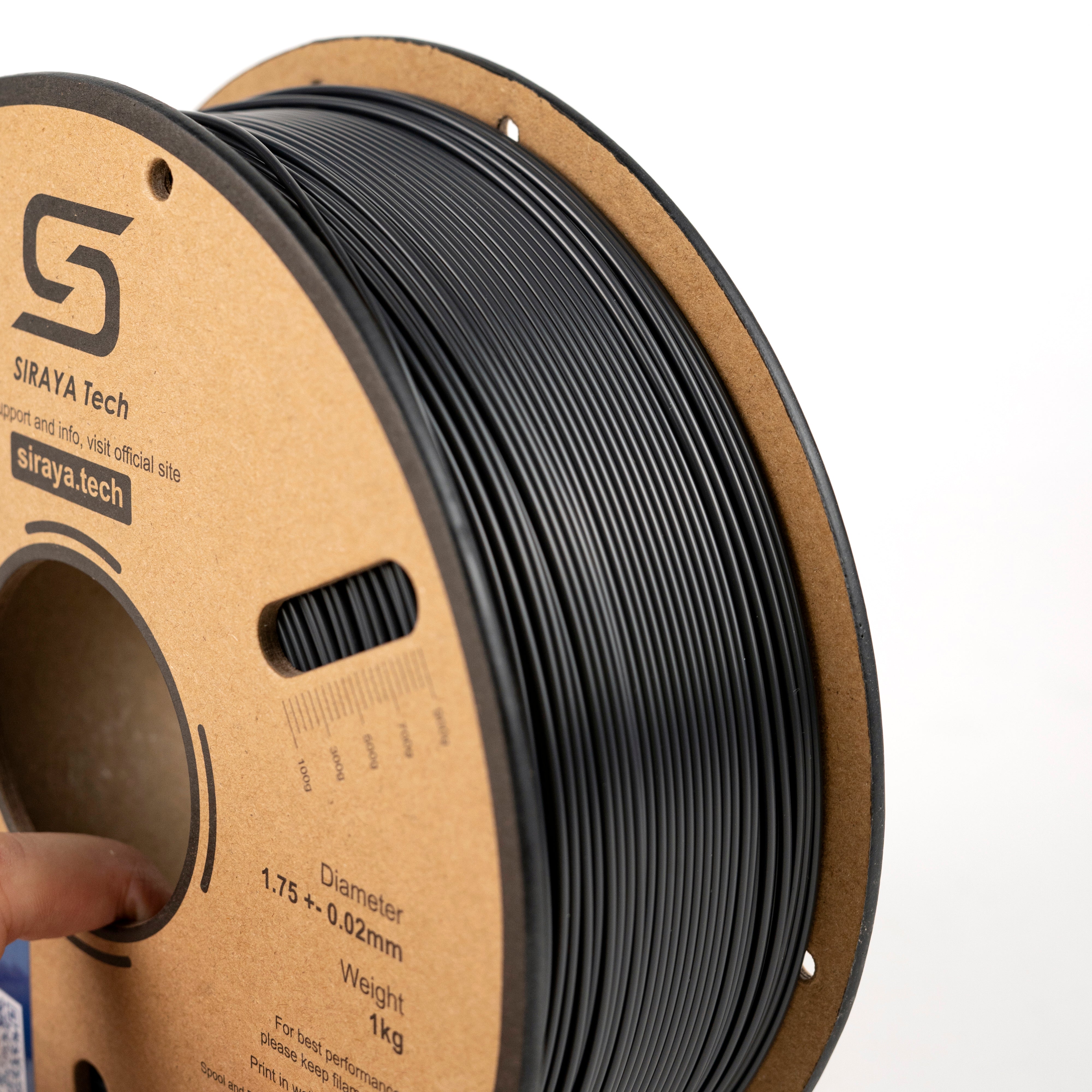
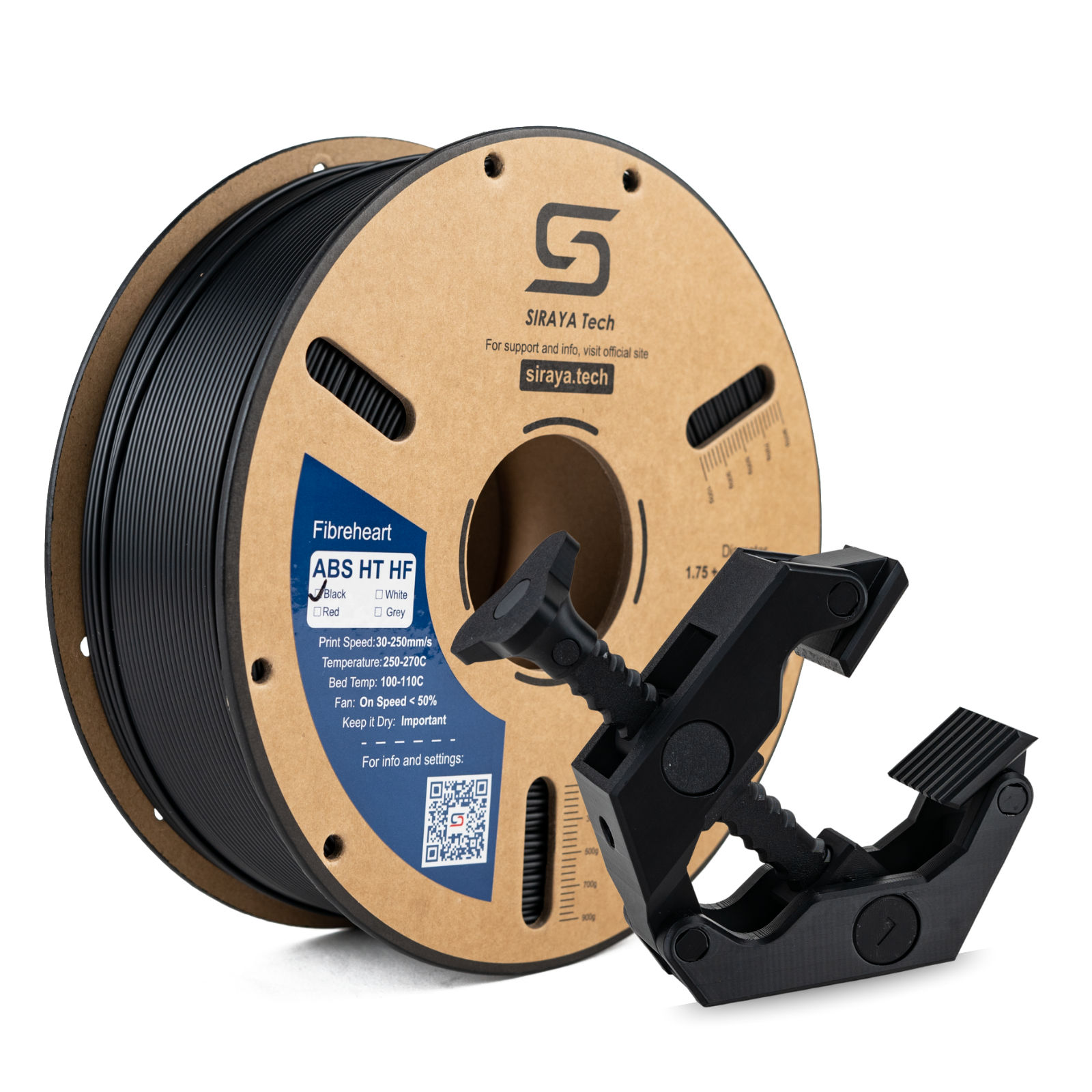
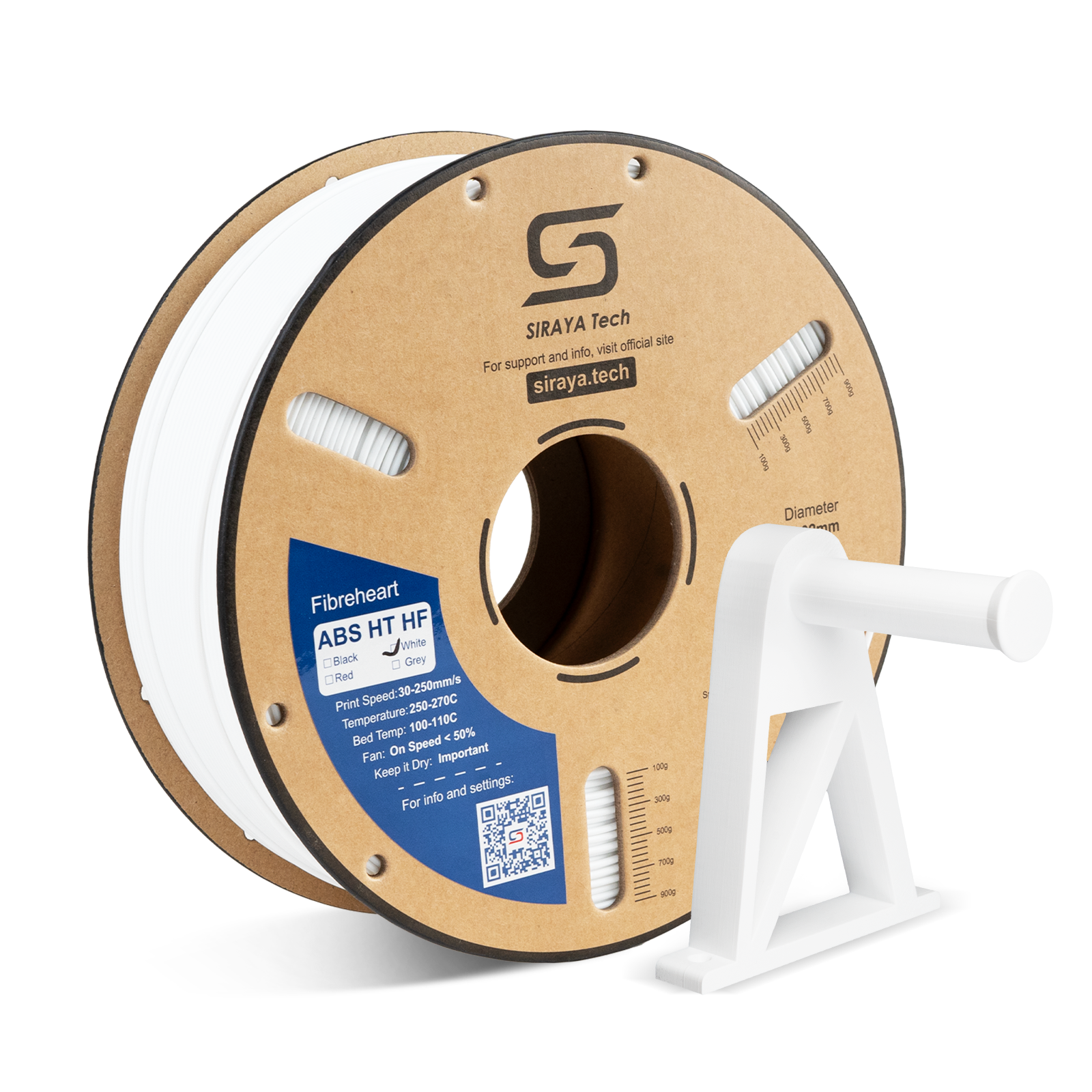
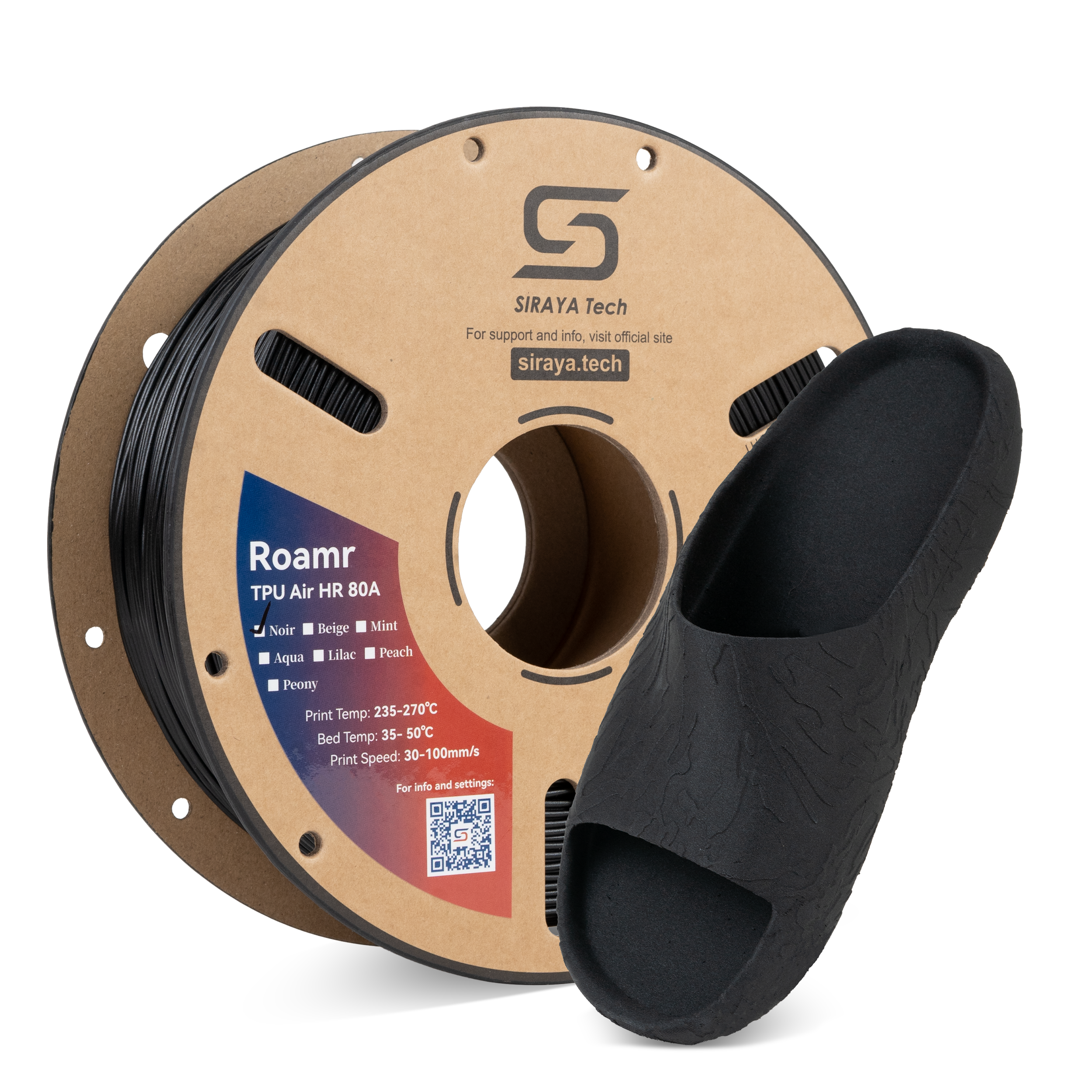
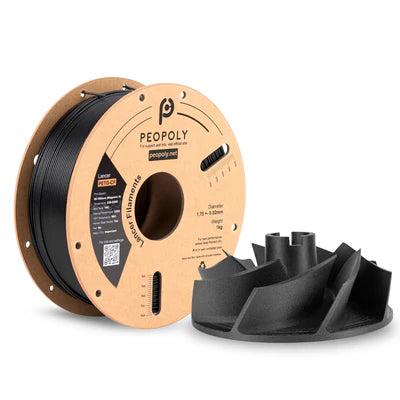
MakerBot filament is all about making your ideas come to life with ease and reliability. At Siraya Tech, we offer a collection designed for parents, makers, and anyone who wants strong, safe, and dependable prints at home.
Whether you’re helping your child with a school project, creating custom toys, or printing useful household items, our MakerBot-ready filaments give you consistent results you can trust.
Get Smoother Prints With Less Stress
When you’re busy, you don’t have time for failed prints. These filaments are made to run smoothly on MakerBot printers so you can focus on the fun part—seeing your project finished.
Reliable Results Every Time
Prints stick well to the bed without messy warping
Less clogging means fewer interruptions
Consistent layers for clean, polished surfaces
Stronger Prints That Last Longer
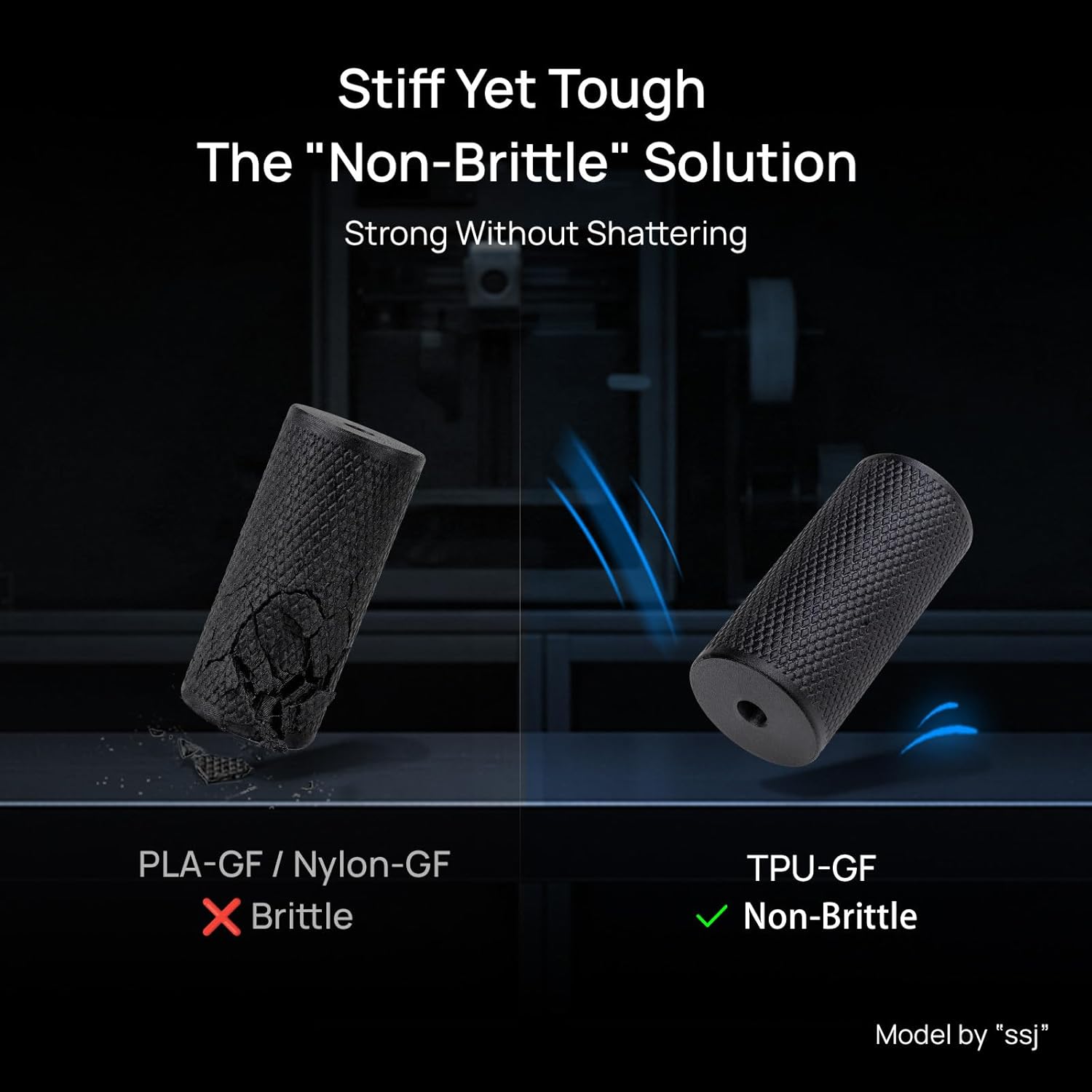
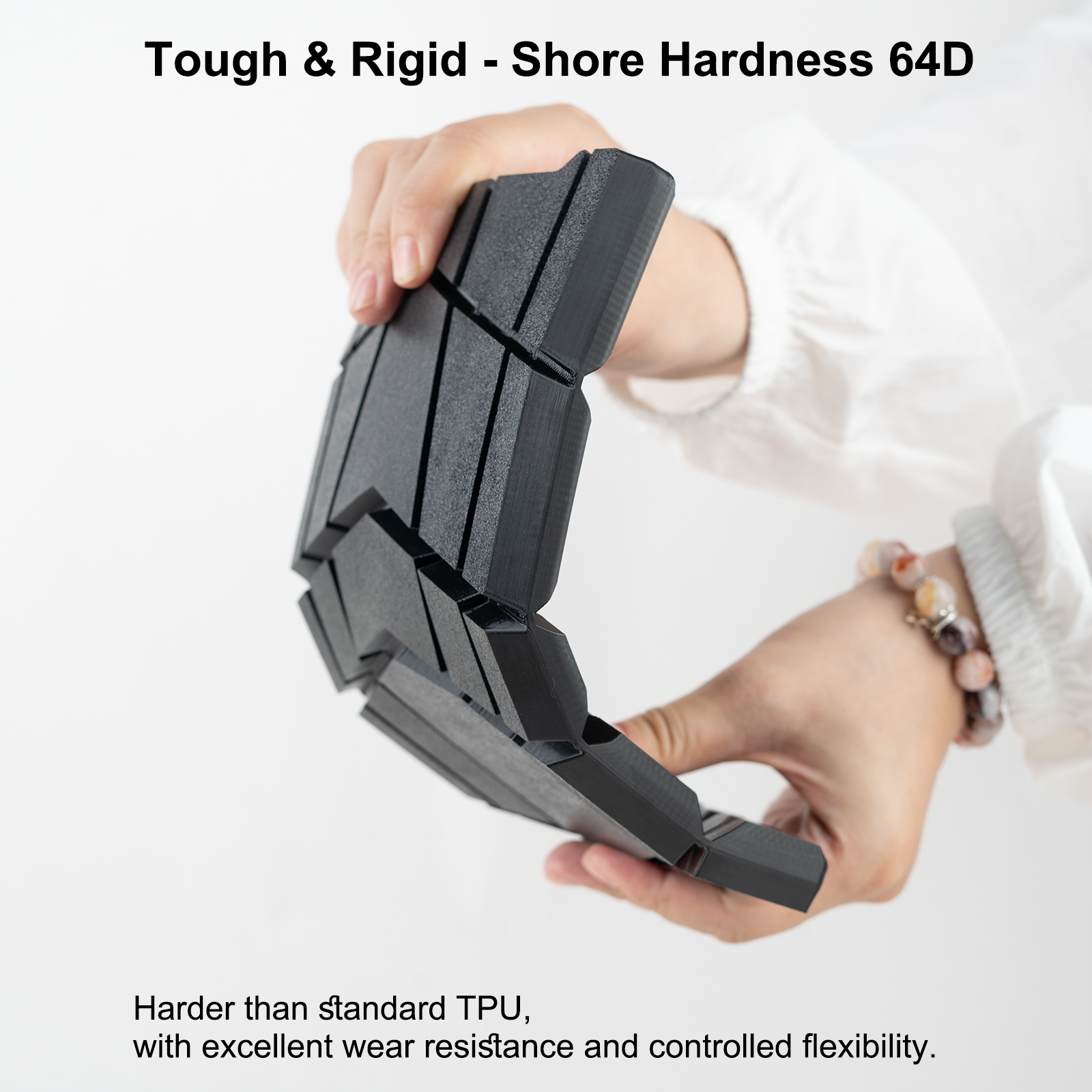
Durability matters. These filaments are tough enough for everyday use so your creations don’t break after one drop.
Built for Family Projects
High impact resistance for toys and tools
Withstands daily handling and play
Holds shape even in warmer environments
Safe and Versatile for Home Use
When you’re printing at home, you want peace of mind. These filaments are designed to be low odor and easy to handle, making them family-friendly.
Easy for Beginners, Trusted by Pros
Low odor formula for a more comfortable workspace
Simple to set up and start printing
Works for both fun crafts and serious projects
Flexible Options for Creative Minds
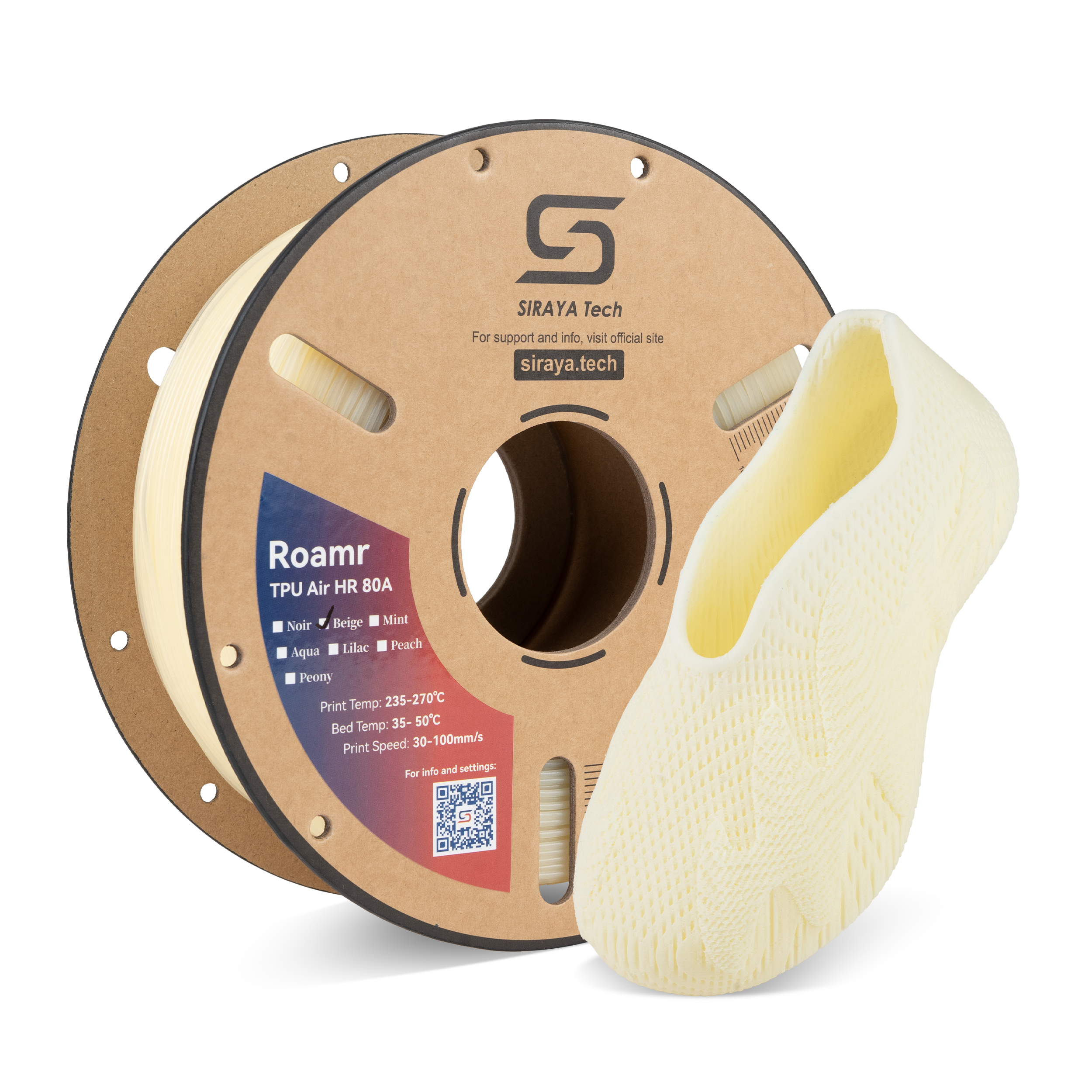
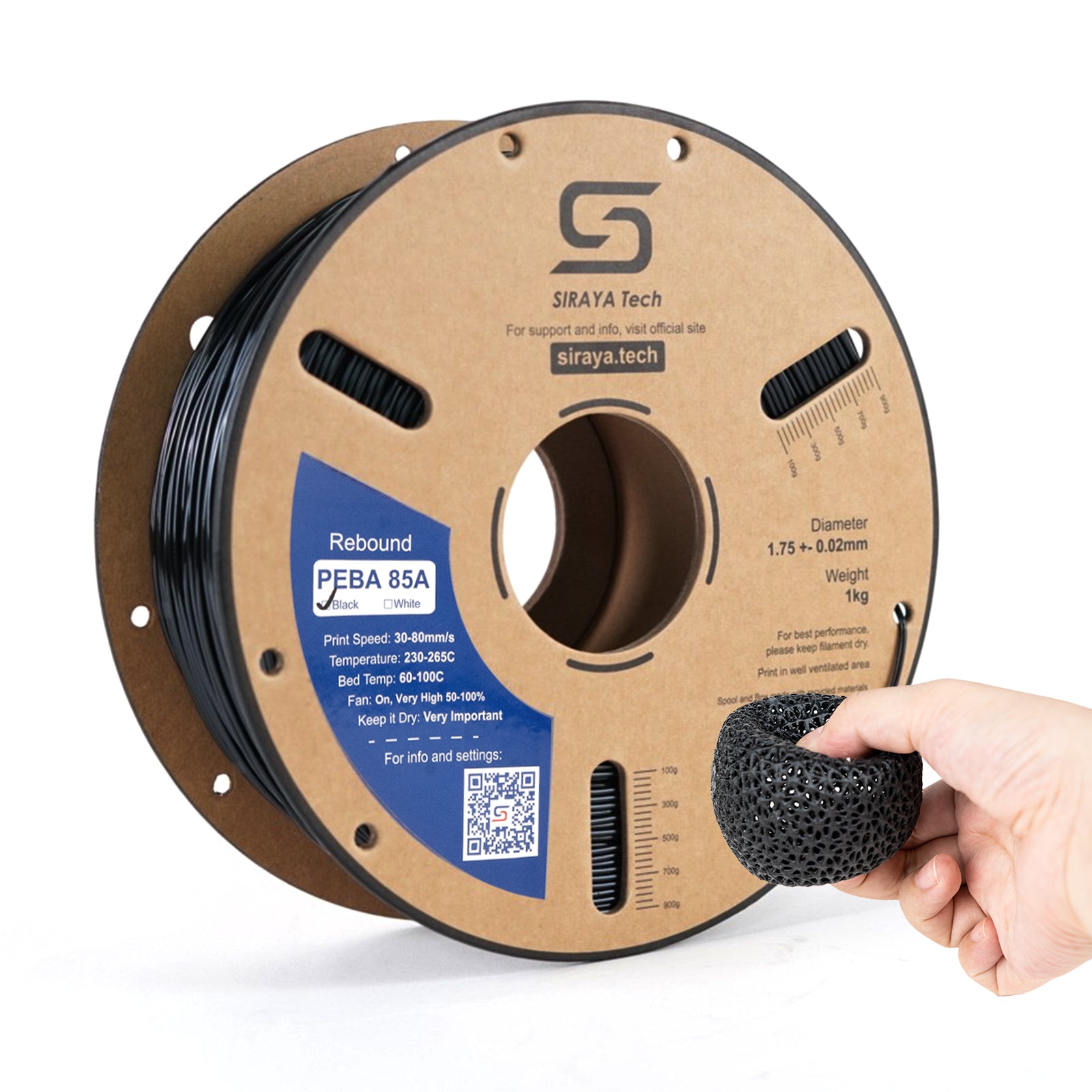
Not all projects are the same. That’s why our collection includes flexible and specialty filaments that open up more possibilities than standard PLA.
More Ways to Bring Ideas to Life
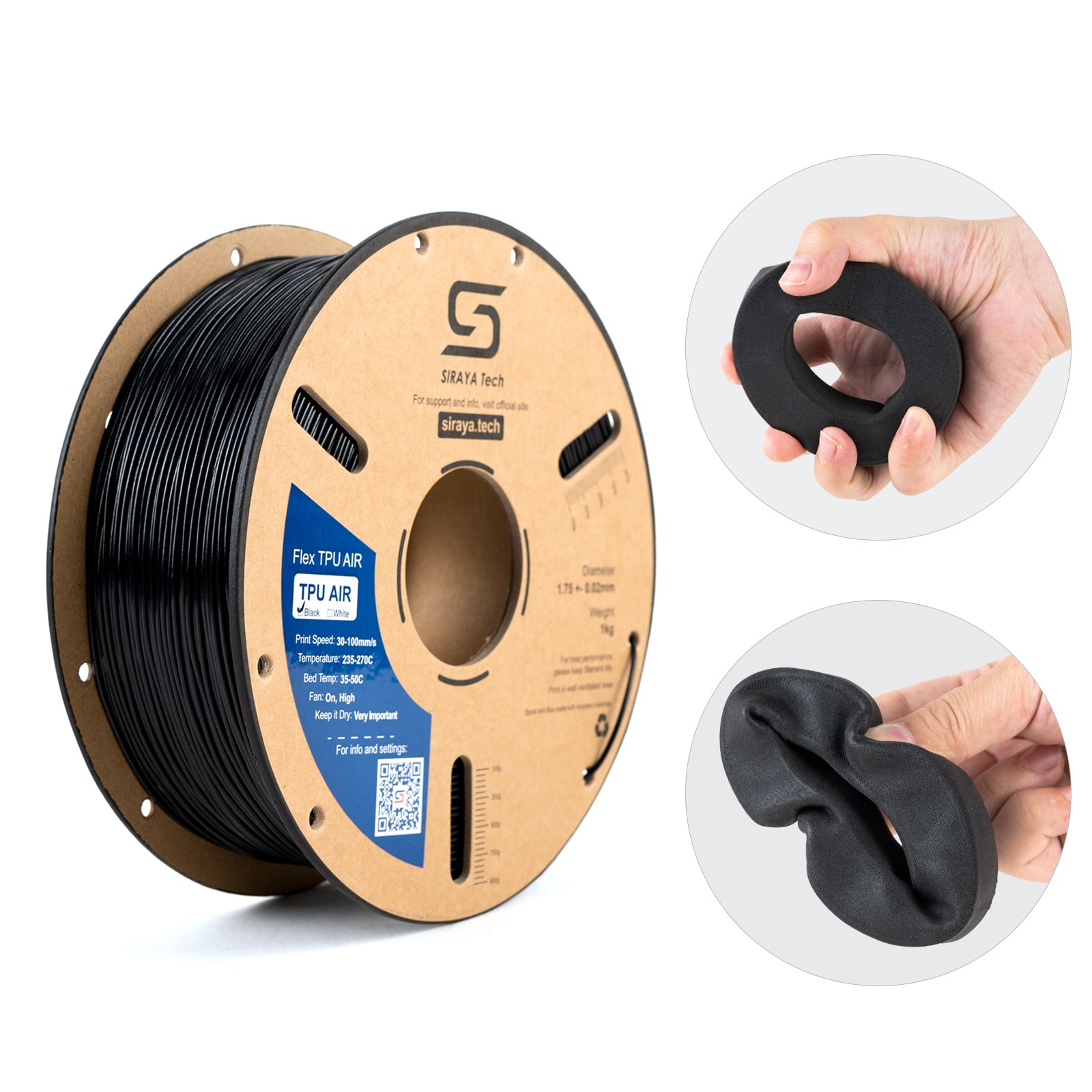
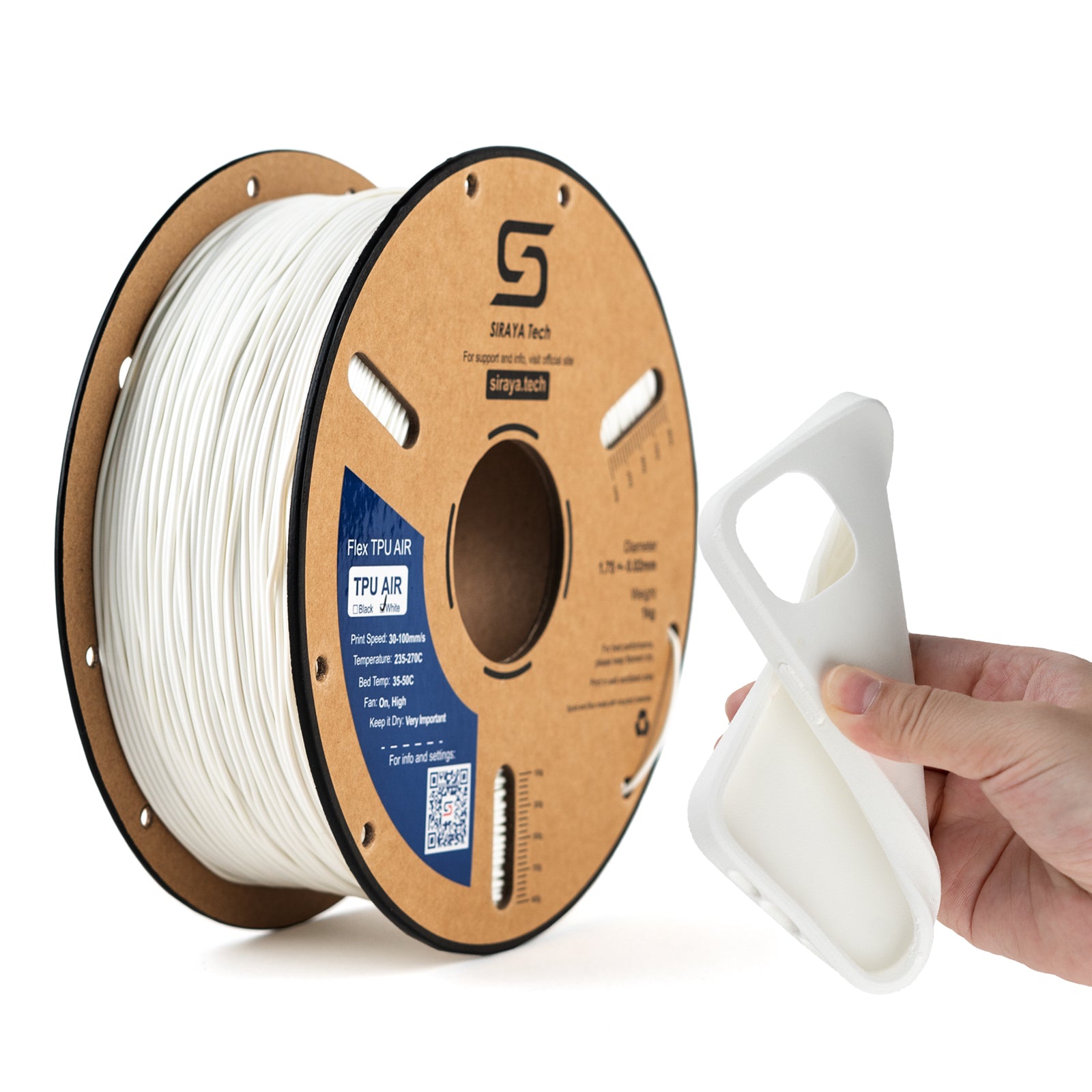
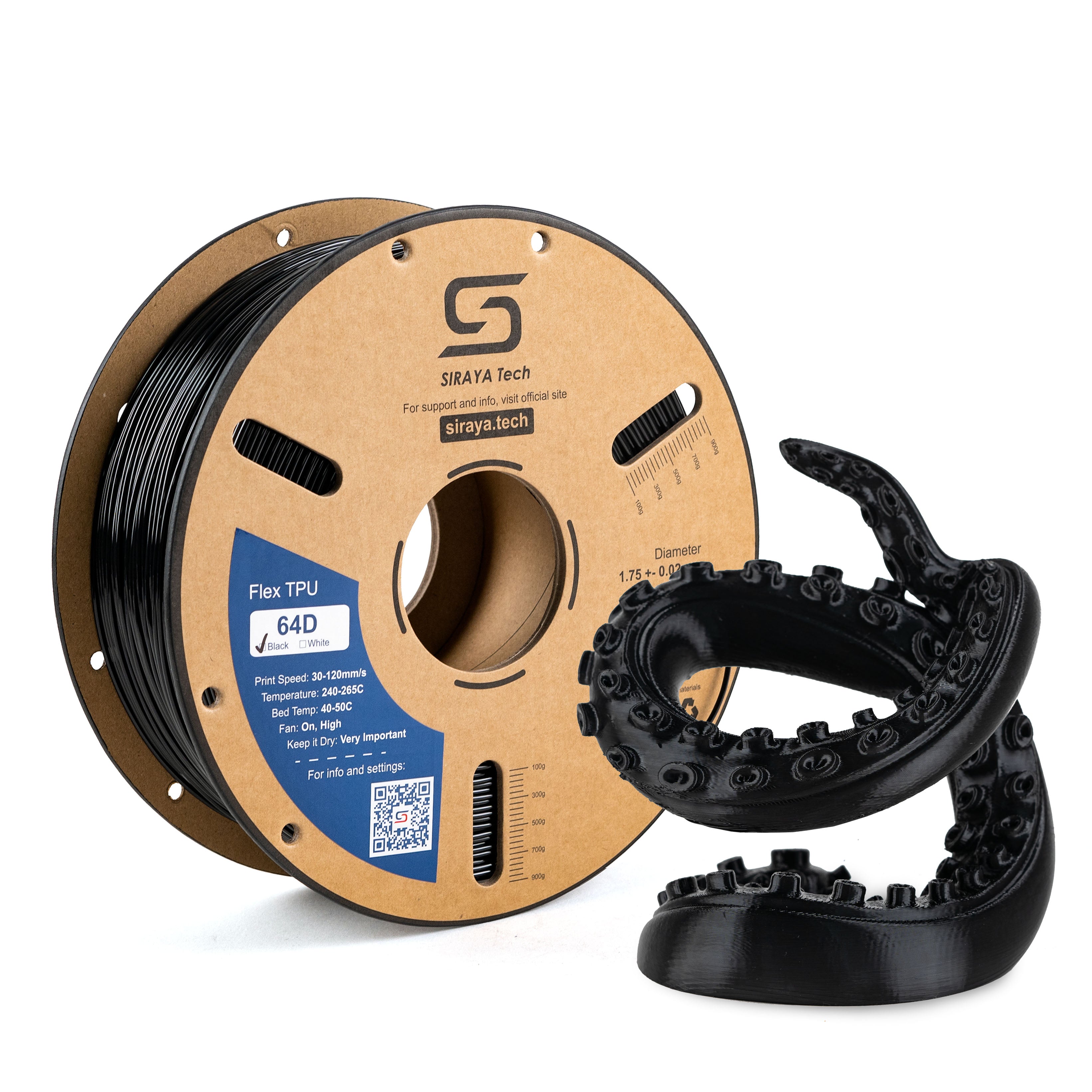
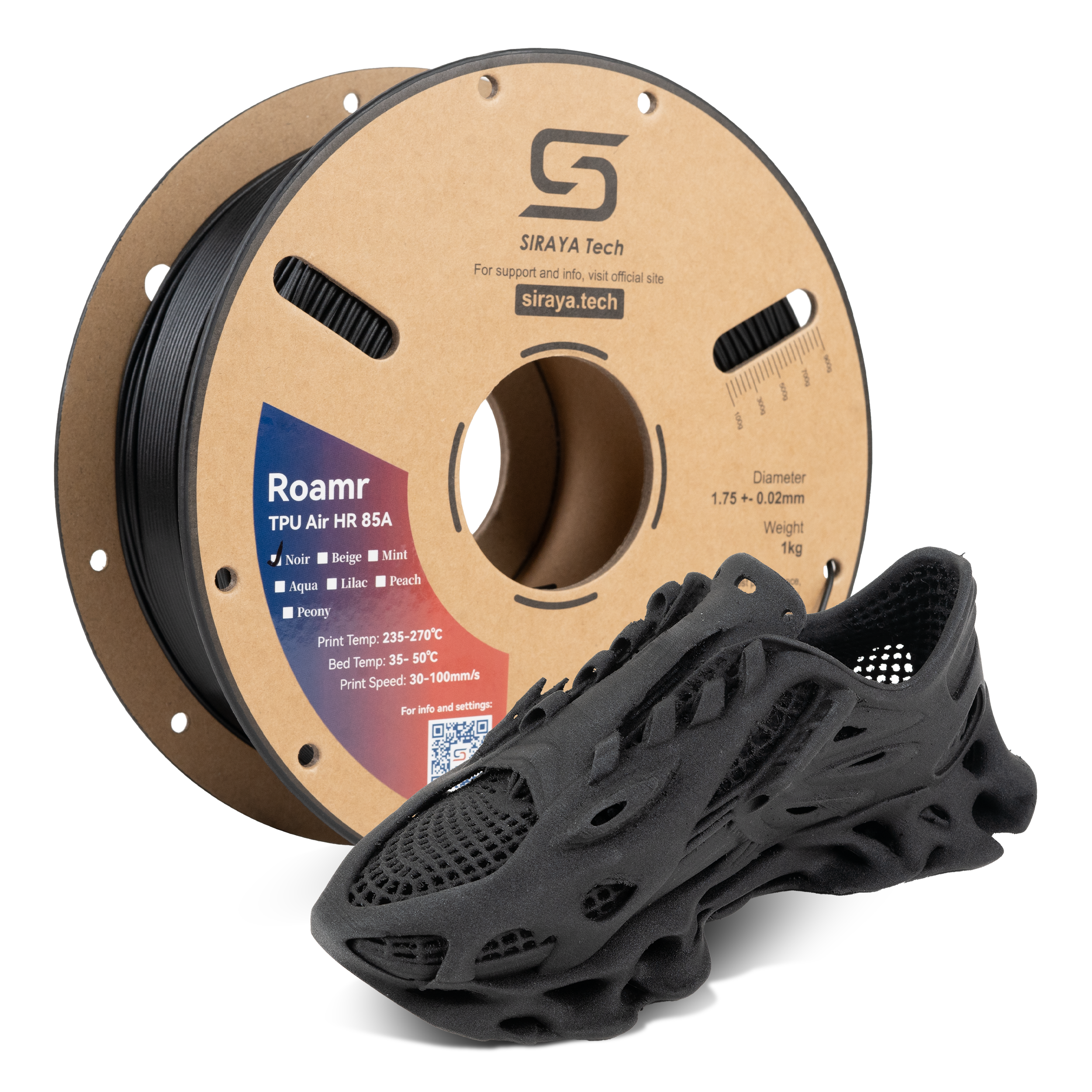
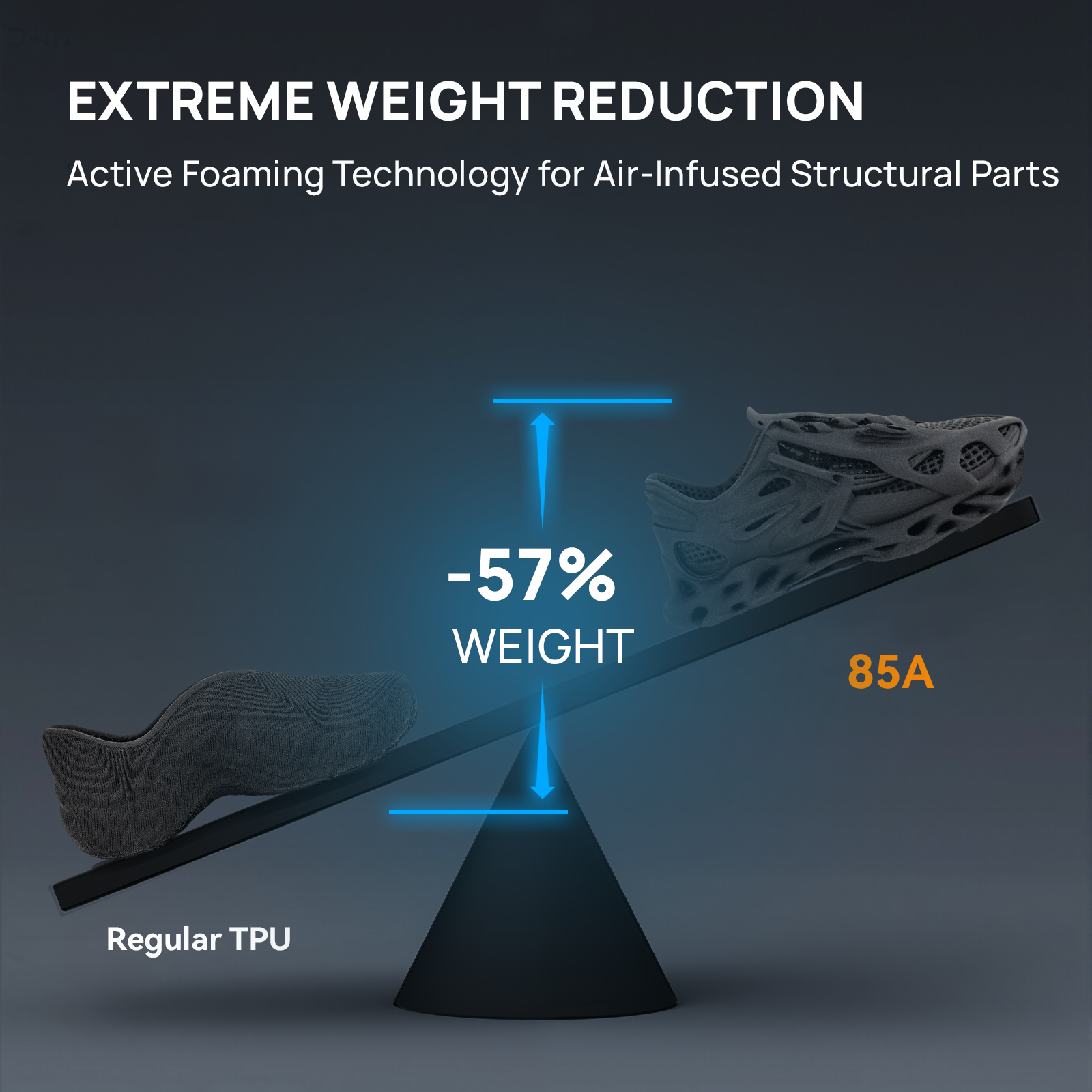
Flexible filaments for bendable parts and wearables
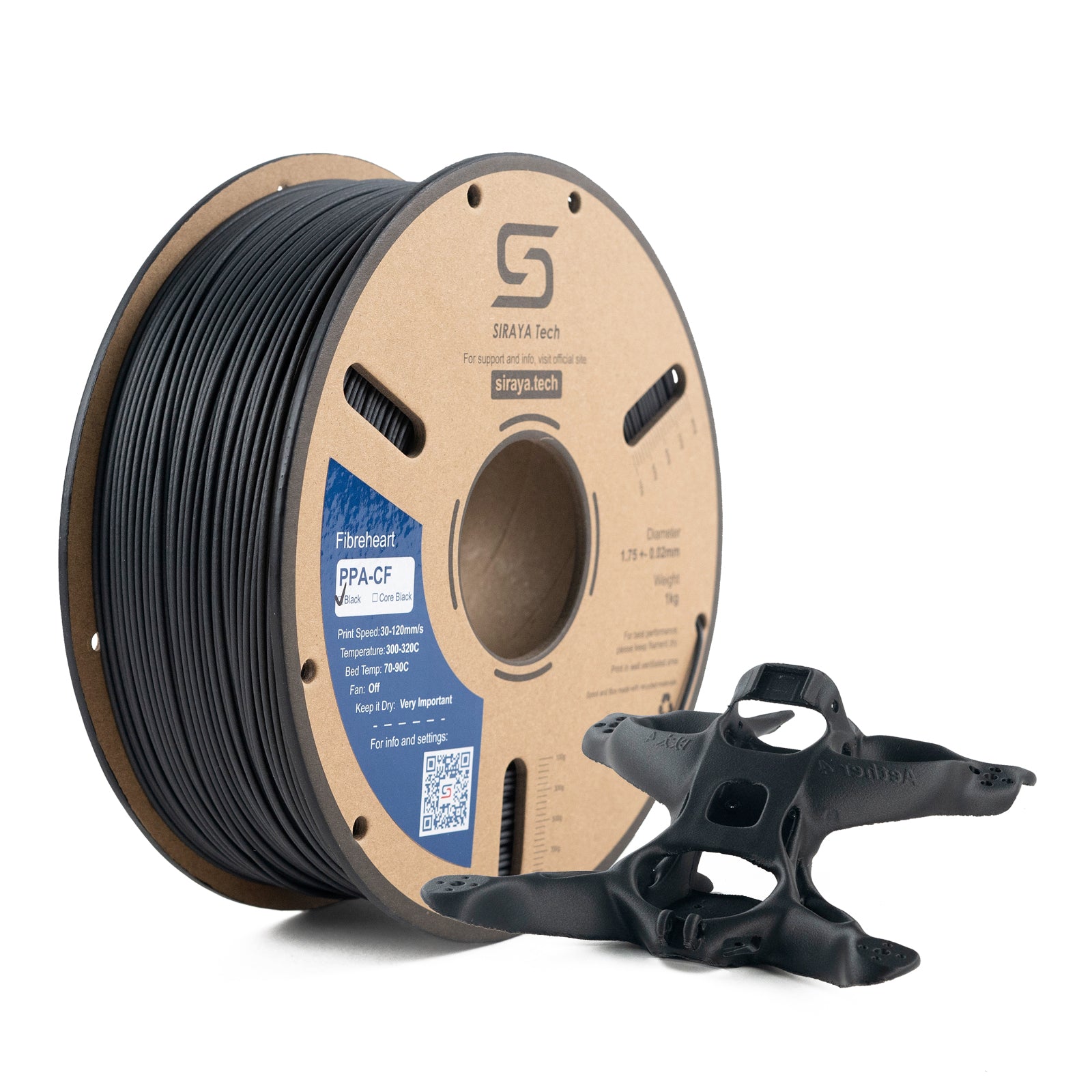
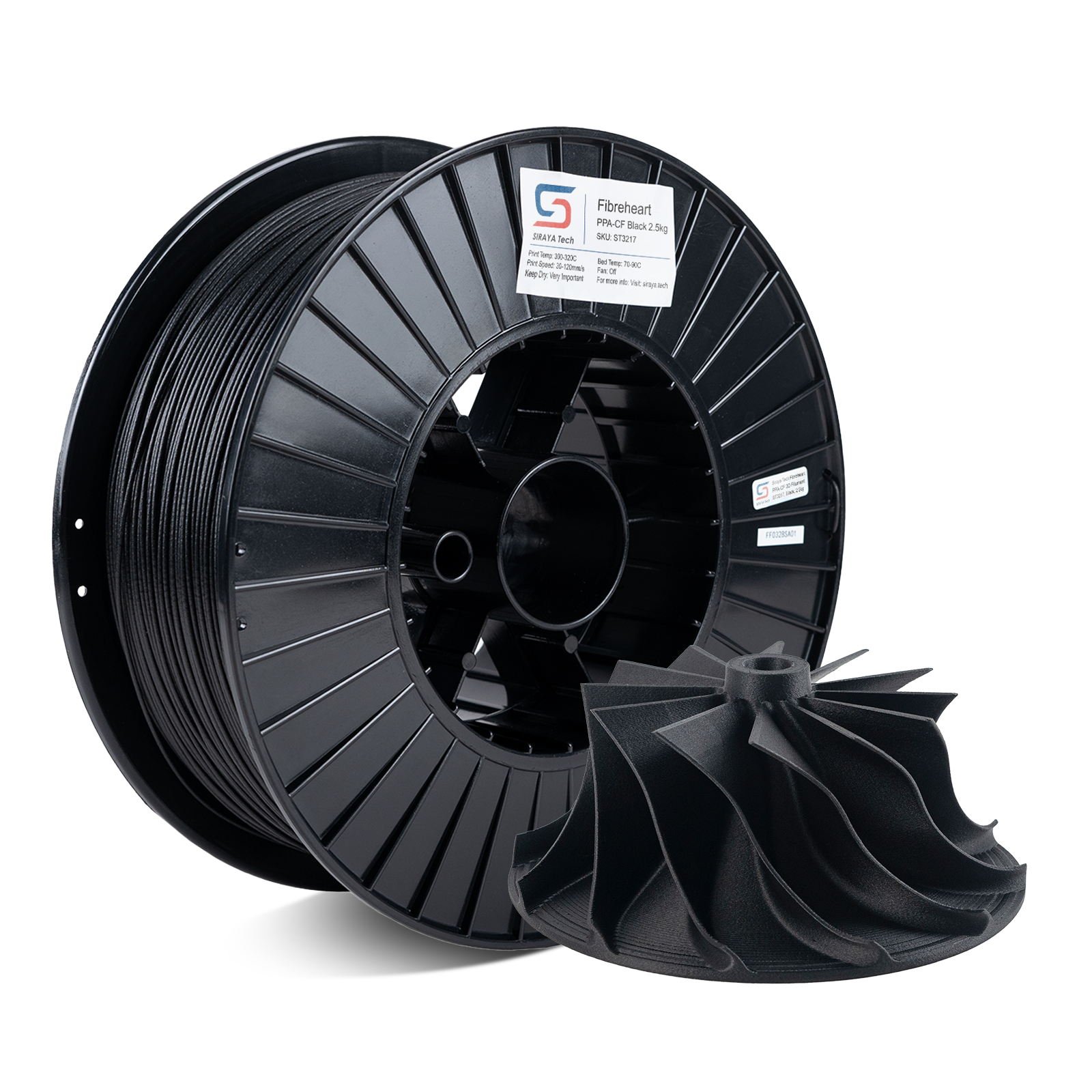
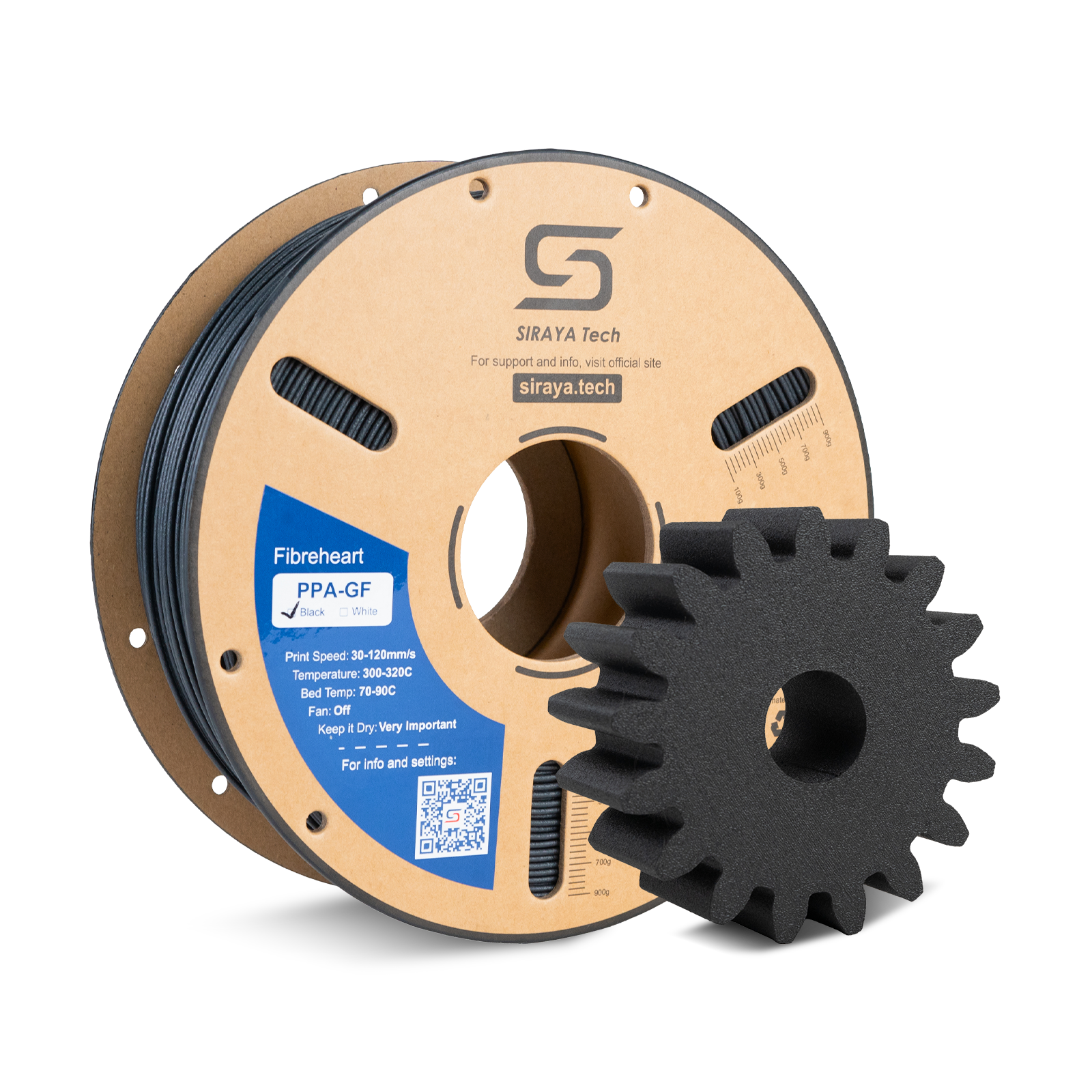
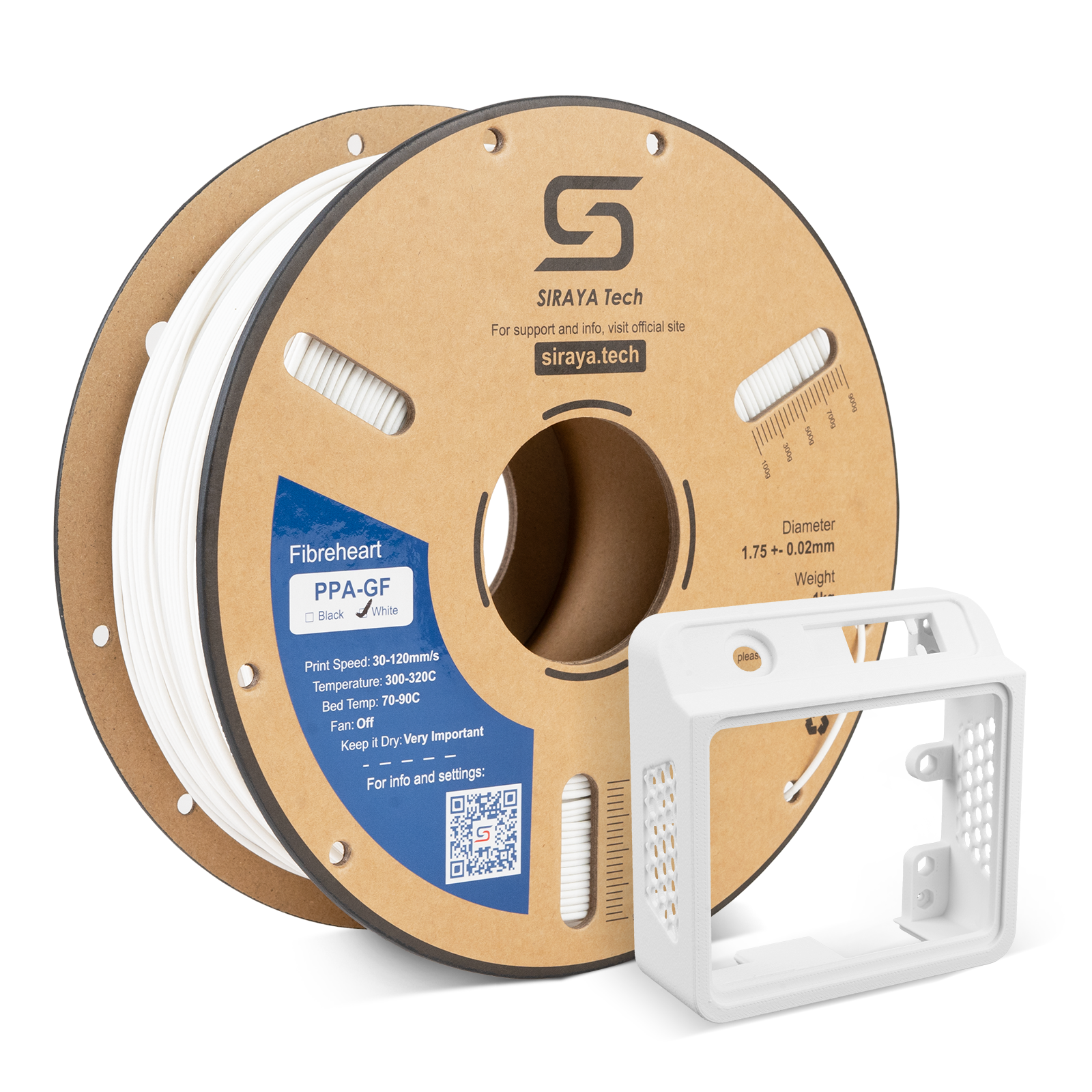
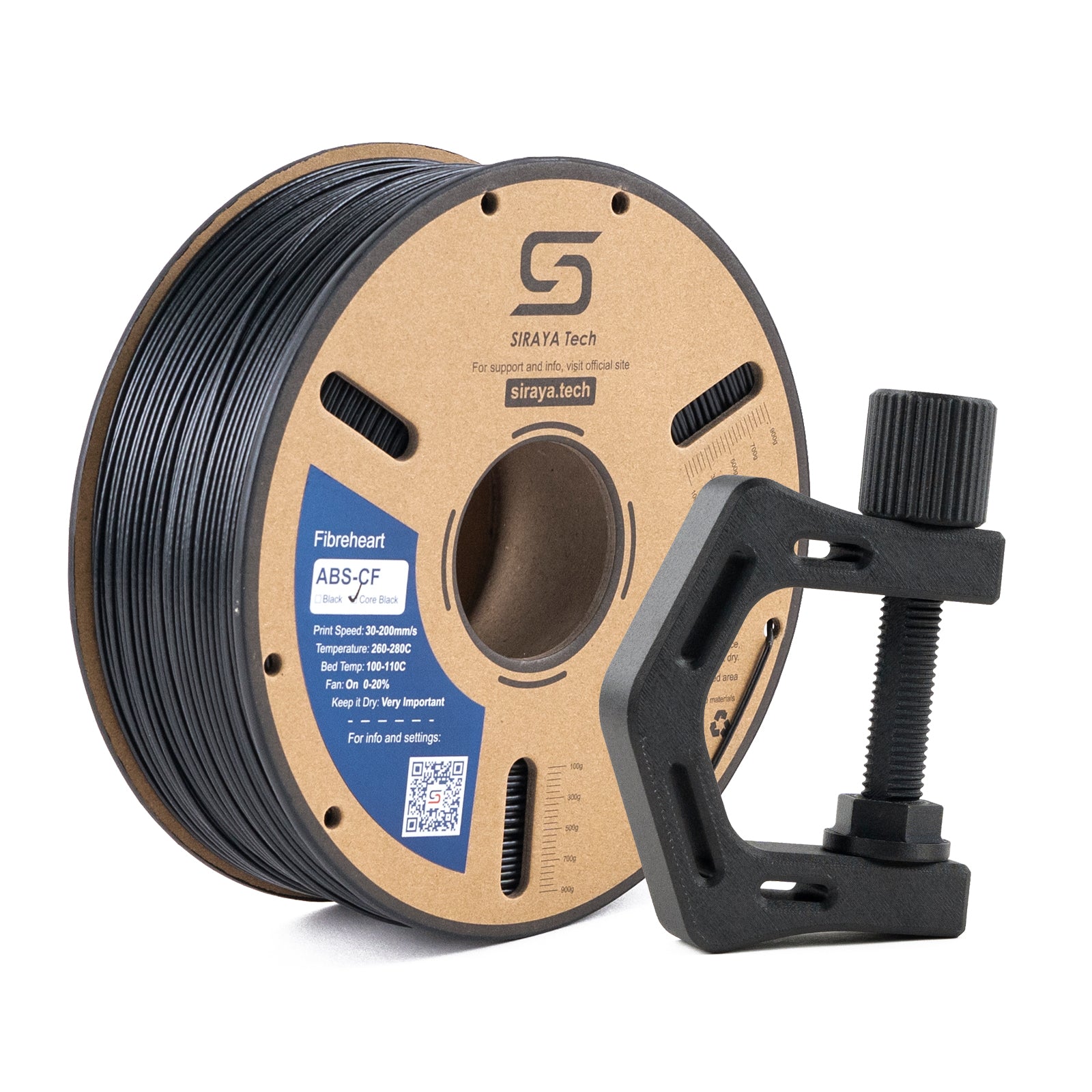
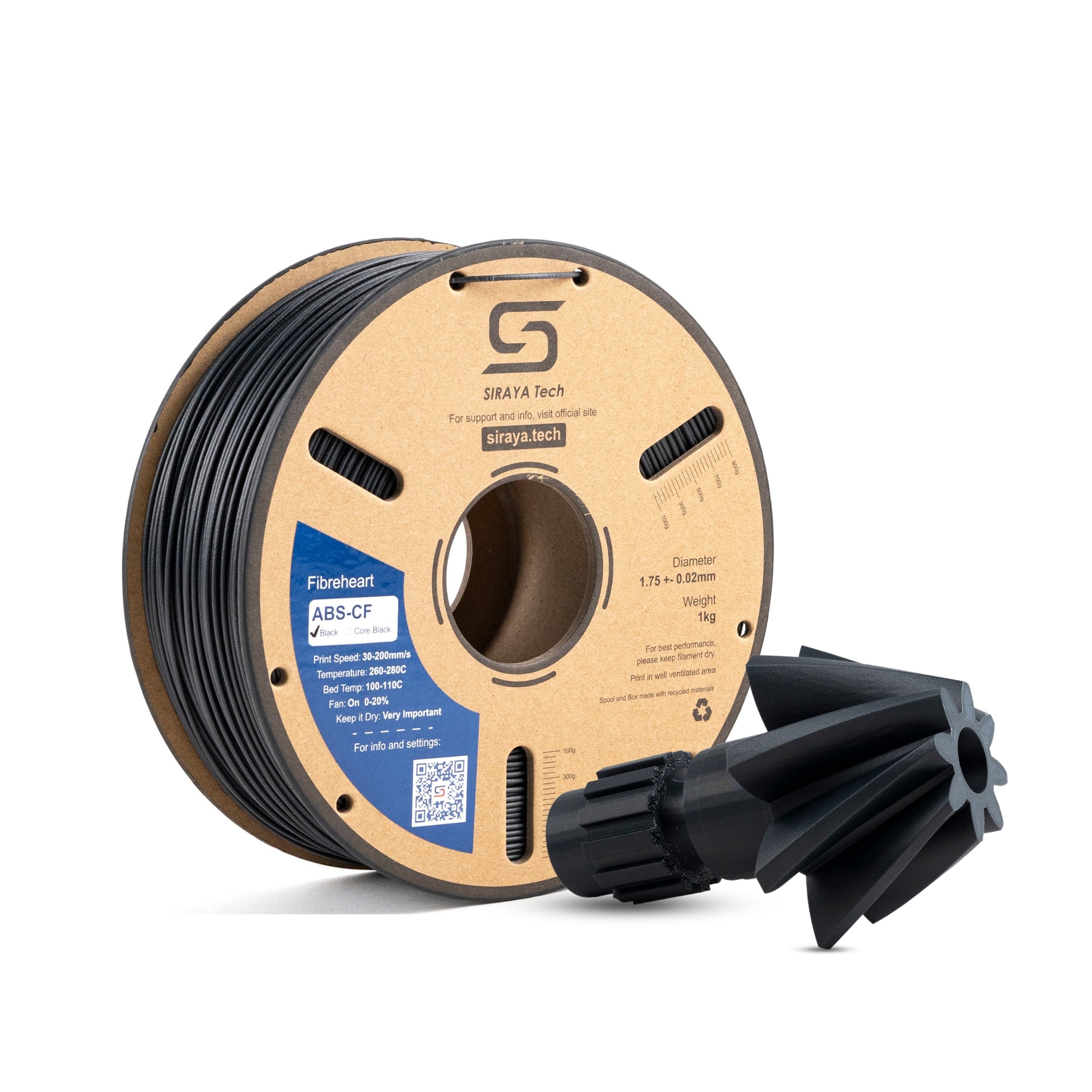
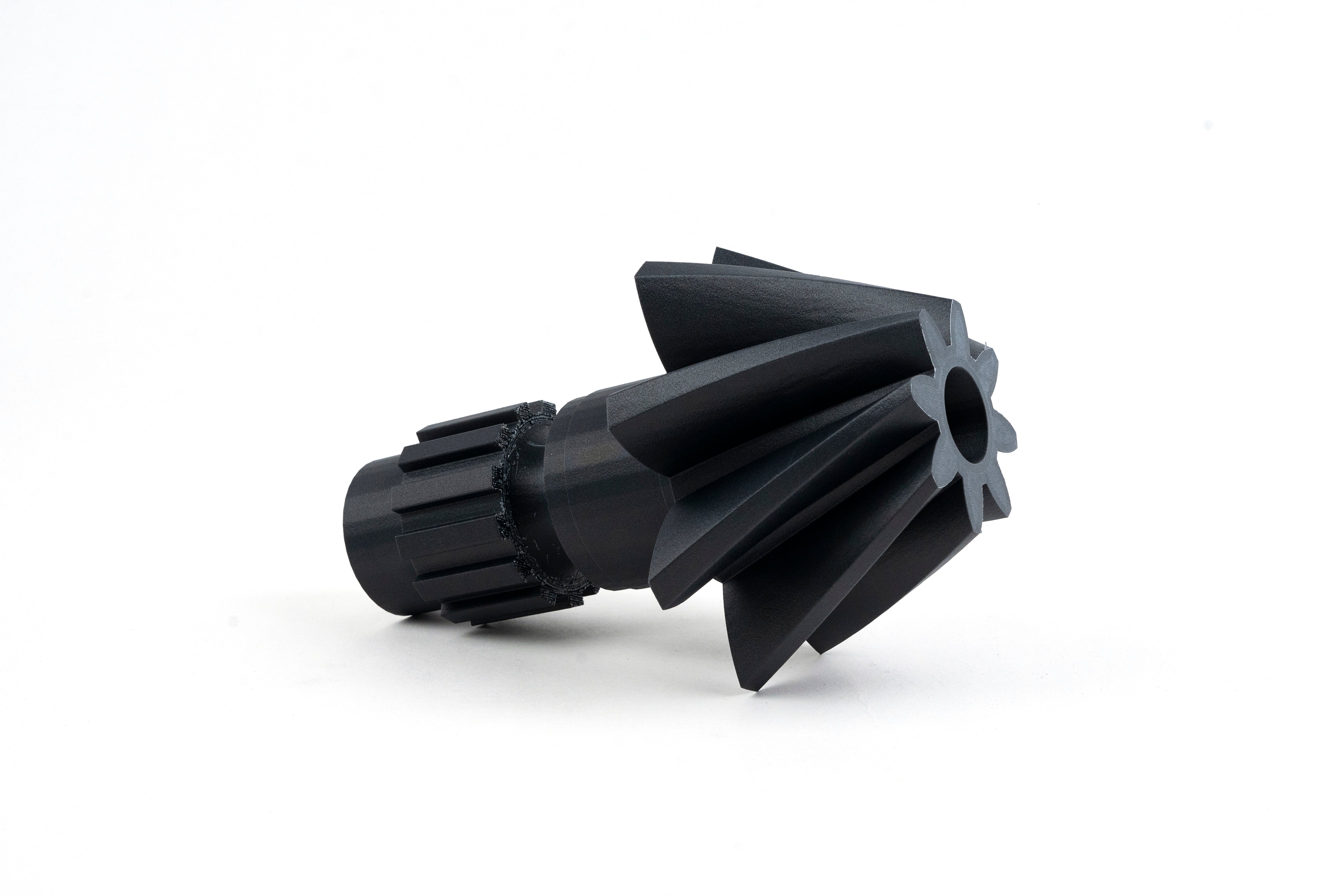
High-strength blends for technical projects
Smooth finishes that look great right off the printer
3D Model Resin – Smooth, detailed resin for miniatures and precise projects.
Engineering Resin – High-performance resin for functional and technical applications.
Frequently Asked Questions on Filaments for MakerBot Printers
What filament does MakerBot use?
MakerBot printers are designed to work best with PLA filament, which is easy to print and produces smooth results. Many models also support specialty materials like PETG and Tough PLA for stronger parts. The choice depends on the project, but PLA remains the most common option for MakerBot users.
Can MakerBot use other filament?
Yes, MakerBot printers can use other filaments beyond PLA, but it depends on the printer model. Some printers are open to third-party materials, while others are optimized for MakerBot-branded spools. Always check your printer’s compatibility and settings before trying new filament types.
Is 230 too high for PLA?
For most PLA filaments, 230°C is on the higher side. Standard PLA usually prints best between 190°C and 220°C. Printing at 230°C can cause stringing or rough surfaces, though some specialty PLA blends may require higher temperatures. It’s best to follow the filament’s recommended settings.
Which is better PLA or PETG filaments?
PLA is easier to print, more affordable, and great for simple projects. PETG, on the other hand, is stronger, more flexible, and resistant to moisture and heat. If you want quick, clean prints, PLA is ideal. If you need durability and toughness, PETG is usually the better choice.
Can MakerBot print PETG?
Yes, many MakerBot printers can print PETG filament. PETG is valued for its strength and durability, making it a good option for functional parts. However, you may need to adjust print temperatures and settings to get the best results since PETG behaves differently than PLA.