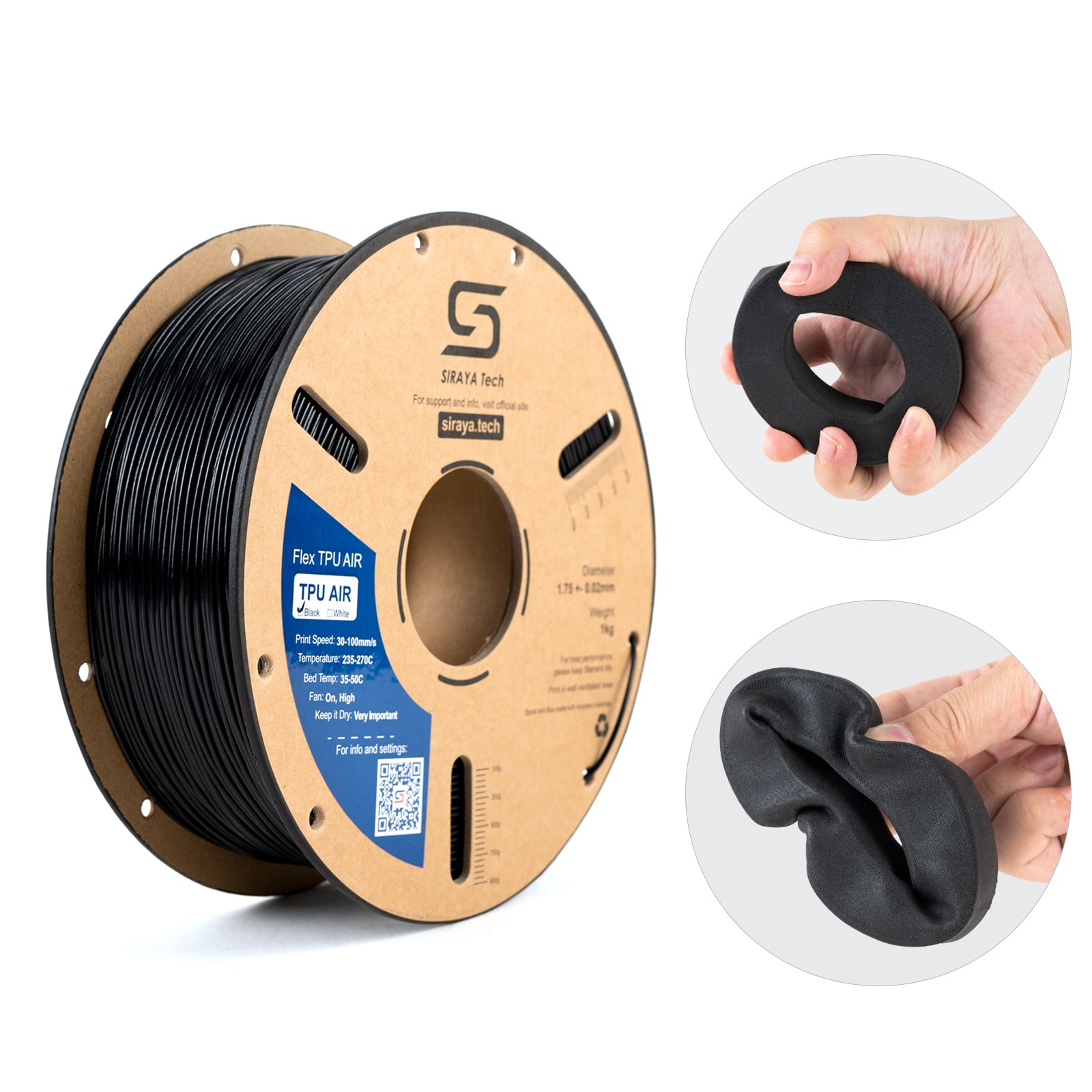
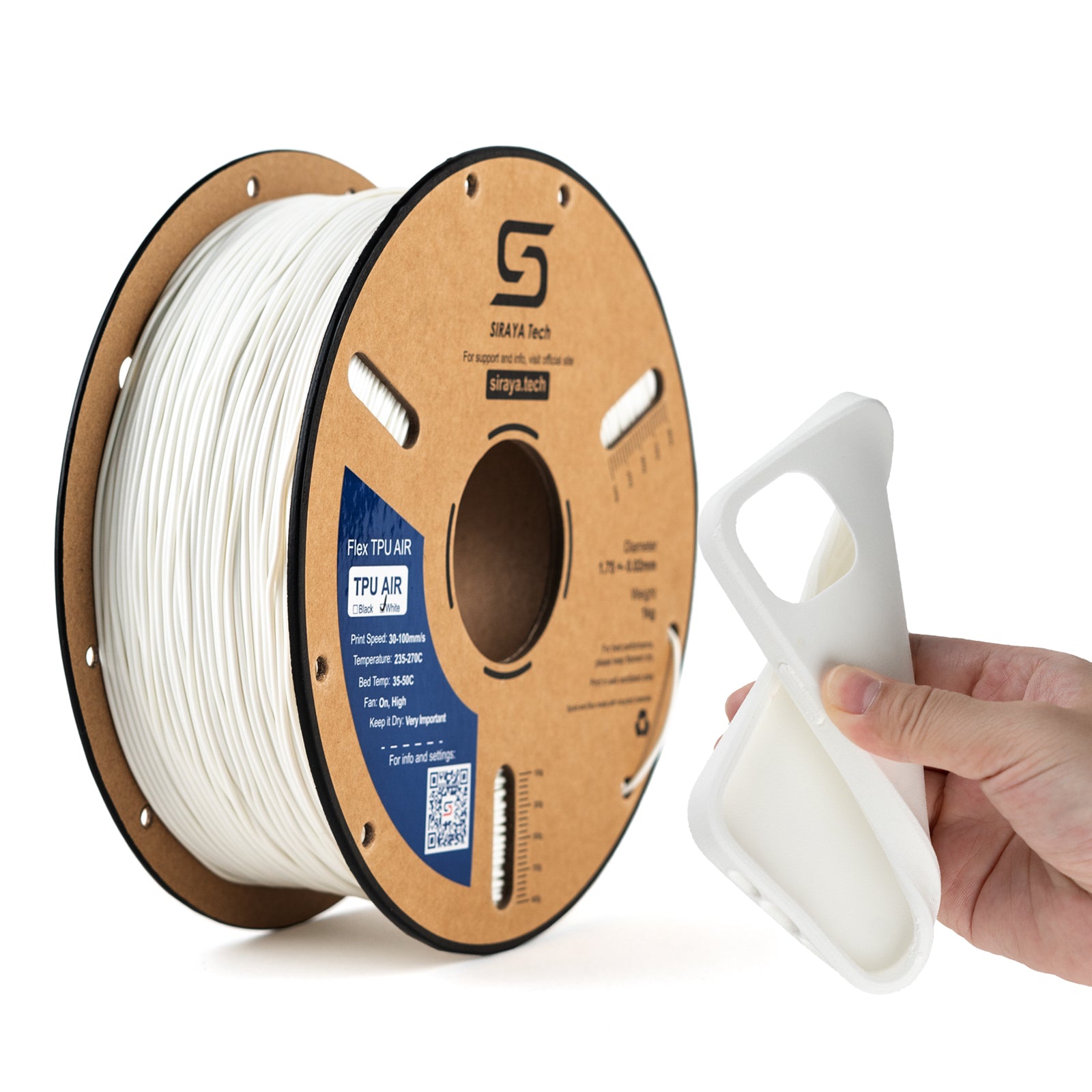
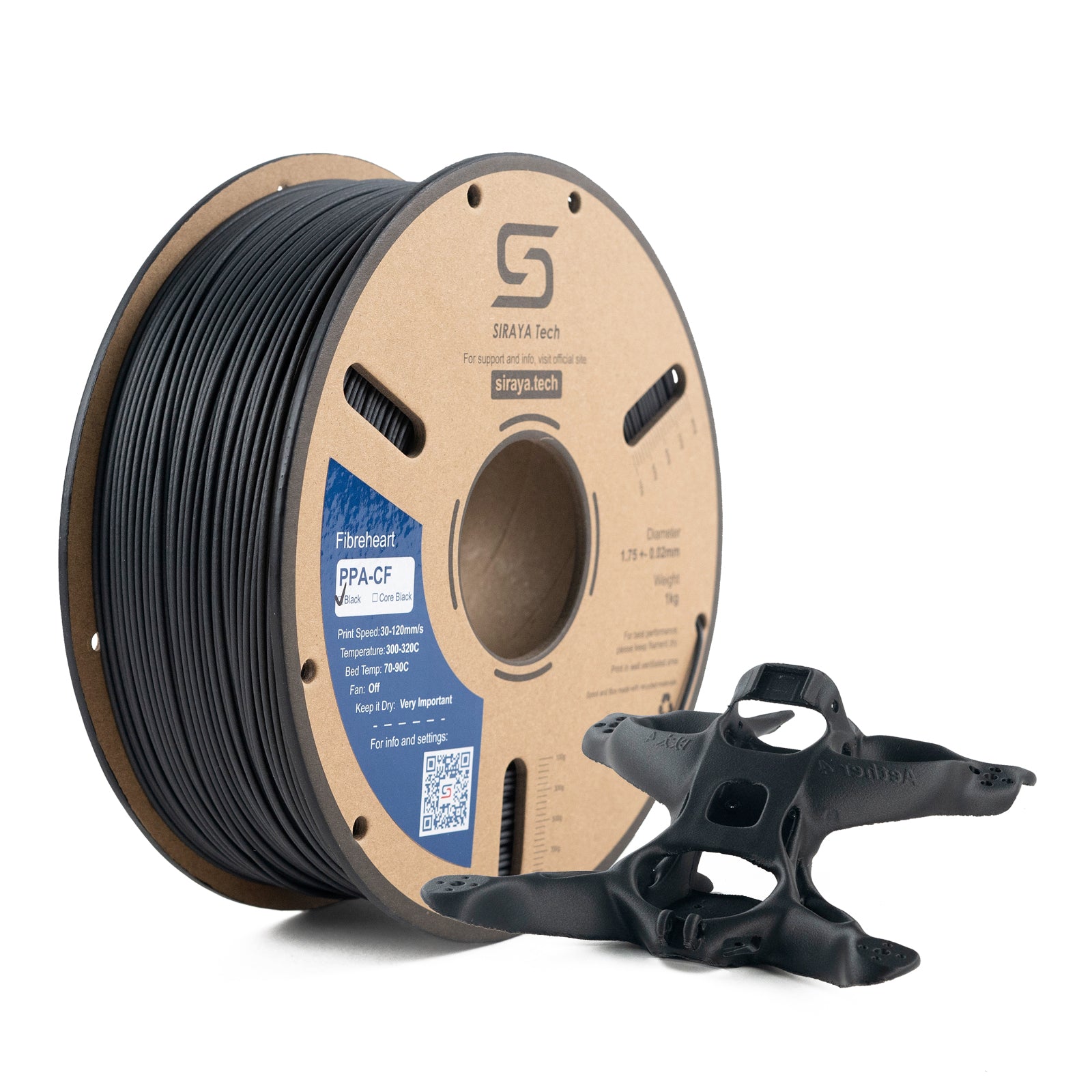
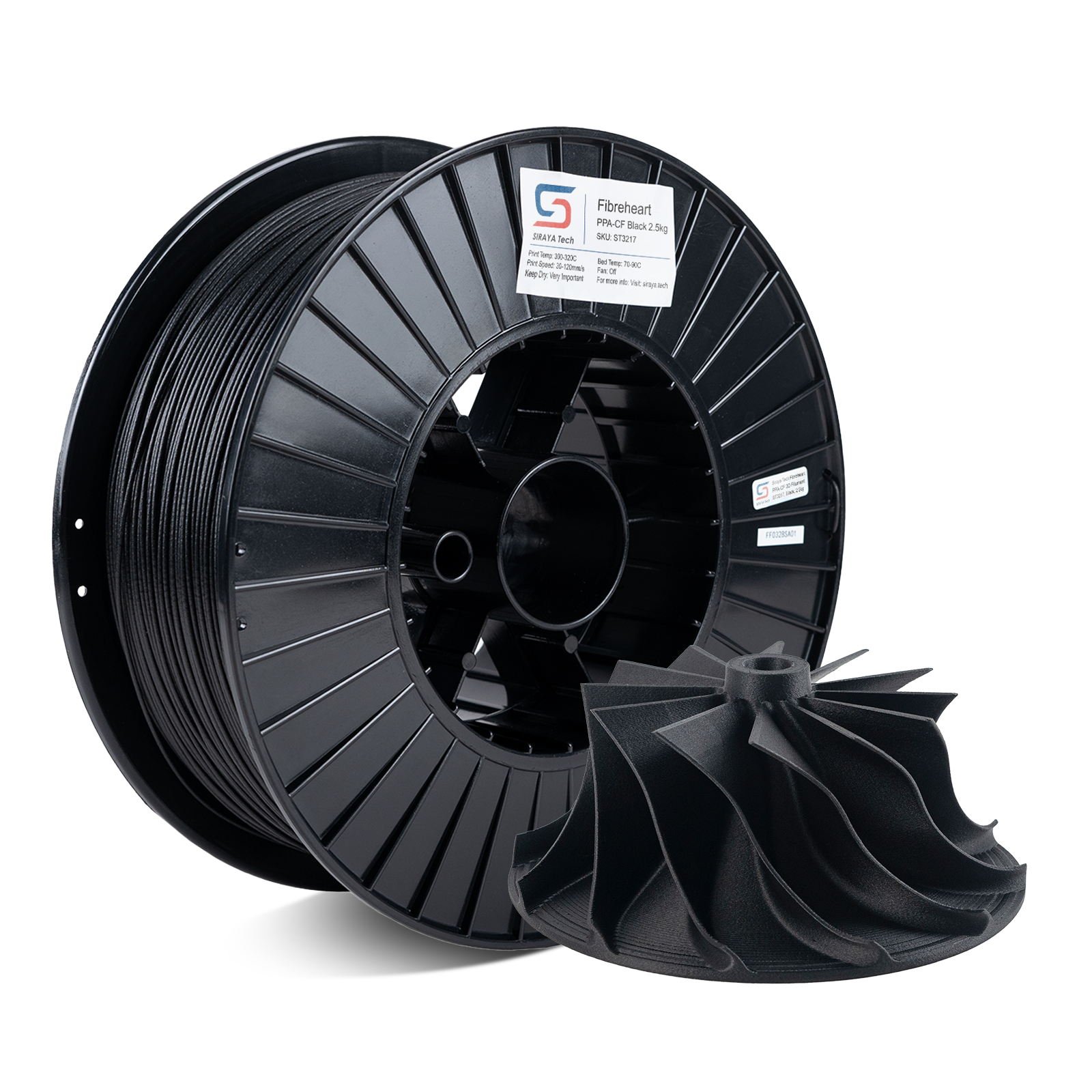
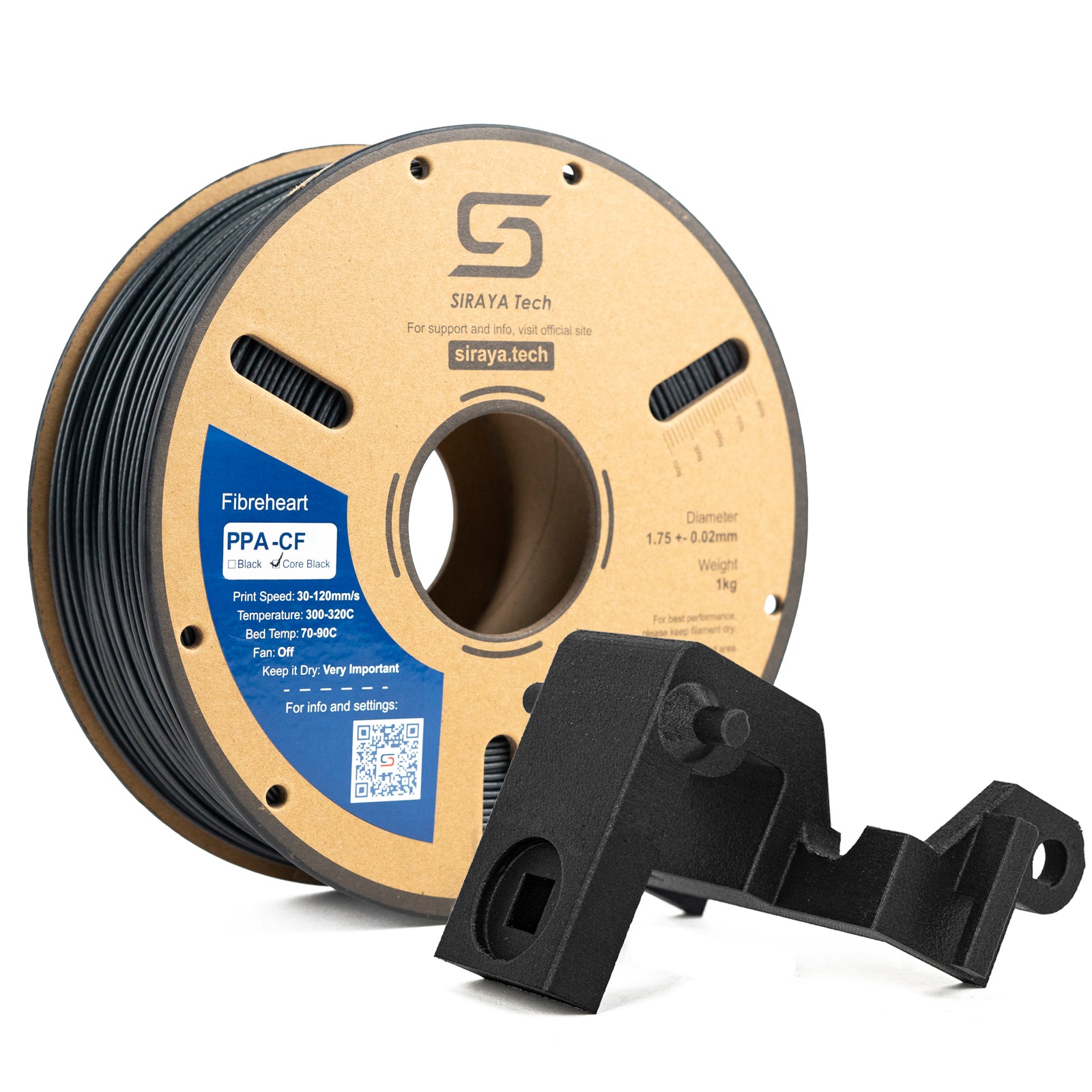
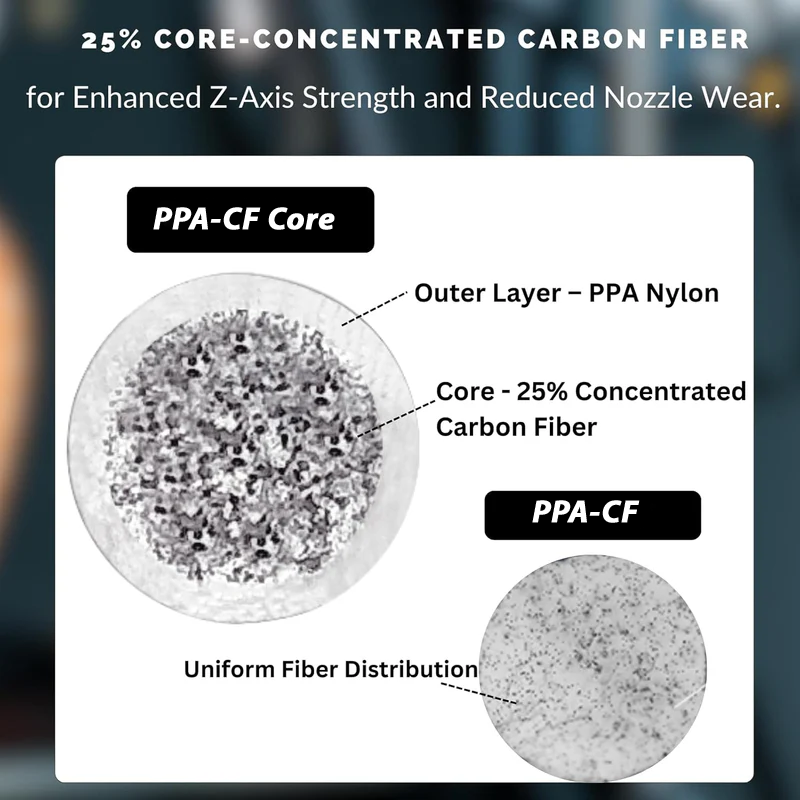
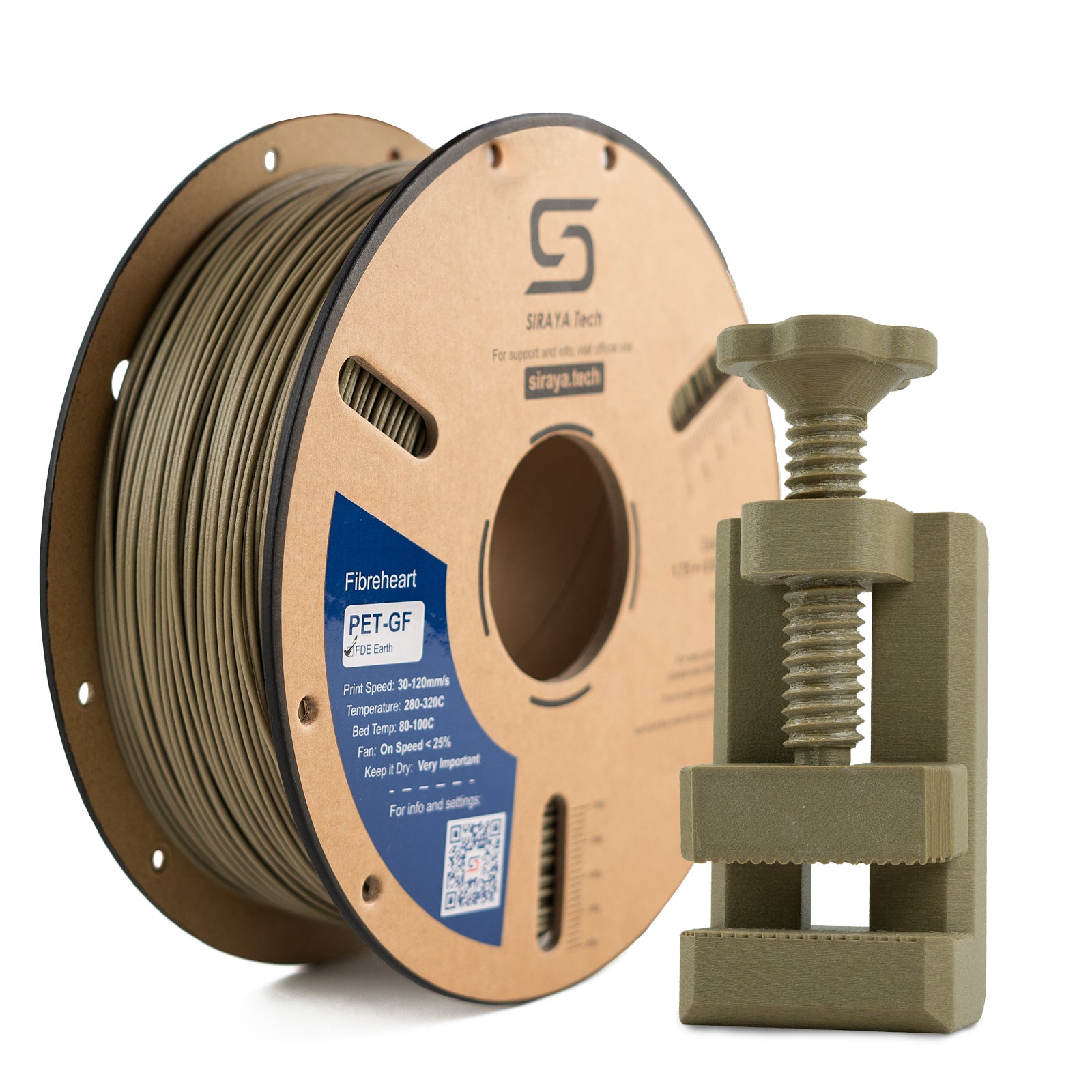
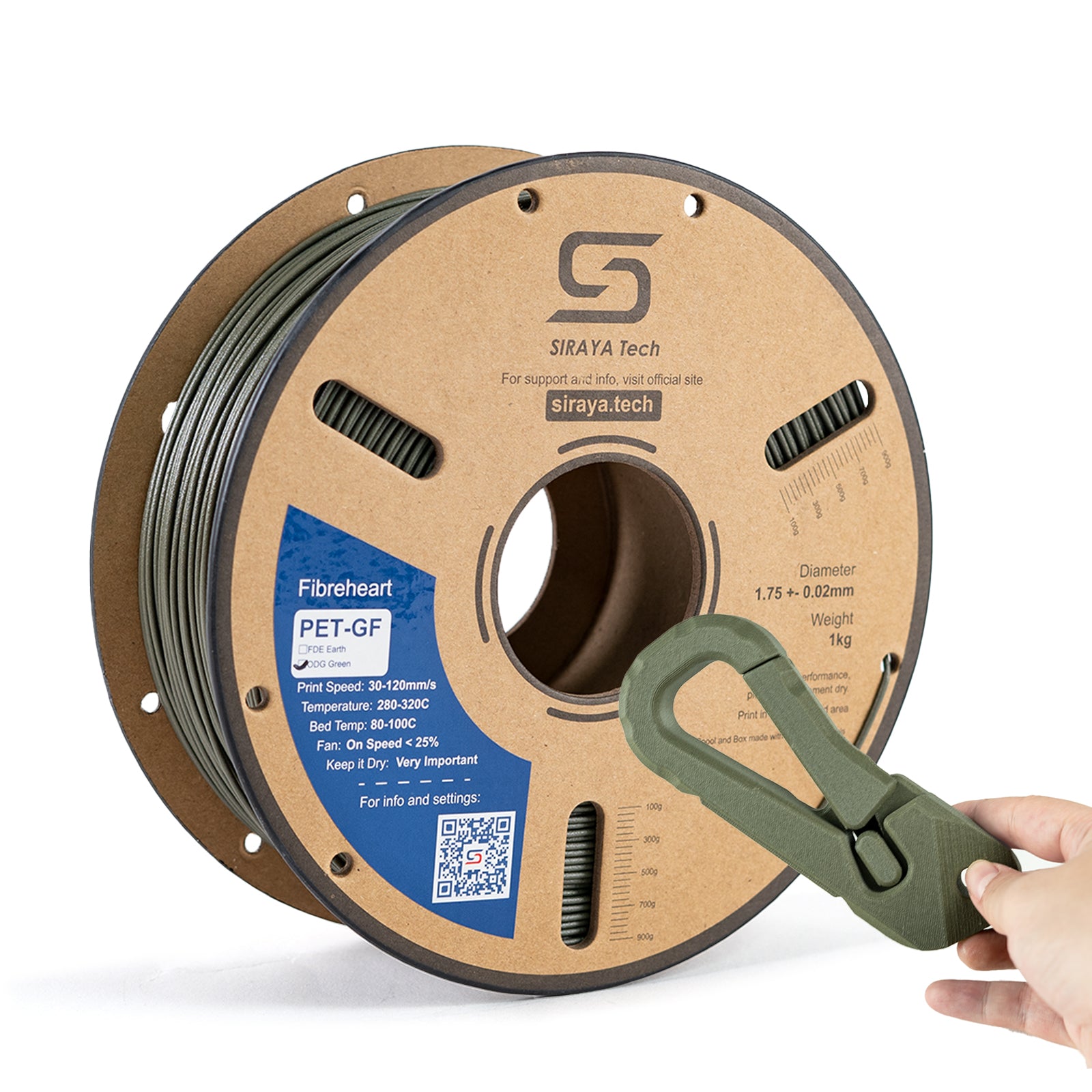
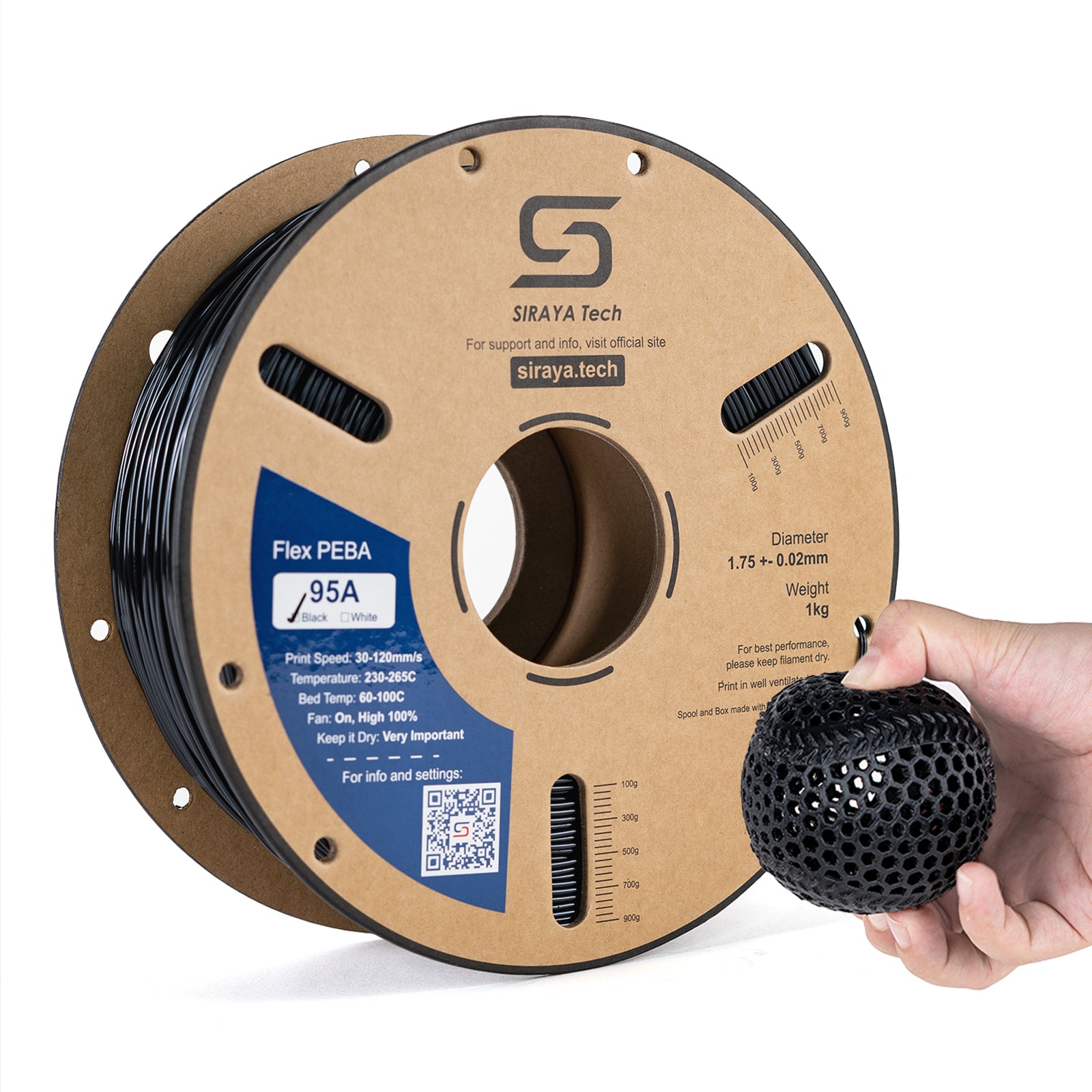
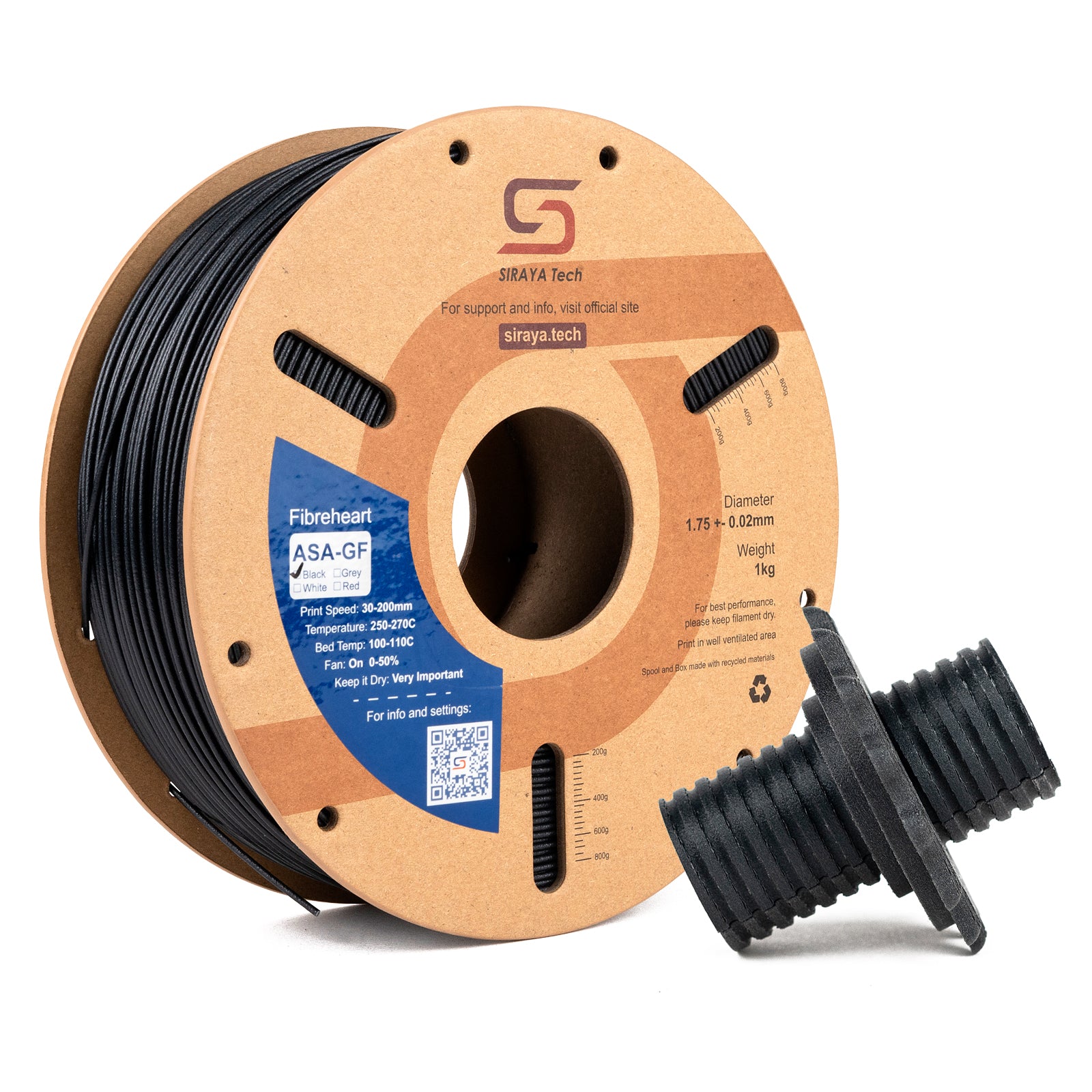
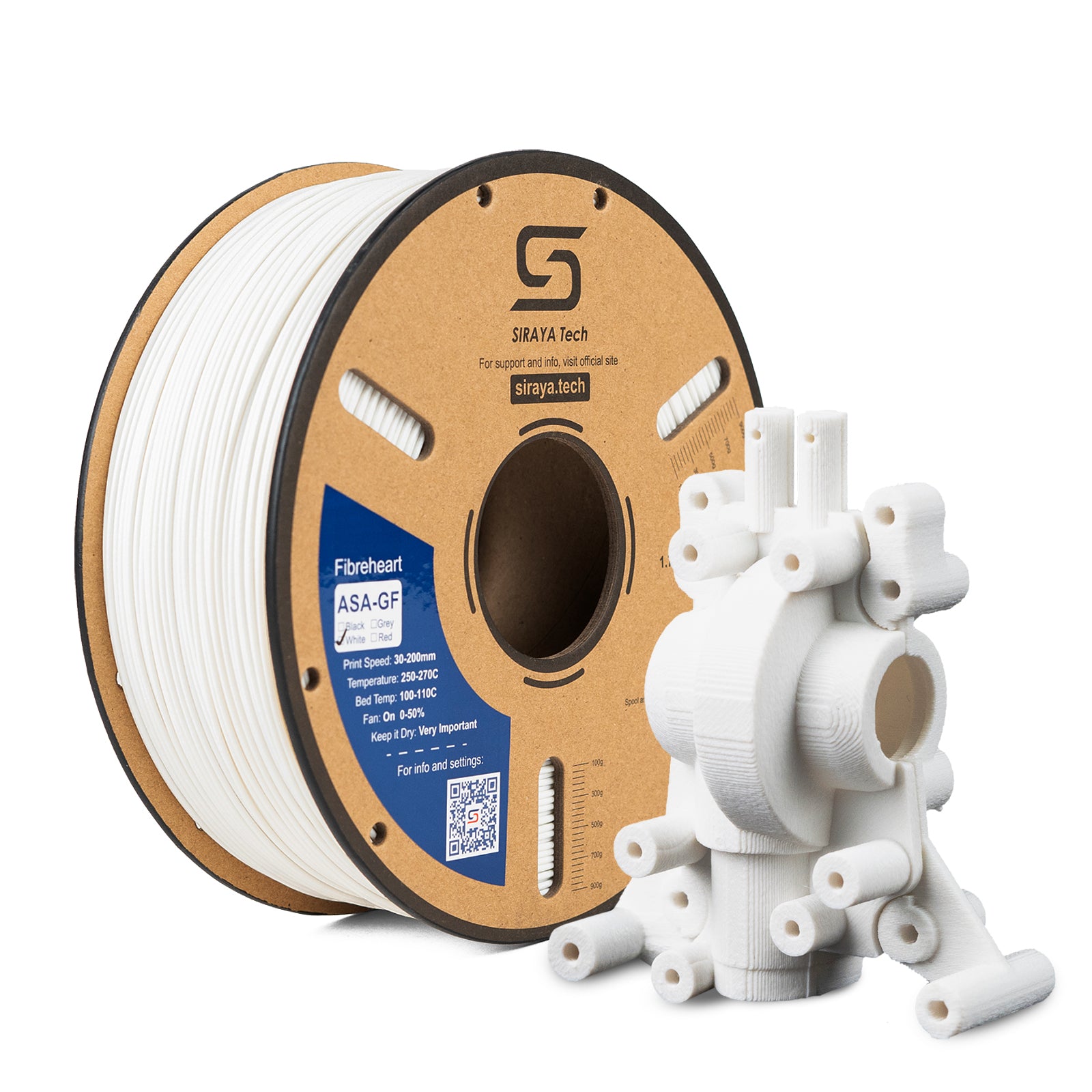
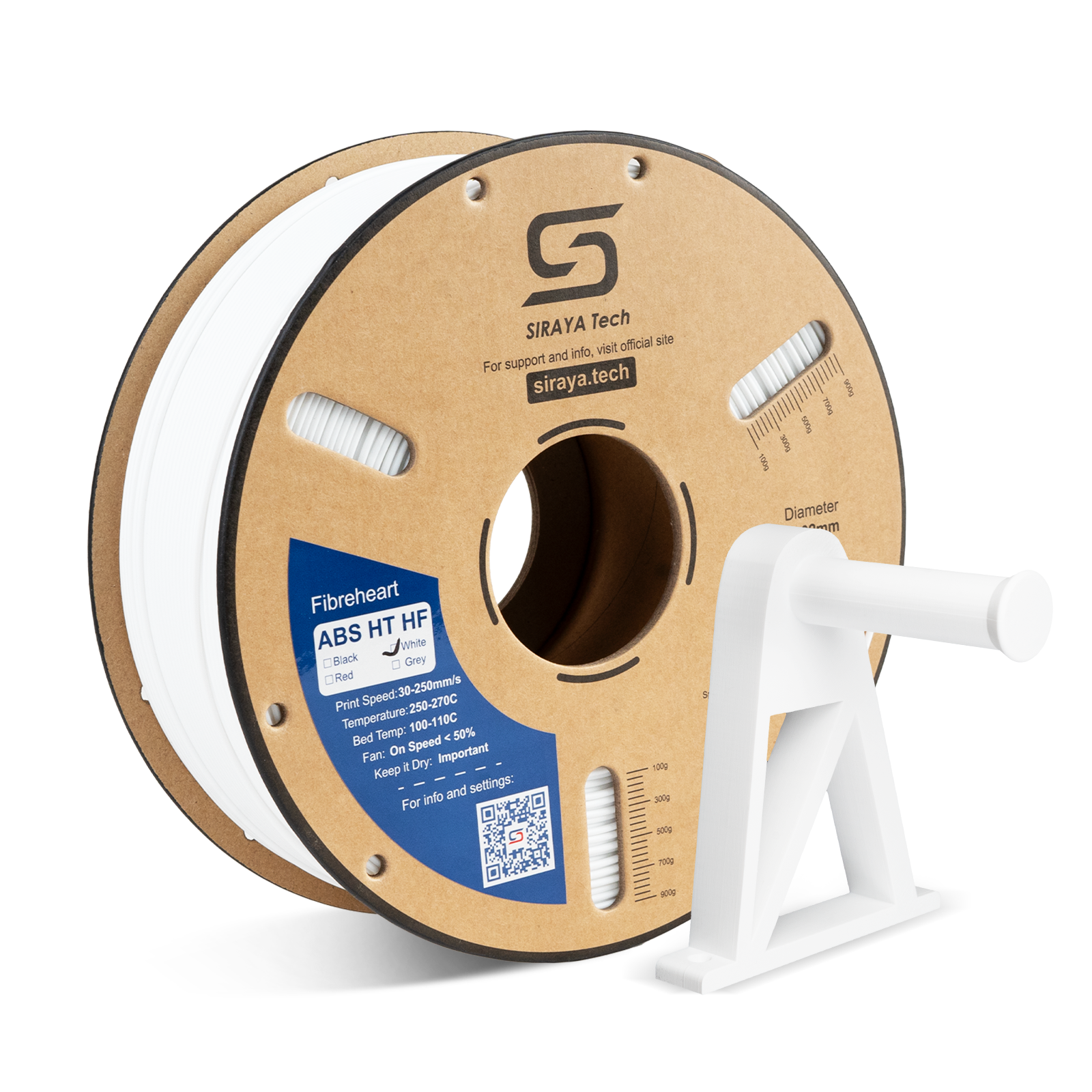
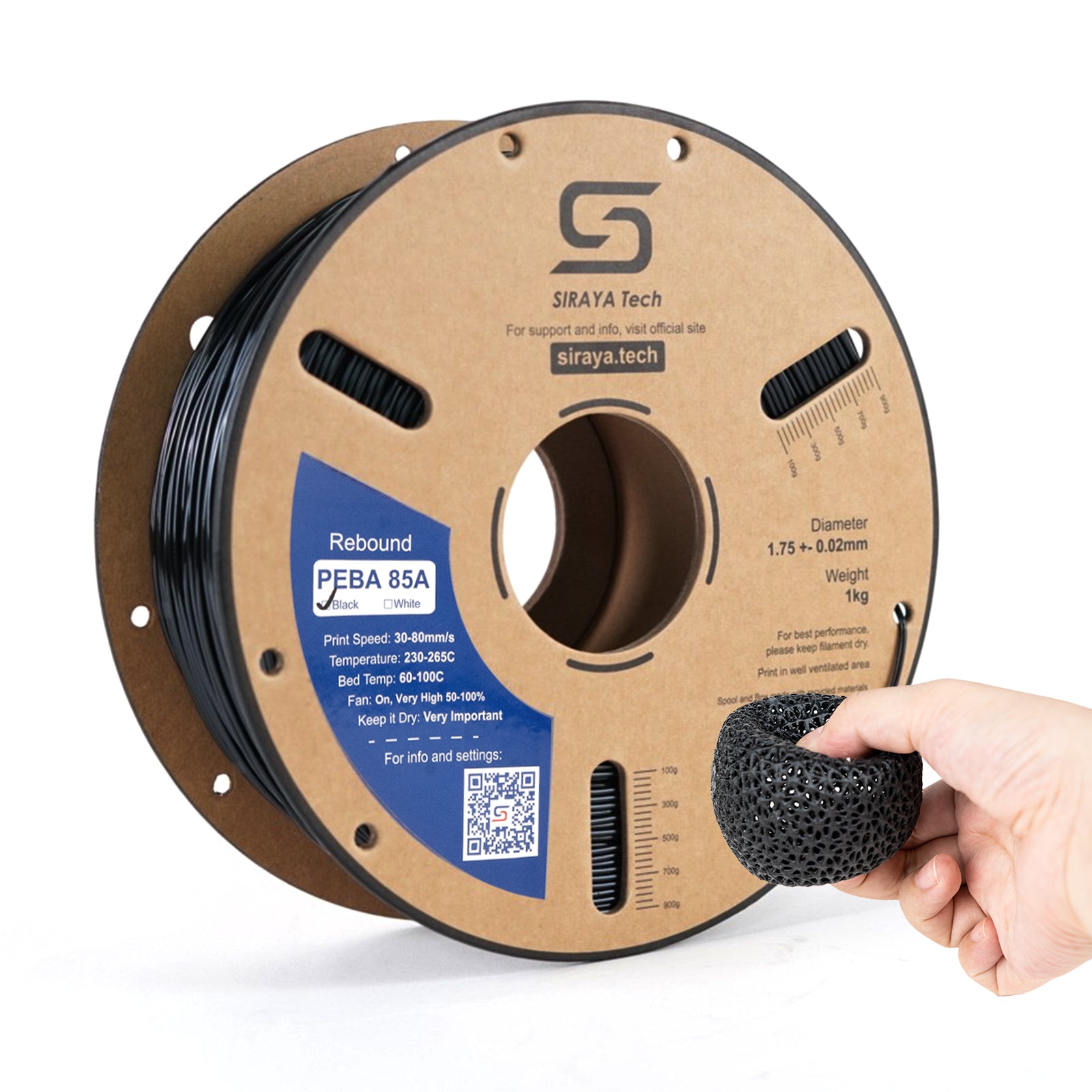
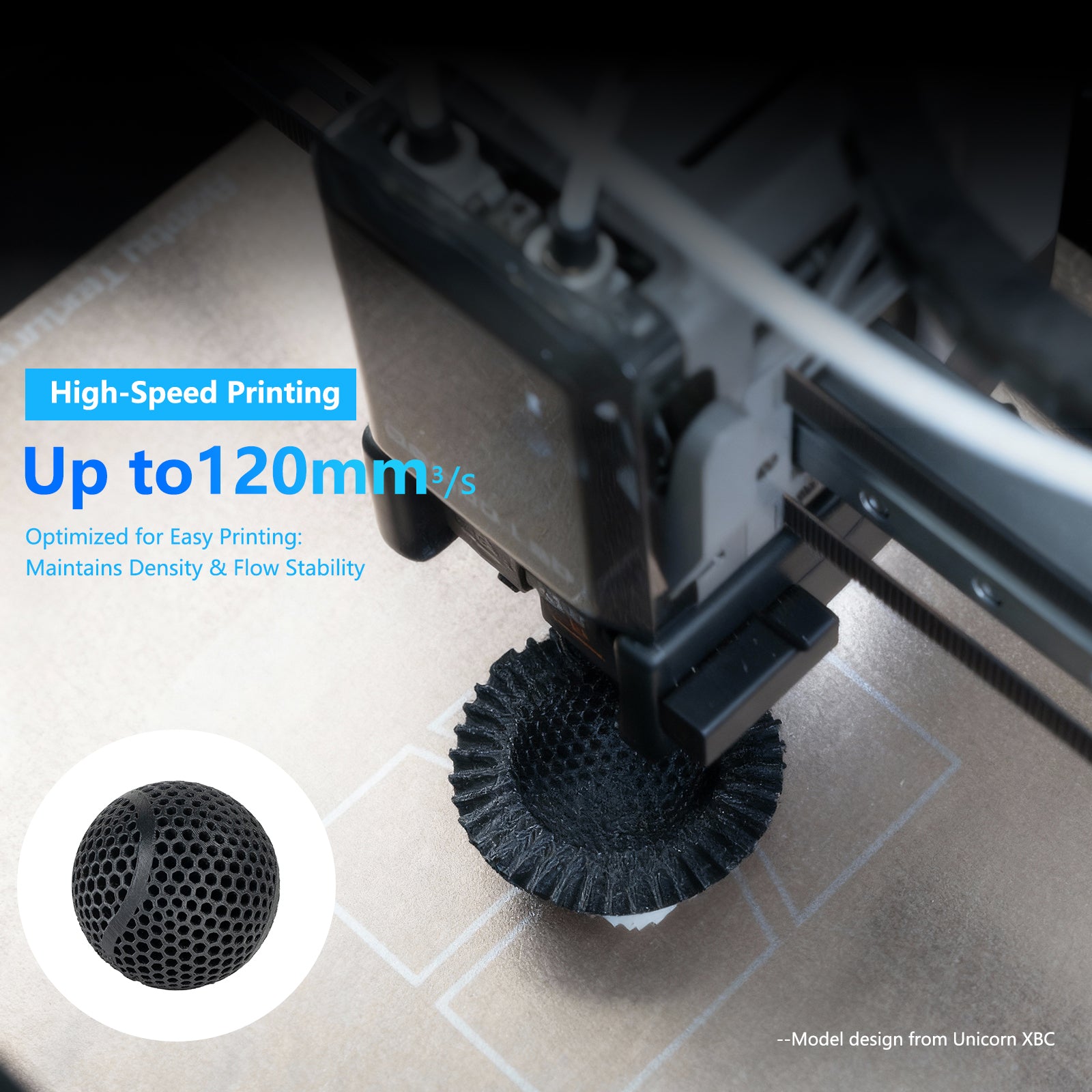
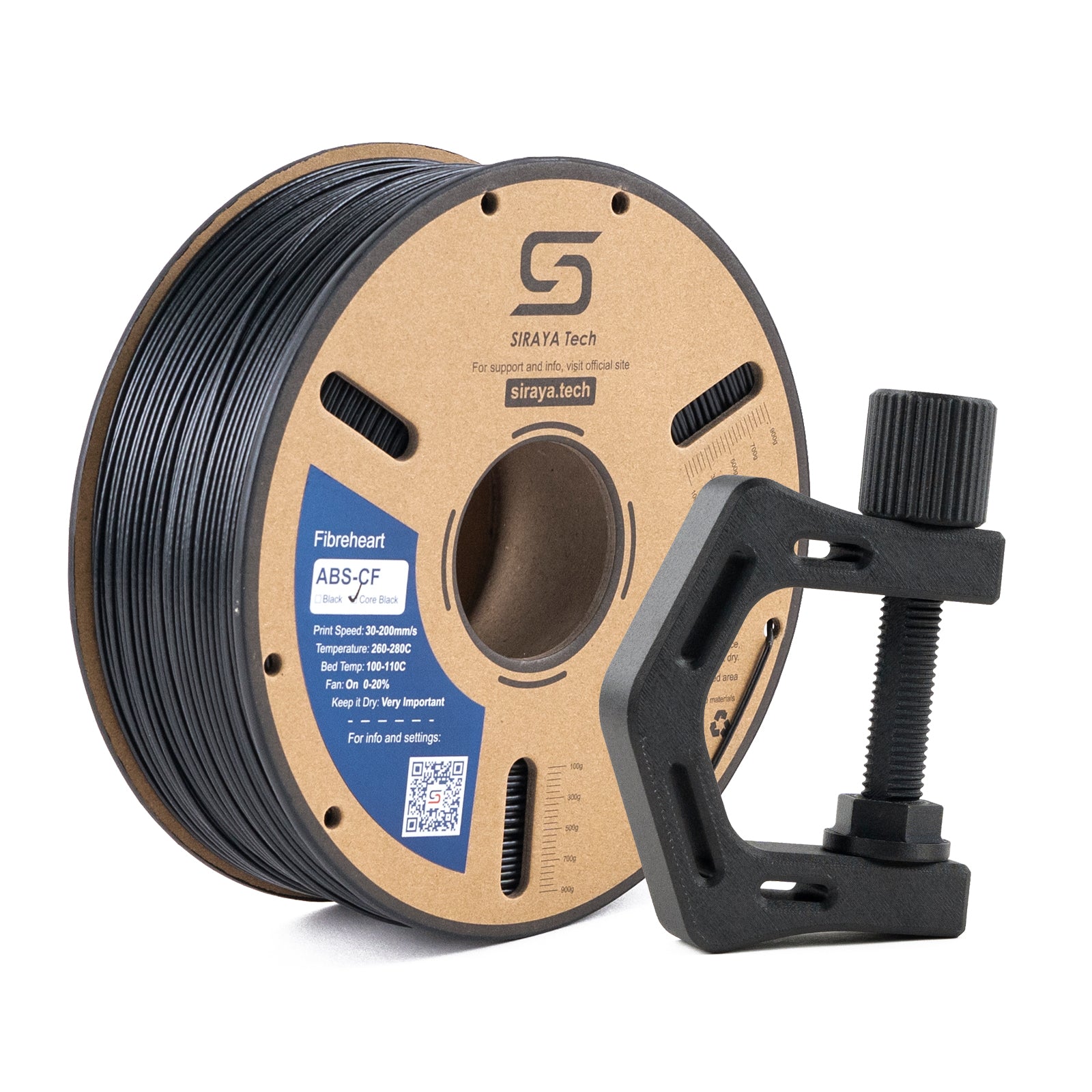
Filament for Creality K1 Series is built for the speed and precision your CoreXY printer demands. Siraya Tech designs every spool to handle high-flow extrusion, tight motion paths, and the rapid layer changes that make the K1 and K1 Max stand out.
Whether you're running PLA for quick prototypes, PETG for durable parts, or ABS for heat-resistant builds, this collection keeps your prints clean and your nozzle flowing. No guessing. No jams. Just filament that matches what your printer can do.
Materials That Match High-Speed Printing
Fast print filament K1 users need must flow evenly at 600mm/s and bond cleanly between layers. This collection offers options tested for Klipper firmware and hardened nozzle filament performance.
PLA for Creality K1 prints smooth and fast with minimal warping, ideal for beginners and detail work
PETG for Creality K1 delivers strength and flexibility without sacrificing speed or layer adhesion
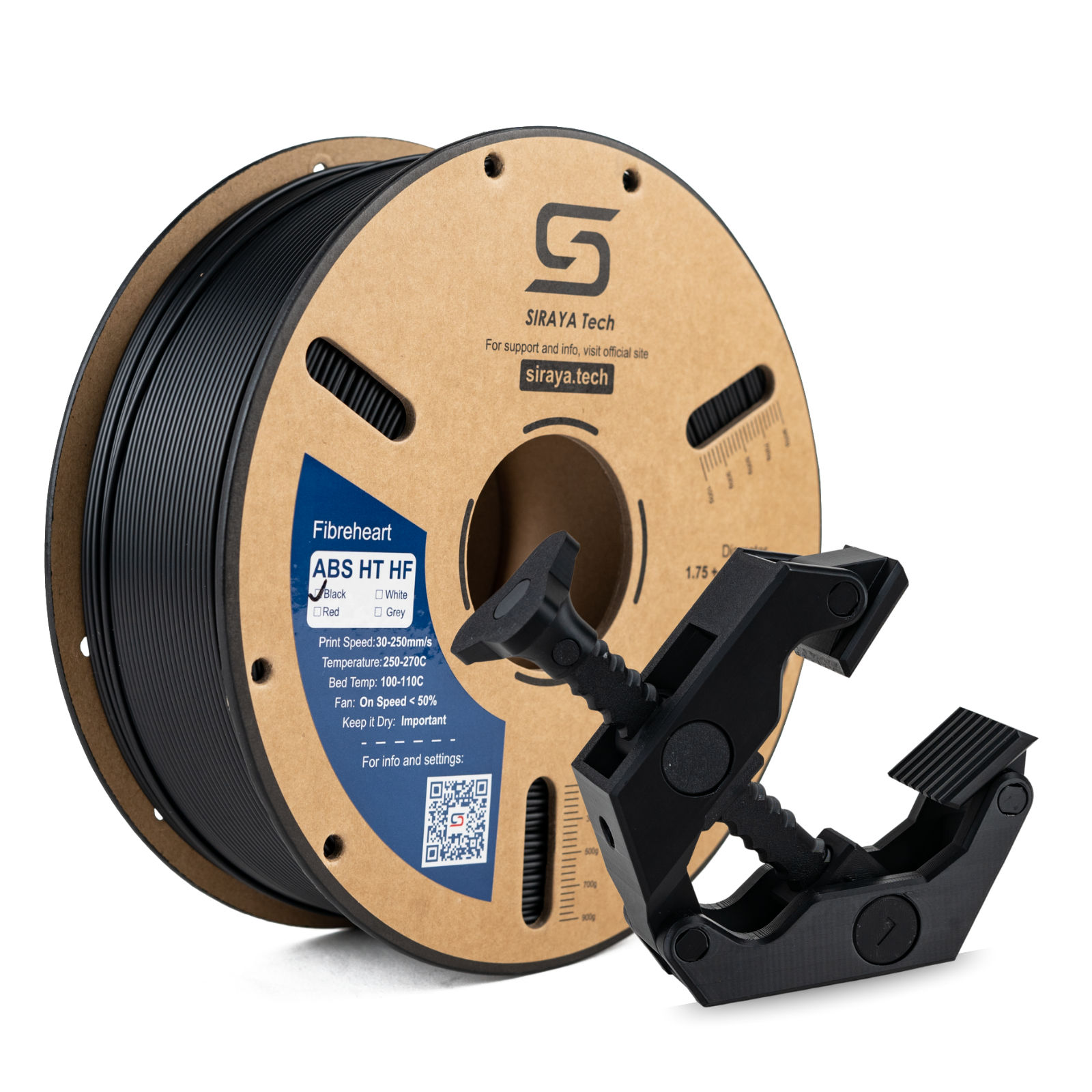
ABS filament K1 handles heat and impact, perfect for functional parts that see real use
High-flow filament melts consistently at elevated temperatures without clogging or under-extrusion
Creality K1 filament options work with stock nozzles and upgraded hardened tips
Why Flow Rate Matters
CoreXY filament Creality printers use moves fast in both X and Y directions. If your filament can't melt and extrude quickly enough, you get gaps, weak spots, or failed prints. Siraya filaments are formulated to keep up with the K1's speed without compromising quality.
Consistent Quality Across Every Spool
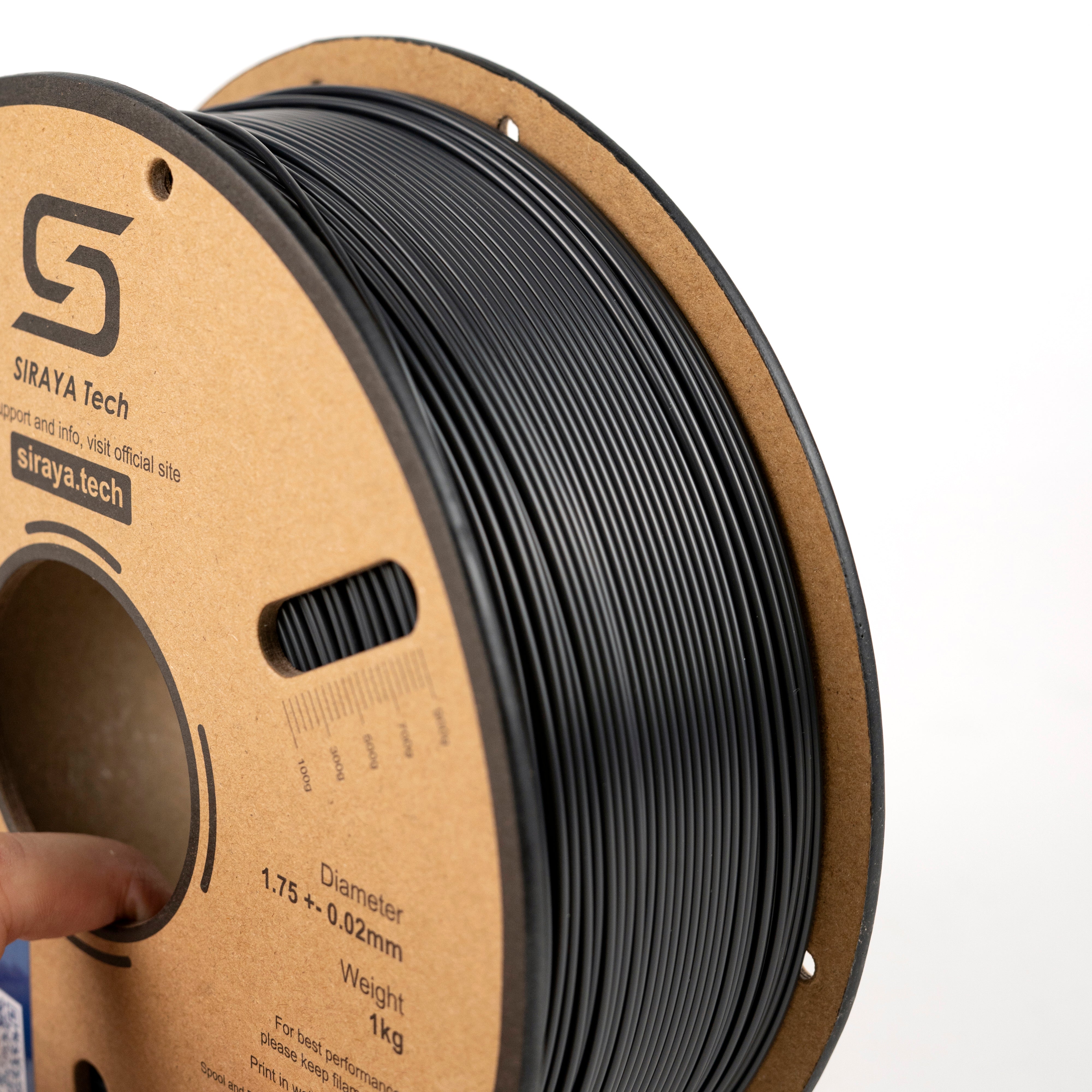
Filament for Creality K1 Max and standard K1 must deliver the same performance from first layer to last. Siraya controls diameter within ±0.02mm to ensure smooth feeding and predictable results.
Uniform thickness prevents over-extrusion and under-extrusion during rapid moves
Reduced risk of nozzle clogs keeps long prints running unattended
Strong layer bonding holds up under mechanical stress and real-world use
Clean surface finish requires less post-processing and looks professional out of the box
Built for Reliability
Every spool is tested for consistency. You won't see sudden diameter changes, moisture issues, or brittle spots that ruin prints halfway through. Just dependable extrusion that matches your settings every time.
Works with What You Already Have
High-speed filament Creality K1 owners trust fits your setup without extra modifications. Siraya filaments are designed for 1.75mm hotends, Klipper profiles, and both stock and upgraded nozzles.
Compatible with hardened nozzles for abrasive blends and standard brass for everyday materials
Prints well on textured PEI beds and smooth build plates without special adhesives
Easy to dial in with standard Klipper settings and minimal test prints
Works across the full K1 family, including K1, K1 Max, and future CoreXY models
Explore Related Collections
1.75mm Filament — The standard diameter for most modern FDM printers, offering precision and compatibility.
3D Printer Filament — A full range of materials for every project, from everyday prints to engineering-grade builds.
ABS Filament — Heat-resistant and impact-tough, ideal for functional parts that handle real stress.
PETG CF Filament — Carbon fiber-reinforced PETG for stiff, lightweight parts with a professional finish.
FAQs on Filament Compatible With Creality K1 Series
What filament can the Creality K1 print?
The Creality K1 can print PLA, PLA+, PETG, ABS, and TPU with the right settings. Most users start with PLA for easy setup and move to PETG or ABS for stronger parts. The K1's high-speed hotend works best with filaments designed for high flow rates and consistent diameter control.
How to tell if filament is compatible with a 3D printer?
Check the filament diameter first. The Creality K1 uses 1.75mm filament. Then confirm the temperature range matches your hotend's capability. Finally, look for tight diameter tolerance, usually ±0.02mm or better, to avoid feeding issues at high speeds.
How to feed filament in Creality K1?
Heat the nozzle to printing temperature for your material. Press the extruder lever to release tension. Insert the filament into the top of the extruder until it enters the hotend. Use the printer's touch screen to select "Load Filament" and let it pull the material through until it extrudes smoothly.
What are the filament options for Creality?
Creality printers support a wide range of materials including PLA, PLA+, PETG, ABS, ASA, TPU, and specialty blends like carbon fiber or foaming PLA. The K1 series handles most standard thermoplastics as long as they meet the printer's temperature and flow rate requirements.
Can I use any brand of filament with Creality K1?
Yes, the Creality K1 works with any 1.75mm filament that meets quality standards. Look for spools with consistent diameter, clean extrusion, and low moisture content. High-flow filaments designed for speed printing will give you the best results at 600mm/s and above.