
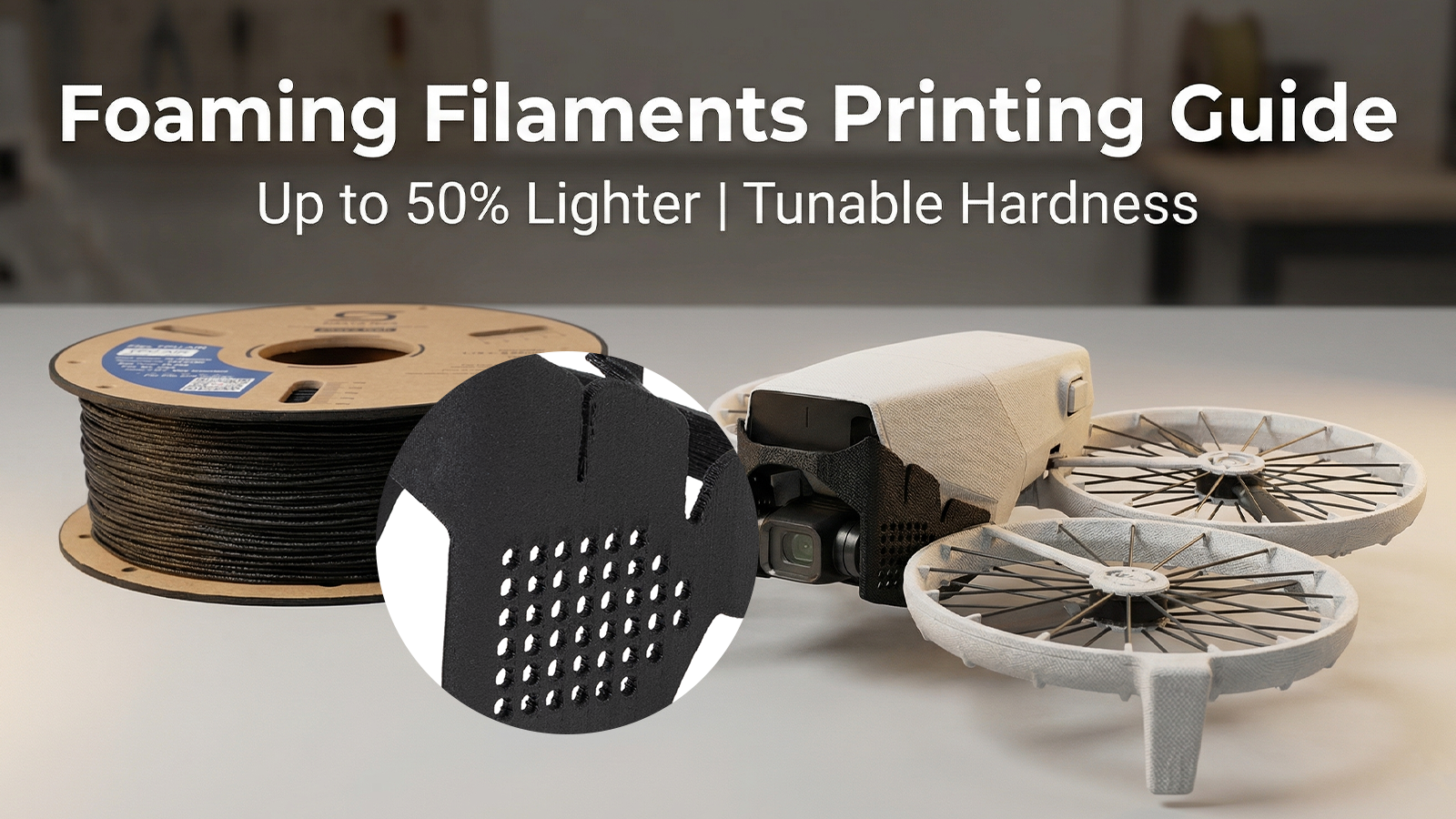
Whether you are printing ultra-light RC airplanes using Lightweight PLA (LW-PLA) or fabricating custom vibration dampers with Foaming TPU, active foaming filaments have fundamentally changed the rules of FDM 3D printing.
Unlike standard plastics, foaming filaments contain a special foaming agent that activates when heated. This allows the material to expand as it exits the nozzle. But with this "magic" comes a steep learning curve. If you try to print a foaming filament using your standard PLA, ABS, or TPU profiles, you will almost certainly end up with a stringy, over-extruded mess.
In this guide, we will break down exactly how foaming filaments work, their incredible benefits, and the golden rules for tuning your slicer settings—whether you are using LW-PLA, foaming ABS, or our highly popular Siraya Tech TPU Air.
Why Use Foaming Filament? The Core Benefits
Active foaming technology isn't just a gimmick; it provides mechanical and aesthetic properties that standard filaments simply cannot match.
1. Massive Weight Reduction
The primary reason makers turn to foaming filaments is lightweighting. Because the material expands to fill space, you can print parts that are up to 50% lighter than standard prints. This is an absolute game-changer for drone canopies, RC aircraft, cosplay armor, and wearable props.
2. Tunable Density and Hardness
With standard filaments, what you buy is what you get. With active foaming filaments, temperature is your throttle. By adjusting your nozzle temperature, you control how much the material foams.
Example: With Siraya Tech TPU Air, printing at 240°C yields a denser part with a Shore hardness of ~78A. Crank that temperature up to 270°C, and the material expands dramatically, dropping the hardness down to a remarkably soft 63A. You get multiple spools of flexibility inside a single roll.
3. Gorgeous, Layer-Hiding Surface Finish

Because the material expands slightly after extrusion, the microscopic air bubbles create a stunning matte, fabric-like texture. This naturally hides layer lines, resulting in parts that look injection-molded or manufactured right off the build plate.
How to Successfully Print Foaming Filaments
To get perfect prints with foaming filament, you have to throw out some of your standard 3D printing habits. Here is the blueprint for success.
Rule 1: Temperature Controls the Foam
In normal 3D printing, temperature is about layer adhesion and flow. With foaming filaments, temperature dictates expansion.
Higher Temperatures: More foaming, lighter weight, softer material (for TPU).
Lower Temperatures: Less foaming, heavier weight, stiffer material.
Action: Print a temperature tower first. For TPU Air, we recommend a nozzle temperature between 230°C and 270°C, using 260°C as a highly active starting point.
Rule 2: Drastically Reduce Your Flow Rate (Extrusion Multiplier)
This is the #1 mistake users make. Because the filament expands after it leaves the nozzle, pushing 100% of the normal material will result in massive over-extrusion. If you are printing hot to get maximum foaming, you MUST reduce your flow rate. Depending on your temperature, you may need to drop your Extrusion Multiplier to 55% - 60% (especially around 260°C).
Rule 3: Turn Retraction OFF
This feels wrong, but it is entirely necessary. When the foaming agent gets hot in the melt zone, it expands rapidly. Even if your extruder pulls the solid filament back 5mm, the expanding gas inside the nozzle will continue to push molten plastic out.
Action: Set Retraction Distance and Speed to 0. Material expansion causes oozing regardless of the extruder gear's position; retraction will only grind your filament and cause jams.
Rule 4: Bed Adhesion and Cooling
-
Cooling: Foaming structures need to be locked into place immediately so they don't collapse. Run your part cooling fan at 100%.
-
Bed Adhesion: Foamed materials (especially TPU) adhere incredibly well. To prevent tearing your PEI sheet or glass bed, keep the bed relatively cool (30°C–45°C) and always use a release agent like a gluestick (PVP glue) or Magigoo.
Rule 5: Keep it Bone Dry

Moisture is the enemy of all 3D printing, but it is fatal to foaming filaments. Water turning into steam disrupts the chemical foaming process, causing unpredictable, ugly voids rather than smooth, microscopic bubbles.
Action: Dry foaming TPU at 70°C–80°C for 4-6 hours before printing. For best results, print directly out of a dry box maintaining less than 15% humidity.
The Toolchanger Challenge: A Warning for Prusa XL and Snapmaker U1 Users
With the rising popularity of multi-toolhead printers like the Prusa XL and the Snapmaker U1, multi-material printing has never been easier. However, mixing foaming filaments into a tool-changing setup requires a specific warning: The Endless Drip.
As we mentioned in the retraction section, heat causes the foaming agent to expand. When a toolchanger swaps heads and "parks" the nozzle containing foaming filament, that nozzle is usually kept on standby heat. The chemical foaming action does not stop. It will continue to expand and push filament out of the nozzle while parked, creating a long drip.
When that toolhead is picked back up to resume printing, two things happen:
-
The long string of oozed filament can drag across and ruin your print.
-
The nozzle is now temporarily empty, leading to under-extrusion when it starts the next line.
How to combat toolchanger oozing with foaming filaments:
- Use aggressive Prime Towers: You must prime the nozzle thoroughly before it returns to the actual model to ensure the melt zone is pressurized again.
- Lower standby temperatures: Set the parked temperature as low as your slicer will allow without causing a prolonged wait time upon tool pickup.
- Hardware solutions: Ensure your printer's silicone wipe brushes or physical nozzle-blocking docks (if equipped) are perfectly calibrated to catch the active ooze.
Final Thoughts
Printing with foaming filaments like LW-PLA, lightweight ABS, or Siraya Tech TPU Air unlocks capabilities that standard plastics simply can't offer. By dropping your flow rate, tuning your temperature for density, killing your retractions, and managing your toolhead parking, you can produce stunning, ultra-lightweight, and custom-softness parts.
Ready to experience the ultimate in tunable flexibility and weight reduction? [Check out Siraya Tech TPU Air here] and take your functional 3D printing to the next level.
1 comment
Shane
Hi Team,
I am very interested in trying to print with the foaming TPU. Have you had success with printing at different temps on the same print? So for example, creating a case with a hard shell with a foamed inner to protect the contents. Looking for options for protecting my drone camera in transit.