
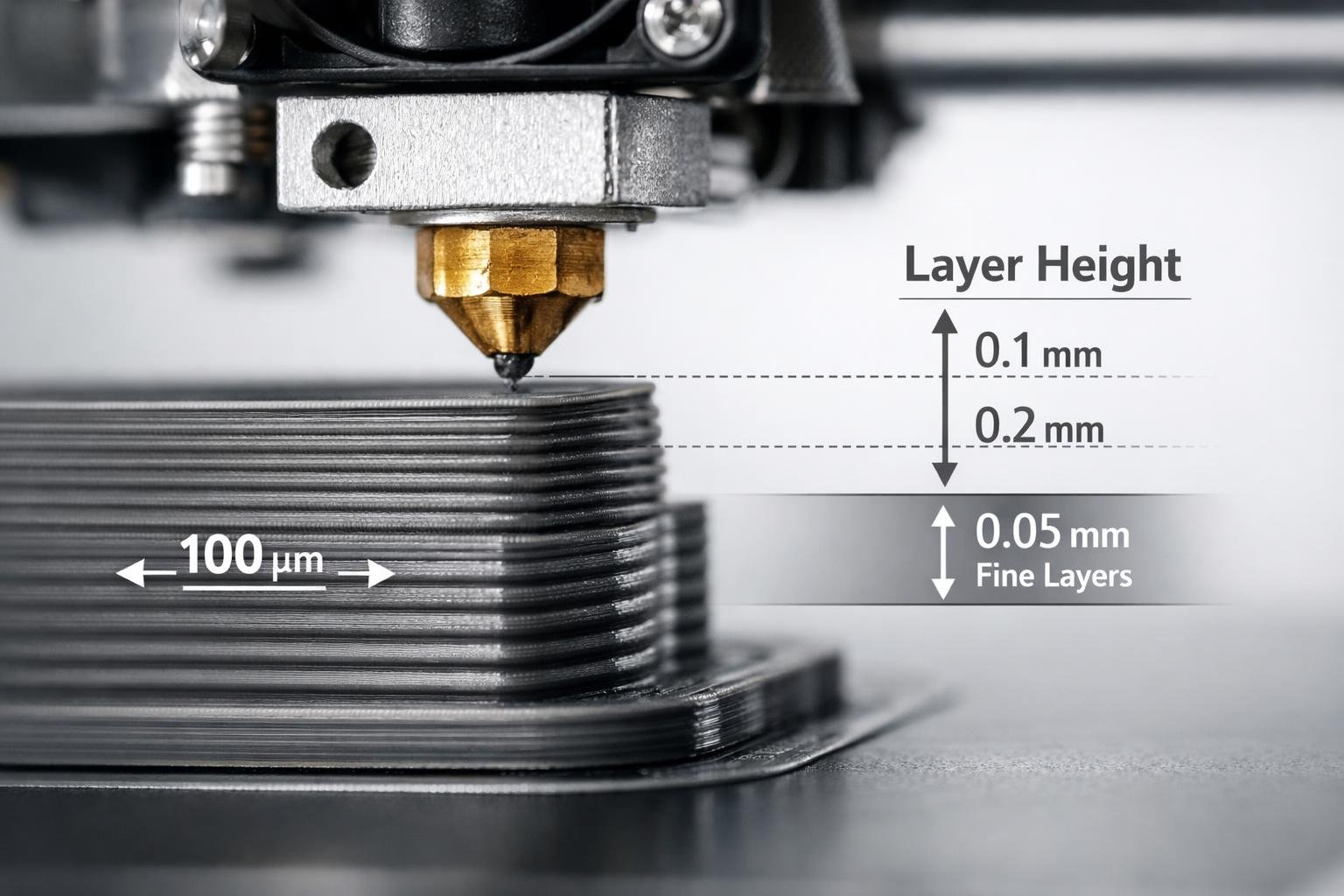
Layer height in 3D printing is one of the most important settings you can adjust on your printer. It controls how detailed your print looks, how strong it feels, and how long it takes to finish.
Even a small change from 0.2 mm to 0.15 mm can make a big difference in surface smoothness and print time.
If you want better results from your 3D printer, understanding layer height is a great place to start. Keep reading to learn how to choose the right layer height for your next project.
Key Takeaways
- Layer height in 3D printing is the thickness of each printed layer, measured in millimeters
- Smaller layer heights create smoother surfaces but increase print time
- Larger layer heights print faster but show more visible layer lines
- The ideal layer height depends on nozzle size, material, and the purpose of the part
- Most 0.4 mm nozzles work best between 0.12 mm and 0.28 mm
- Strength depends on multiple factors, not just layer height
Understanding Layer Height in 3D Printing

Layer height in 3D printing refers to the thickness of each individual layer of material that the printer deposits. These layers stack on top of each other to build the final object.
If you set a layer height of 0.2 mm, that means each layer is 0.2 millimeters thick. A 20 mm tall object printed at 0.2 mm will have 100 layers. If printed at 0.1 mm, it would need 200 layers, which increases detail but also doubles the number of layers.
Think of it like stacking sheets of paper. Thicker sheets build height faster but show more steps. Thinner sheets create a smoother curve but take longer to stack.
Why Layer Height in 3D Printing Matters
Layer height affects three main things in 3D printing: surface quality, print speed, and part strength. Changing this one setting can dramatically change your results.
Choosing the right layer height in 3D printing helps you balance detail and efficiency. Whether you are printing decorative models or strong mechanical parts, this setting plays a big role.
Siraya 3D Filaments and Resin You May Shop
Explore More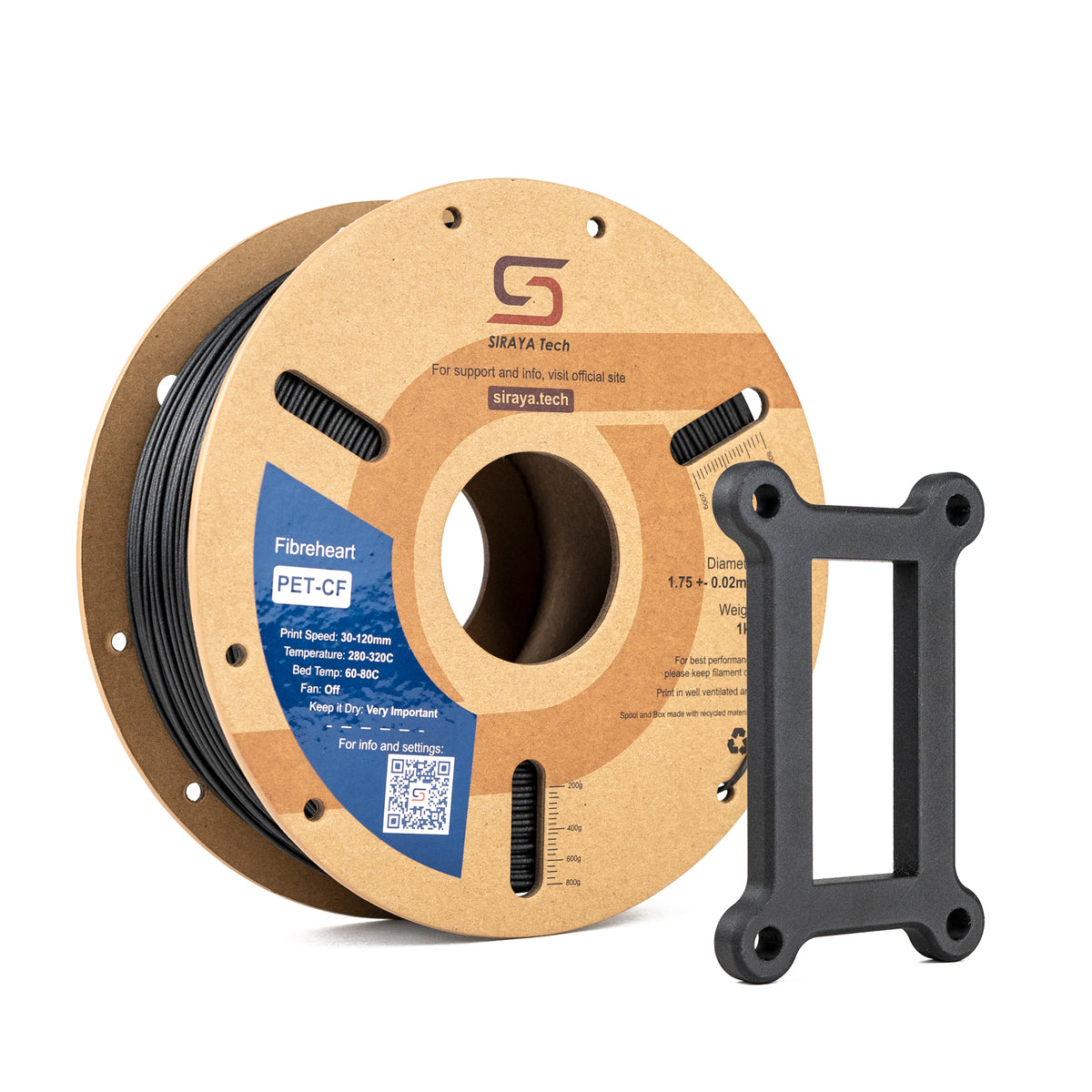

Common Layer Heights in 3D Printing and When to Use Them
Different projects call for different layer heights. Below is a simple comparison table to help you decide.
| Layer Height | Detail Level | Print Speed | Best For |
|---|---|---|---|
| 0.3 mm | Low | Fast | Prototypes, large parts |
| 0.2 mm | Medium | Balanced | Everyday prints |
| 0.15 mm | High | Moderate | Display models |
| 0.12 mm | Very High | Slow | Miniatures, fine detail |
0.3 mm Layer Height
A 0.3 mm layer height prints quickly and works well for large functional parts. It is ideal for prototypes where appearance is not critical.
0.2 mm Layer Height
This is the most common layer height in 3D printing. It offers a great balance between speed and detail.
0.15 mm Layer Height
A 0.15 mm layer height improves surface smoothness without greatly increasing print time. It is often chosen for display models.
0.12 mm and Below
Layer heights of 0.12 mm or lower are used for high detail prints such as miniatures. You can print 0.12 mm layer height with a 0.4 mm nozzle if your printer is well calibrated.
Layer Height in 3D Printing and Nozzle Size
Nozzle size directly limits usable layer height. A common rule is to use 25 percent to 75 percent of the nozzle diameter. While 75 percent is technically possible, most printers perform best between 40 percent and 60 percent of the nozzle diameter for optimal quality and consistency.
Here is a helpful reference table:
| Nozzle Size | Recommended Layer Height Range | Common Sweet Spot |
|---|---|---|
| 0.4 mm | 0.1 mm to 0.28 mm | 0.2 mm |
| 0.6 mm | 0.15 mm to 0.4 mm | 0.3 mm |
| 0.8 mm | 0.2 mm to 0.5 mm | 0.4 mm |
Using the correct range improves extrusion consistency and print reliability.
How Layer Height in 3D Printing Affects Strength
Strength depends on more than just layer height. Wall thickness, infill, and material choice are just as important. Print temperature, flow rate, and print speed also strongly influence interlayer bonding and overall mechanical performance.
Here is a simple comparison:
| Layer Height | Bonding Pressure | Surface Finish | Typical Use |
|---|---|---|---|
| Thicker | Higher material flow | Rougher | Functional parts |
| Thinner | More layer contact | Smoother | Visual models |
For strong prints:
- Increase wall count
- Increase infill
- Choose reinforced filaments
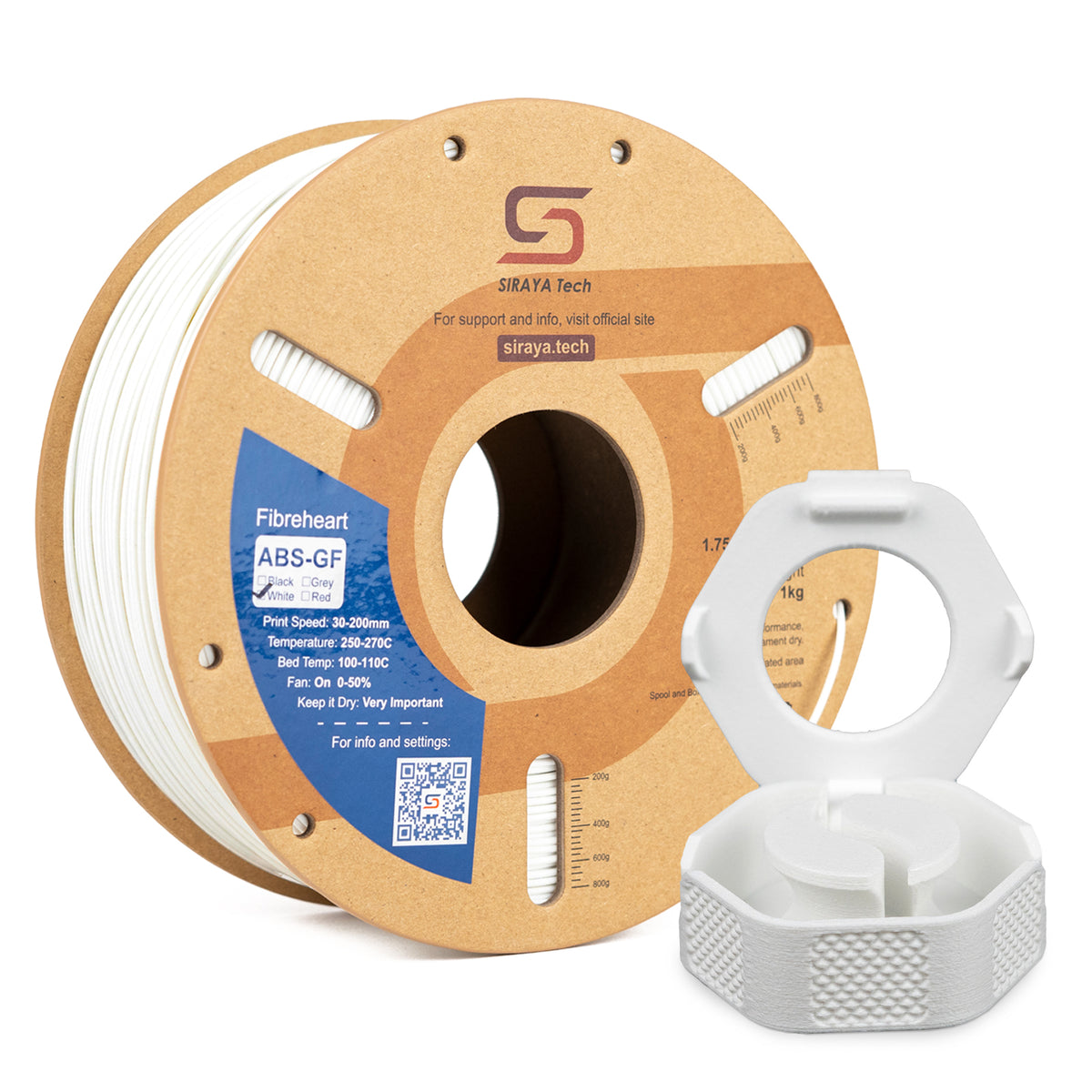
Siraya offers strong filament options like PETG-CF, ABS-CF, ABS-GF, and ASA-GF. These materials combine durability with improved stability. Moderate layer heights often work best with reinforced filaments.
For resin printing, tough blends like Siraya tenacious resin improve impact resistance. In many cases, material choice has a greater effect on strength than small changes in layer height.
Layer Height in 3D Printing and Surface Quality

Smaller layer heights reduce visible layer lines and improve curves. This is especially noticeable on rounded shapes.
However, improvement slows down at very small settings. Moving from 0.2 mm to 0.15 mm is noticeable. Moving from 0.1 mm to 0.08 mm may not be dramatic.
If you want smoother results:
- Use 0.12 mm to 0.16 mm
- Use high-quality filaments from Siraya for consistent extrusion
- Sand and prime if needed
- For ultra-fine detail, use high-quality Siraya resin
Siraya 3D Filaments and Resin You May Shop
Explore More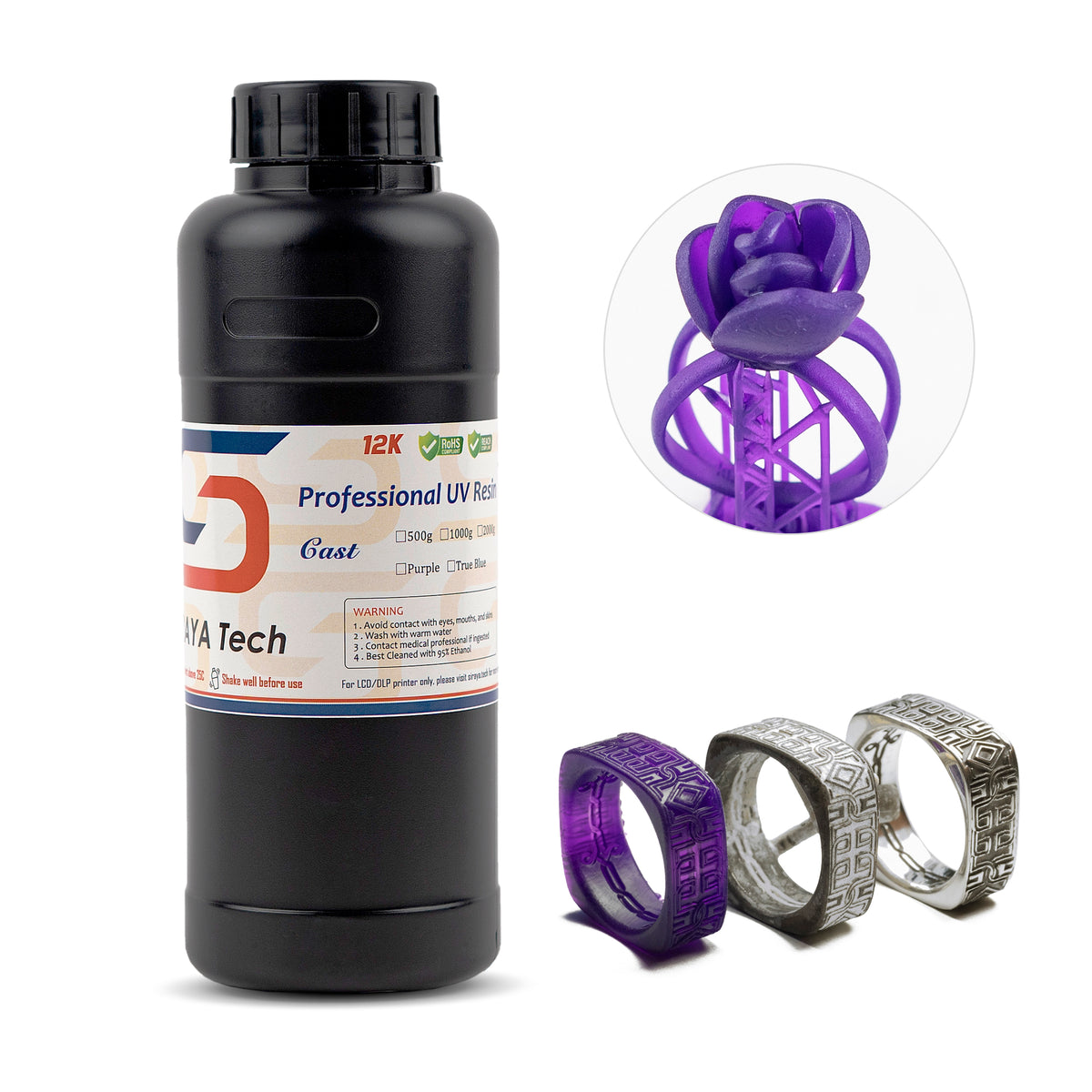

Layer Height in 3D Printing and Print Speed
Print time is directly related to the number of layers. Fewer layers mean shorter print times.
Example comparison for the same model:
| Layer Height | Estimated Time Impact |
|---|---|
| 0.3 mm | Much faster |
| 0.2 mm | Standard |
| 0.15 mm | Slower |
| 0.12 mm | Much slower |
If you are printing large mechanical parts using Siraya reinforced filaments, increasing layer height can save many hours.
Initial Layer Height in 3D Printing
The first layer is usually thicker than the rest. This improves bed adhesion.
Typical setup:
| Setting | Value Example |
|---|---|
| Regular Layer Height | 0.2 mm |
| Initial Layer Height | 0.24 mm to 0.28 mm |
A slightly thicker first layer helps prevent warping and improves print success.
Adaptive Layer Height in 3D Printing
Adaptive layer height automatically adjusts thickness based on the shape of the model. Flat sections print thicker layers, and detailed areas use thinner layers.
This saves time while keeping fine details sharp. It is useful for decorative prints made with premium Siraya filaments where surface finish matters.
Layer Height in 3D Printing and the 45 Degree Rule
The 45 degree rule explains how much overhang a printer can handle without support. Smaller layers shift less between each step, improving overhang quality. Cooling performance and proper extrusion temperature often play an even bigger role than layer height alone.
If you have steep angles:
- Reduce layer height
- Slow down print speed
- Improve cooling
Smaller layers can make edges cleaner and reduce sagging.
Choosing the Right Layer Height in 3D Printing
The best layer height depends on your goal.
| Goal | Suggested Layer Height |
|---|---|
| Fast prototype | 0.28 mm to 0.3 mm |
| Balanced print | 0.2 mm |
| Display model | 0.12 mm to 0.16 mm |
| Strong part | 0.2 mm to 0.3 mm with reinforced filament |
Siraya offers 3D printing filaments like PETG-CF, ABS-CF, ABS-GF, and ASA-GF that pair well with optimized layer heights. For resin printing, Siraya provides castable resin for molds and jewelry, tough blends for impact resistance, and even platinum silicone for advanced crafting projects.
Conclusion
Layer height in 3D printing controls how your final print looks, how strong it is, and how long it takes to finish. By matching layer height with nozzle size, material, and project goals, you can improve both quality and efficiency.
For more helpful guides and practical tips, explore learning resources from Siraya. If you need high quality 3D printing filaments such as PETG-CF, ABS-CF, ABS-GF, and ASA-GF, advanced resins including tenacious and castable resin options, or platinum silicone for crafting superior products, Siraya offers dependable materials designed to help you achieve excellent results in every project.
FAQs About Layer Height in 3D Printing
What is a good layer height for PLA?
A good layer height for PLA is 0.2 mm with a 0.4 mm nozzle. It balances detail and speed well. For smoother surfaces, 0.15 mm is a good choice. For faster prints, 0.28 mm can save time.
Is lower layer height always better?
Lower layer height improves surface smoothness but increases print time. It does not automatically make prints much stronger. After a certain point, visual improvements become small. Choose based on your project needs.
How small can you go with layer height on a 0.4 mm nozzle?
Most 0.4 mm nozzles can reliably print at 0.08 mm to 0.1 mm. Going lower may cause printing issues. Staying within about 25 percent of nozzle diameter is usually safe. Proper calibration is important.
Does changing layer height require adjusting print speed?
Sometimes it does. Thicker layers can often print slightly faster. Thinner layers may need slower speeds for accuracy. Small test prints help you find the best balance.