
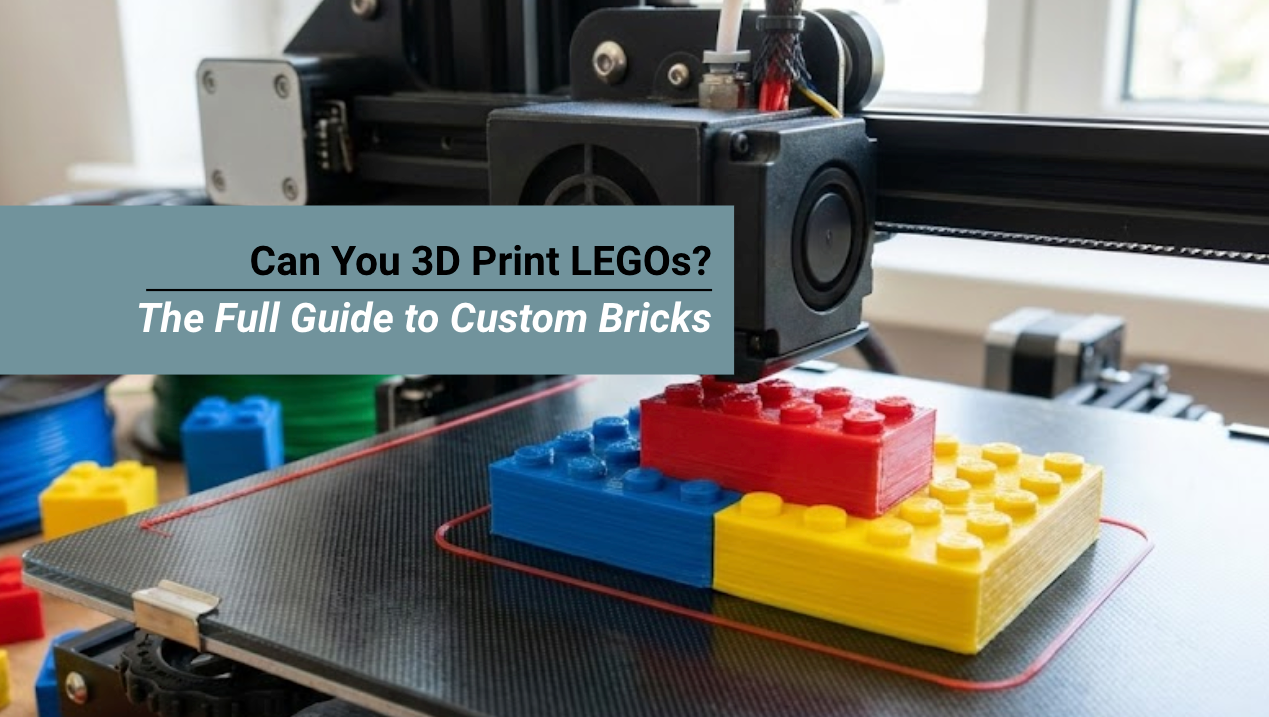
Can you 3D print LEGOs? Yes, but success depends on choosing the right technology.
While FDM printers can handle DUPLO-sized bricks, authentic LEGO-compatible pieces demand the precision of resin printing.
LEGO's tolerance is ±0.005mm, tighter than most hobby FDM printers can achieve. With Siraya Tech's high-precision resins, you can finally print bricks that snap together like the real thing.
Quick Answer: FDM vs. Resin for LEGO Printing
Real injection-molded bricks are manufactured with tolerances of 0.002mm. If your 3D print is even slightly off, the brick will either be too loose (falling off) or too tight (cracking).
| Technology | Precision | Snap Quality | Verdict |
|---|---|---|---|
| FDM (Filament) | Low (Layer Lines) | Poor. "Elephant's Foot" often makes the bottom studs too wide to fit. | Good for large DUPLO styles only. |
| SLA (Resin) | High (Smooth) | Excellent. Can match the exact dimensions of real bricks. | The best choice for standard bricks. |
Why LEGO Is So Hard to Print?

LEGO's magic lies in its precision. Official LEGO bricks are injection-molded with tolerances of ±0.005mm (5 microns). This microscopic accuracy ensures that bricks snap together firmly but release cleanly.
Most hobby-grade FDM printers operate at ±0.1mm to ±0.2mm tolerance—20 to 40 times looser than LEGO's standard. The result? Bricks that either don't fit at all or fall apart instantly.
Material Matters: Why ABS is Non-Negotiable
A common mistake beginners make is trying to print bricks with PLA. While PLA is easy to print, it is the wrong material for this application for two reasons:
- Brittleness: PLA does not flex. When you snap a PLA brick onto a real LEGO, the studs cannot compress, so they grind or snap off.
- Creep: Under tension, PLA "flows" over time. A PLA brick might fit today, but in a month, the clutch power will vanish.
Real LEGO bricks are made of ABS (Acrylonitrile Butadiene Styrene). To match the feel and function of the original, you should print with the same material.
Why Choose Siraya Tech ABS?
Siraya Tech Fibreheart ABS HT HF - High Temp is engineered for functional parts that require durability and thermal stability.
- Snap-Fit Resilience: It has enough ductility (flex) to handle the compression of the studs without cracking.
- Thermal Resistance: Unlike PLA, which warps in a hot car, Siraya Tech ABS withstands temperatures up to 100°C.
- Acetone Smoothing: You can vapor-smooth ABS to remove layer lines, bringing the surface finish closer to the glossy look of injection-molded plastic.
Best Resin for 3D Printing LEGO Bricks
1. Siraya Tech Fast (ABS-Like) – Best Overall

✨ Why It Wins: LEGO uses ABS plastic. Siraya Tech Fast mimics ABS properties with high impact resistance and minimal shrinkage.
- Precision: Ultra-low shrinkage (<0.1%) ensures dimensional accuracy.
- Durability: Won't crack when you pull apart tight-fitting bricks.
- Surface Finish: Smooth matte finish that looks injection-molded.
- Colors Available: Grey, Black, White (perfect for painting or leaving as-is).
🛒 Shop Siraya Tech Fast Resin⟶
2. Siraya Tech Blu – For Maximum Toughness

✨ Best For: Heavy-duty bricks that will be assembled/disassembled repeatedly.
If you're printing LEGO for kids (not just display), Blu offers superior toughness. It resists the stress of constant snapping and unsnapping without developing cracks.
3. Siraya Tech Simple (Water-Washable) – For Beginners

✨ Best For: First-time resin printers who want an easy, low-odor workflow.
No need for harsh IPA alcohol. Wash your prints in tap water, making it perfect for home environments or classrooms, printing educational LEGO models.
🛒 Try Simple Water-Washable Resin ⟶
Can You Print LEGO with FDM? (The Reality Check)
Short Answer: Only for large bricks (DUPLO scale) or decorative pieces.
FDM Tolerance Hacks
If you're determined to use FDM, try these workarounds:
- Scale Up: Increase model size by 0.5% - 1% to compensate for printer inaccuracy.
- Horizontal Expansion: Use negative expansion (-0.1mm to -0.15mm) in your slicer to shrink outer walls slightly.
- Use a 0.2mm Nozzle: Smaller nozzle = better detail on studs.
Reality: Even with these hacks, FDM bricks will feel "mushy" compared to resin or injection-molded originals.
FDM vs. Resin: Which Process is Best?
There are two main ways to print these parts, and Siraya Tech offers solutions for both.
FDM (Filament) for Structural Bricks
For standard beams, plates, and bricks, FDM is the superior choice using Siraya Tech ABS.
- Pros: High durability, correct material feel, cost-effective for large parts.
- Cons: Visible layer lines; harder to achieve precise tolerances on top studs.
Resin (SLA) for Minifigs and Accessories
For custom minifigure heads, helmets, or intricate tools, Resin is king. However, standard resin is too brittle.
- Recommendation: Use Siraya Tech Fast ABS-Like or Siraya Tech Blu. These resins are formulated to resist snapping, allowing for delicate features like minifig hands to survive play.
Step-by-Step: Printing LEGO Bricks with Resin
Step 1: Get the Right STL Files
- PrintaBrick.org: The gold standard for LEGO-compatible STL files.
- Thingiverse: Search "LEGO compatible" for custom designs.
- Design Your Own: Use Fusion 360 or TinkerCAD (ensure precise measurements).
Step 2: Slicer Settings (Critical!)
- Layer Height: 0.025mm - 0.05mm (The finer, the better for studs).
- Exposure Time: Follow Siraya Tech's recommended settings for your specific resin.
- Supports: Minimal supports on the base only. Never on the studs or connection points.
Step 3: Orientation Matters
Print bricks upside-down (studs facing the build plate). This ensures:
- The critical connection surfaces are printed first (highest accuracy).
- Studs don't require support removal (which ruins precision).
Step 4: Post-Processing
- Wash: Submerge in IPA or water (for Simple resin) for 3-5 minutes.
- Cure: UV cure for 5-10 minutes. Don't over-cure—this makes resin brittle.
- Test Fit: Try snapping the brick onto an official LEGO piece. If too tight, reduce exposure time by 5%. If too loose, increase by 5%.
Can you 3D print LEGOs Legally?
Yes, for personal use. LEGO's original brick patent expired in 1978. However, you cannot sell 3D printed LEGO replicas with the "LEGO" trademark or logo. Selling original, LEGO-compatible designs is legal.
- Legal: It is generally legal to design and print bricks that are compatible with LEGO for personal use. You can even sell your own unique designs that are compatible.
- Illegal: You cannot print the LEGO logo on the studs (Trademark violation). You cannot print copyrighted items (such as a Star Wars droid body or a specialized new Bionicle part) and sell them.
FAQs About 3D Printing LEGOs
Can you print LEGO minifigures?
Yes! Resin printers excel at small, detailed parts like minifigure heads. Use Siraya Tech Fast for smooth surfaces that accept paint well. Print minifigures in separate parts (head, torso, legs) for best results.
What is the best nozzle size for printing LEGOs?
A 0.4mm nozzle is the standard and works well. However, for the absolute best-looking studs, a 0.25mm nozzle allows for finer detail on the logo (or lack thereof) and rounder studs.
Is 3D-printed LEGO cheaper than buying LEGO?
For rare or custom pieces, yes. A 1kg bottle of Siraya Tech Fast resin (~$30) can print approximately 200+ standard bricks. However, for bulk standard bricks, buying official LEGO is still more cost-effective.
How long does it take to 3D print Legos?
3D printing LEGO-style bricks can take about 20 minutes to 1 hour per small piece, depending on printer speed and quality settings. Printing at higher quality usually takes longer but gives better detail. Larger or more complex pieces can take several hours. Post-processing time may also be needed to clean or smooth the parts.
Conclusion
Can you 3D print LEGOs? Absolutely—but only if you use the right tools. For precision bricks that actually click together, resin printing with Siraya Tech Fast delivers injection-mold quality from your desktop. FDM works for large-scale or decorative pieces, but resin is king for authentic LEGO compatibility.