
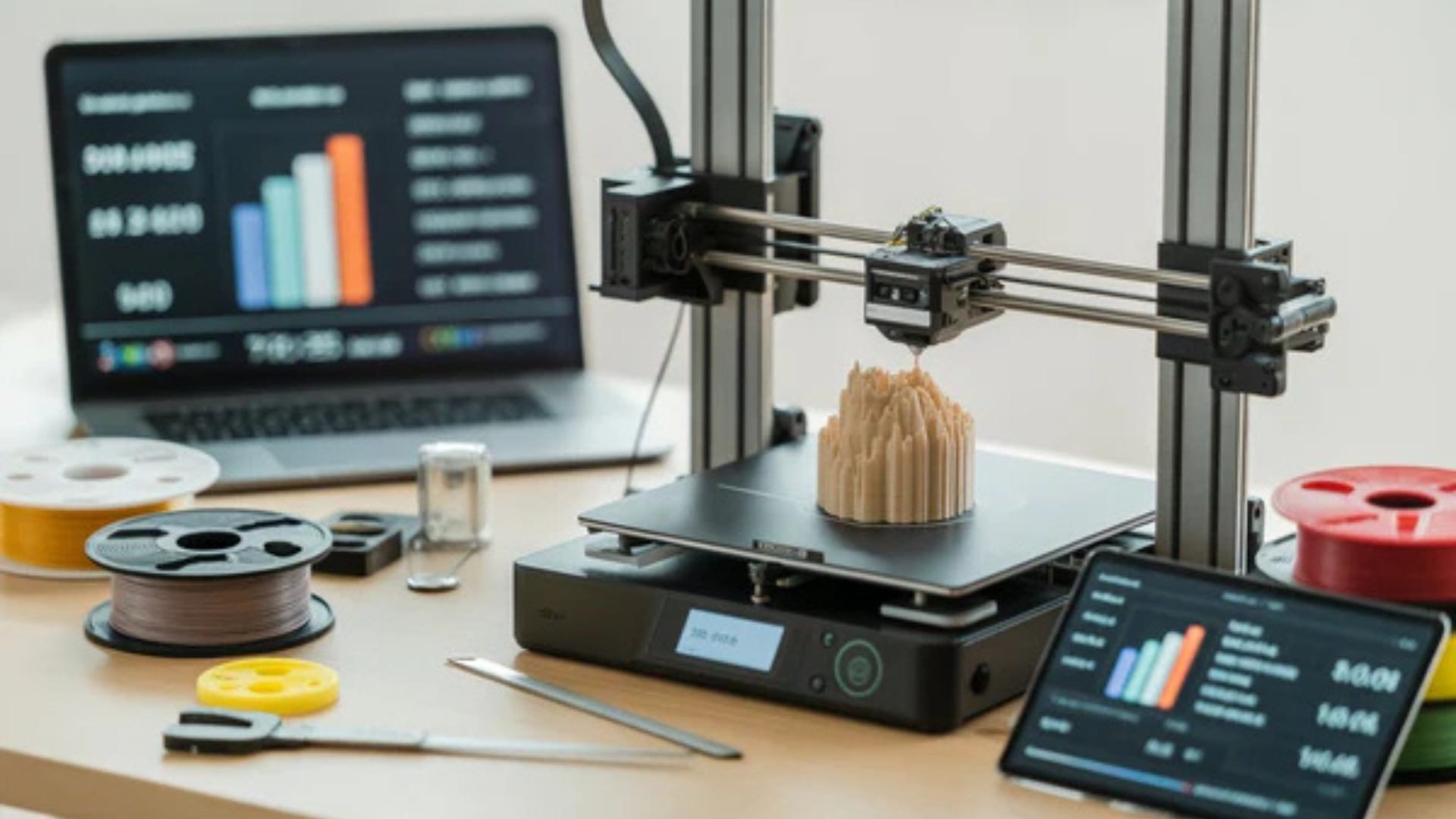
Many people look for 3D printing tips because their prints are inconsistent or fail halfway through.
Problems like poor adhesion, rough surfaces, or weak parts often come from small setup mistakes. Fixing these issues does not require advanced tools, only better habits and settings.
Below are 15 essential 3D printing tips that focus on what actually improves print quality and reliability, so keep reading to get better results with every print.
3D Printing Tips #1–#5: Getting the Basics Right
These 3D printing tips focus on proper setup and early print behavior. Mastering these basics prevents most common printing failures.
1. Level the Bed Every Time
Bed leveling affects how evenly filament sticks to the build surface. An uneven bed causes lifting corners, rough first layers, and failed prints.
Signs of a bed that is not level include uneven line thickness, gaps between filament lines, and filament dragging across the surface.
2. Nail the First Layer
The first layer decides whether the print will hold or fail. A smooth and consistent first layer supports every layer above it.
Most successful prints use a slightly thicker first layer. This helps with adhesion and compensates for minor surface imperfections.
3. Set the Correct Z Offset
Z offset controls how close the nozzle is to the print bed during the first layer. This directly affects how well filament sticks.
If the Z offset is too high, filament will not bond. If it is too low, extrusion becomes inconsistent and may damage the surface.
4. Use the Right Temperature for Your Filament
Temperature affects surface finish, layer bonding, and strength. Printing too hot causes stringing, while printing too cold weakens layers.
PLA usually performs best within a moderate temperature range. Printing PLA at 230 degrees can be excessive for many setups and may reduce detail.
5. Slow Down Your First Layer
A slow first layer allows filament to bond properly. This greatly reduces warping and early print failure.
Printing the first layer too fast is one of the most common beginner mistakes.
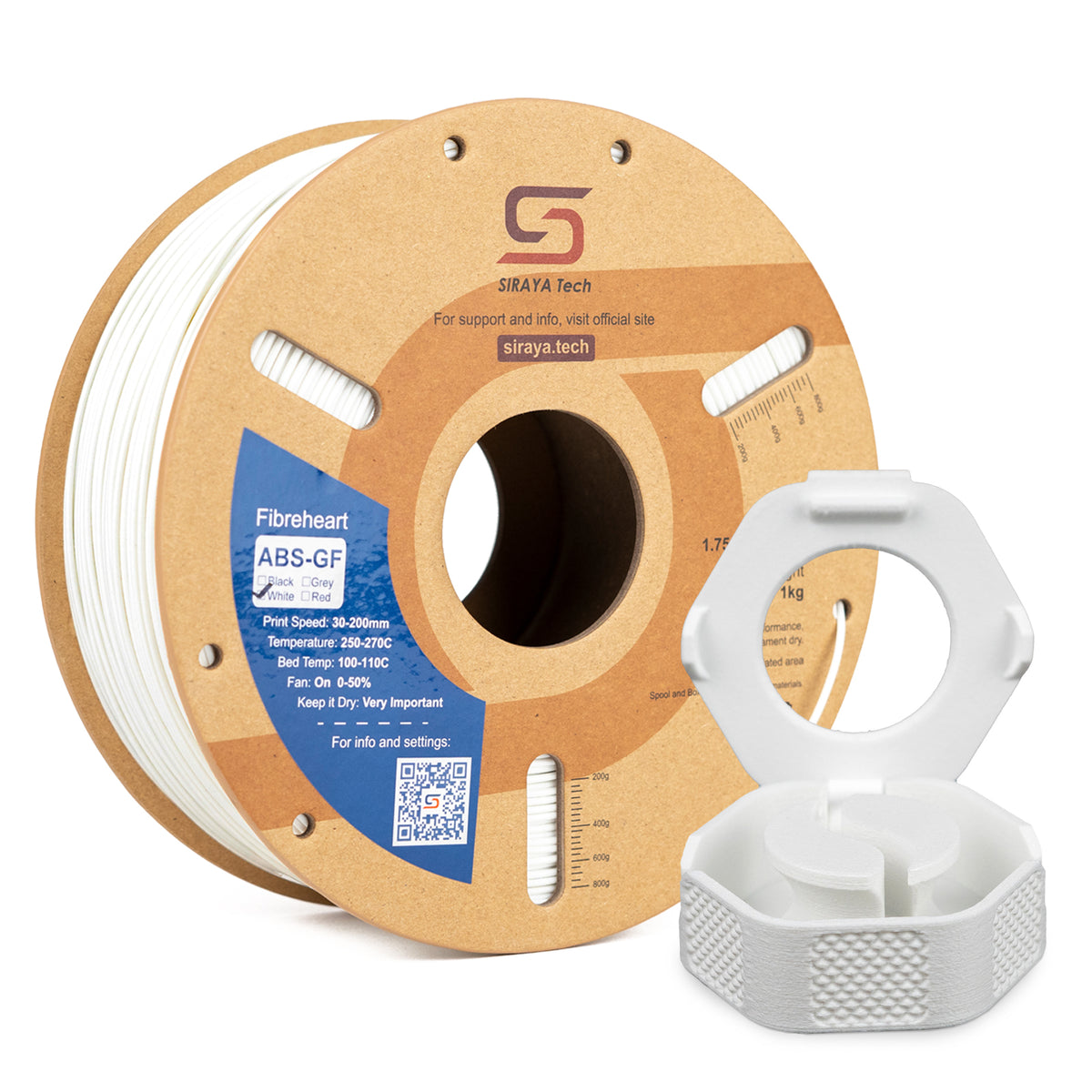
Siraya 3D Filaments and Resin You May Shop
Explore More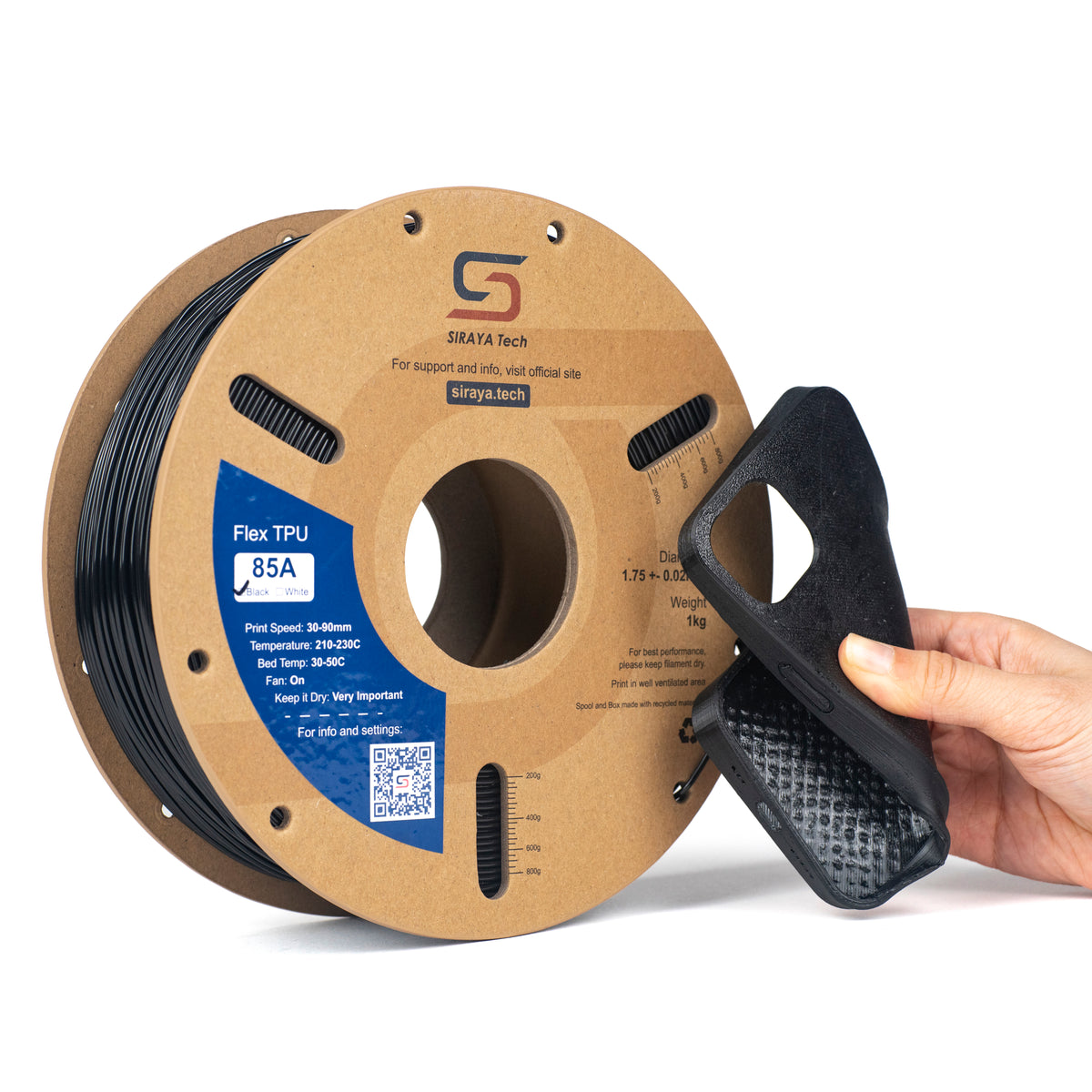

📌 Want a clearer picture of the basics? Check out How Does 3D Printing Work? A Beginner-Friendly Guide to understand how everything fits together.
3D Printing Tips #6–#10: Improving Print Quality

These 3D printing tips help improve strength, surface finish, and reliability once the basics are in place.
6. Follow the 45 Degree Rule for Overhangs
Overhangs print best when they stay within about 45 degrees. Angles steeper than this often need support.
The 45 degree rule for 3D printing helps reduce sagging and improves surface quality.
7. Know How Much Overhang PLA Can Handle
PLA can usually handle overhangs close to 45 degrees with good cooling. Steeper angles benefit from slower speeds or supports.
Cooling and layer height play a major role in how well PLA handles overhangs.
8. Use the Right Print Speed
Print speed impacts strength and surface quality. Printing too fast weakens layer bonding and reduces detail.
Overhangs usually print better at slower speeds, especially when detail matters.
9. Increase Wall Thickness for Stronger Prints
Walls provide most of a print’s strength. Thin walls crack easily, even with high infill.
A wall thickness of 1mm is often too thin for functional parts. Increasing wall count improves durability without much extra material.
10. Choose Infill for Strength, Not Looks
Infill supports walls and distributes stress. Higher infill is not always stronger if the pattern is inefficient.
Balanced infill patterns provide strength while keeping print time reasonable.
📌 Speed affects quality more than most people think. Don’t forget to browse 3D Printer Speed: How Fast Should You Really Print? to fine-tune your prints.
3D Printing Tips #11–#15: Avoiding Common Failures

These 3D printing tips help prevent long prints from failing due to overlooked details.
11. Improve Cooling for Cleaner Details
Cooling helps layers solidify quickly and improves overhangs. This is especially important for detailed prints.
Too much cooling can weaken layer bonding, so adjustments should be gradual.
12. Keep Your Nozzle Clean
A dirty nozzle causes uneven extrusion and weak layers. Small clogs often lead to larger failures.
Regular cleaning keeps extrusion smooth and consistent.
13. Don’t Overload Your Model File
Models with excessive triangle counts slow slicing and increase the risk of errors. Many prints do not benefit from extreme detail.
Simplifying models improves reliability without noticeable quality loss.
14. Test Before Long Prints
Small test prints save time and filament. This is useful when changing settings or materials.
Testing helps confirm adhesion, strength, and surface quality before committing to long jobs.
15. Watch the First 10 Minutes
Most failures happen early in the print. Watching the first few minutes helps catch problems quickly.
Stopping early prevents wasted filament and hours of lost time.
Siraya 3D Filaments and Resin You May Shop
Explore More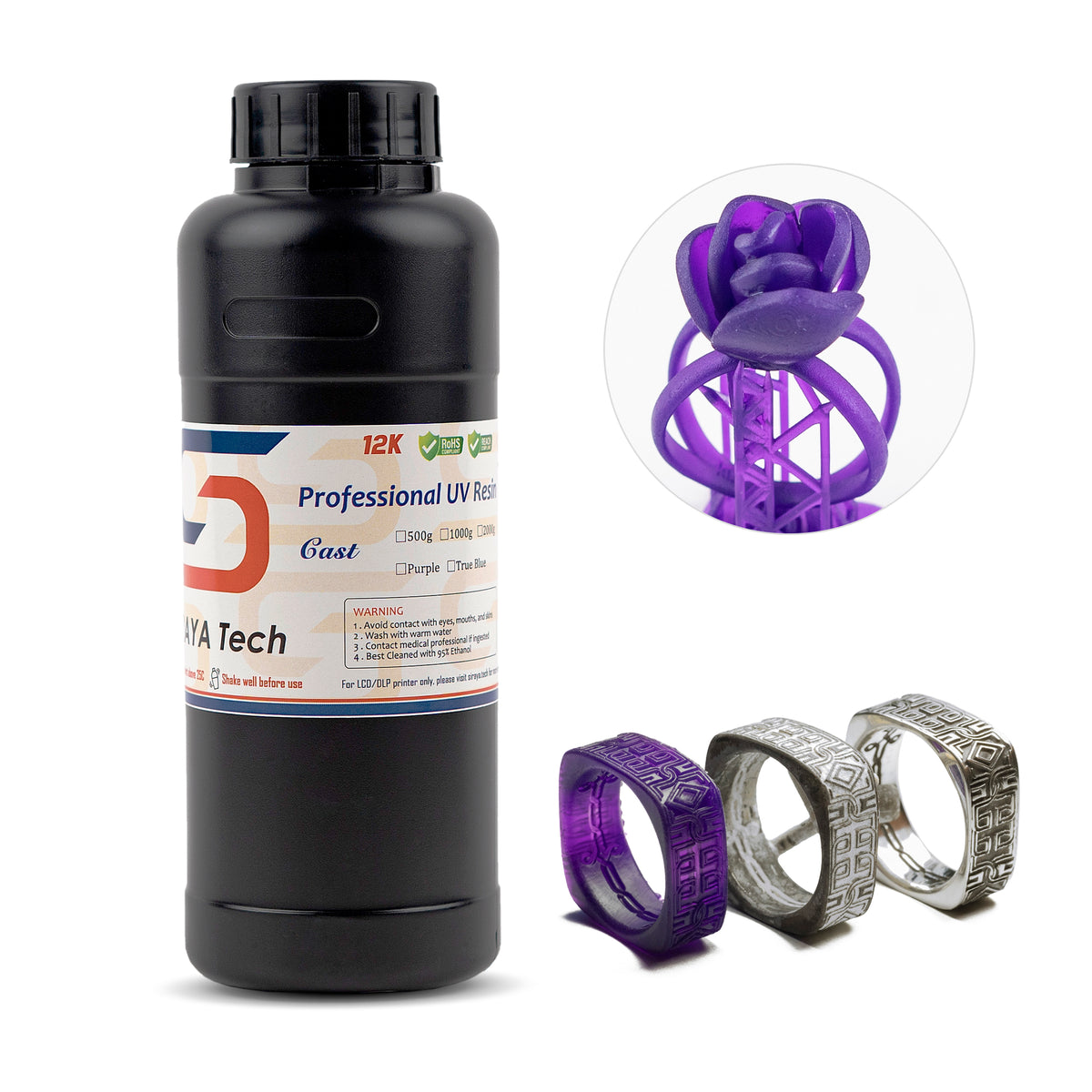
📌 Good design helps avoid print failures. Discover How to Design 3D Prints That Actually Work for cleaner and stronger results.
Common 3D Printing Tips Mistakes to Avoid
Even experienced users fall into these habits. Avoiding them improves consistency and results.
- Printing too fast and reducing layer strength
- Ignoring calibration like bed leveling and Z offset
- Changing too many settings at once and masking the real problem
Conclusion
Applying the right 3D printing tips improves consistency, strength, and surface quality over time. Paying attention to setup, speed, cooling, and maintenance prevents most common failures.
For more helpful guides and tips about 3D printing and related topics, visit Siraya and explore their educational resources.
Siraya also offers high quality solutions such as advanced 3D printing filaments, resins for 3D printing, Tenacious resin, castable resin, and platinum silicone crafting materials that support reliable and professional results across many projects.
FAQs About 3D Printing Tips
How much does it cost to run a 3D printer for 24 hours?
The cost depends on electricity rates and filament usage. Most desktop printers use a moderate amount of power. Filament cost is usually higher than electricity cost for long prints.
Do 3D printers waste a lot of electricity?
Most 3D printers are energy efficient. Power use increases during heating but stays steady during printing. Overall usage is similar to other household devices.
What is the lifespan of a 3D printer?
With proper maintenance, a 3D printer can last several years. Regular cleaning and replacing worn parts extends its lifespan. Heavy use without upkeep shortens it.
Is anything illegal to 3D print?
Some items are restricted or illegal depending on local laws. This may include weapons or copyrighted designs. Always check regulations before printing sensitive objects.