
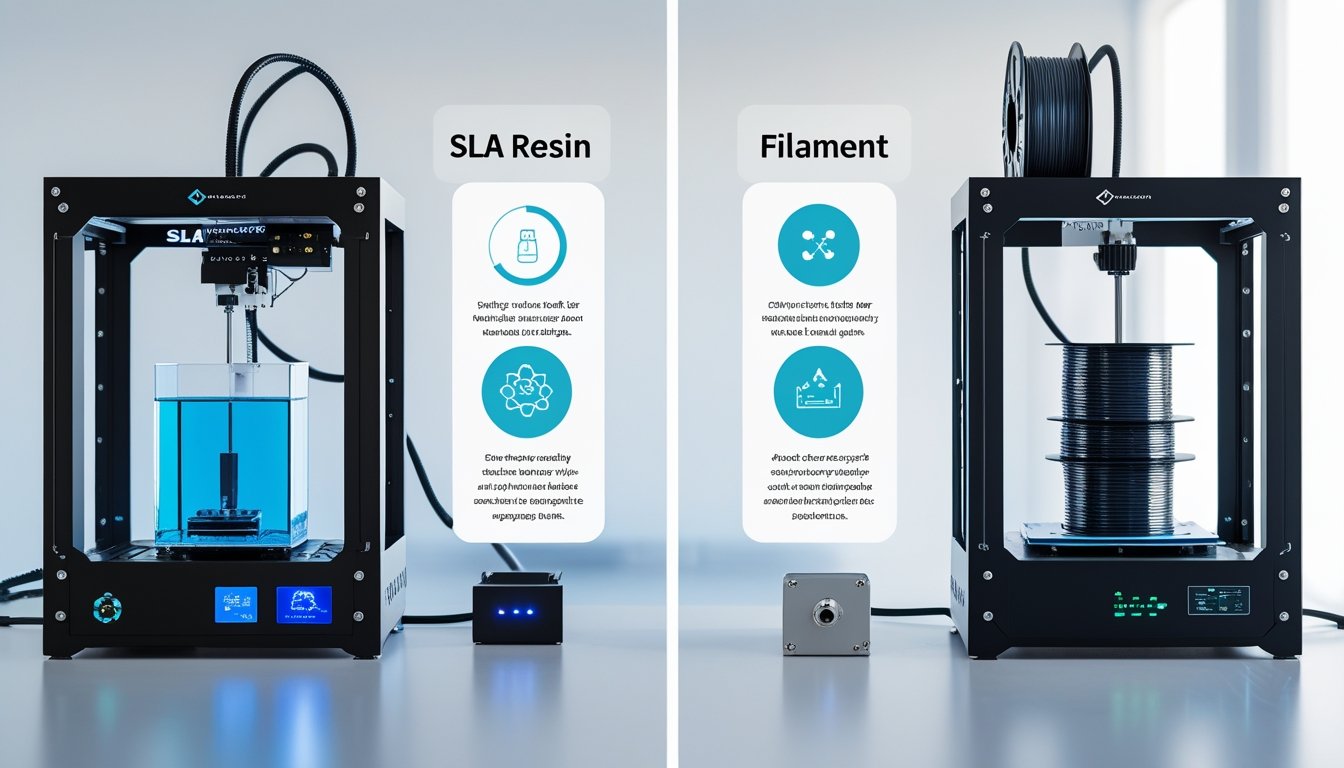
Choosing between an SLA vs filament printer affects your print quality, workflow, and budget. SLA printers use liquid resin and UV light to create highly detailed parts, while filament printers extrude melted plastic layer by layer for larger, functional builds.
Each printing technology offers unique strengths for different applications. Understanding how they differ in resolution, cost, and maintenance helps you select the right printer for your needs.
We'll break down SLA vs filament printer across essential factors so you can determine which technology fits your projects and how to maximize results from either option.
Key Takeaways
- SLA printers make super detailed parts with smooth finishes using liquid resin. Filament printers build stronger, more functional parts by melting plastic.
- Filament printers are usually faster and easier to deal with, but SLA printers win for surface quality and detail.
- Pick based on whether you care more about detail and looks, or durability and ease of use.
Ready for high-resolution prints with exceptional detail? Explore our SLA resin collection for professional-quality finishes and smooth surfaces.
How SLA And Filament Printers Work

SLA uses a laser to cure liquid resin into solid layers. Filament printers melt and lay down plastic through a heated nozzle. These two 3D printing methods really couldn’t be more different in how they build things up, layer by layer.
SLA Printing Technology Explained
SLA, or stereolithography, uses ultraviolet light to turn liquid resin into solid plastic. The build platform starts just below the surface of the resin tank. A laser or LCD screen shines UV light in the shape of each layer, and the resin hardens where the light hits.
Once a layer cures, the build platform lifts a tiny bit. New resin flows underneath, and the process goes again. Most SLA printers cure layers between 25 and 100 microns thick.
The whole part grows upside down in the resin vat. When you’re done, you’ve got to wash the print in isopropyl alcohol to get rid of sticky resin. Then you cure it under UV light to finish hardening and make it stronger.
FDM Filament Printing Process
FDM, or fused deposition modeling, melts thermoplastic filament through a heated nozzle. The printer pulls plastic from a spool into the extruder, which heats it up to around 180-230°C, depending on what you’re using.
The nozzle draws out melted plastic onto the build platform, one layer at a time. Each layer cools and sticks to the one below it. The platform drops down a bit after each layer so you can build the next one on top.
Common materials are PLA, ABS, PETG, and TPU. Each one prints at different temps and has its own quirks. Most FDM printers use layer heights between 0.1mm and 0.3mm, though some can go finer or thicker if you want.
Core Technical Differences Between The Two
These printing methods have some pretty basic differences:
Material State
- SLA uses a liquid resin that hardens when hit by light
- FDM uses solid filament that melts and then hardens again
Layer Formation
- SLA cures whole layers at once with light
- FDM draws out each layer with a moving nozzle
Build Direction
- SLA usually builds parts upside down, pulling them out of the resin
- FDM builds right-side up on a flat bed
Resolution Control
- SLA’s detail depends on the laser spot size or LCD pixel size (usually 25-100 microns)
- FDM’s detail is set by the nozzle diameter (most often 0.4mm)
Support Structures
- SLA always needs thin supports for overhangs, but they’re easy to remove
- FDM supports are thicker but sometimes you can avoid them with smart part orientation
Need durable, functional parts for everyday use? Browse our filament selection for strong, reliable prints at budget-friendly prices.
Print Quality, Speed, And Material Options

SLA printers give you smoother surfaces and more detail, while FDM machines are faster and work with more types of plastic. It really comes down to whether you want things to look great or just be tough and usable.
Surface Finish And Detail Comparison
SLA printers turn out smooth, sharp-looking prints with hardly any visible layers. They can go as fine as 25 microns per layer, which is perfect for models that need detail or transparency. The resin cures evenly, so you get a nice finish right out of the machine.
Filament printers leave visible layer lines. Most use 100 to 300 micron layers, and you’ll probably need to sand or finish the part if you want it to look really polished.
Minimum feature size is another big difference. SLA nails tiny details like small text, fine patterns, and thin walls. FDM usually can’t handle features smaller than about 0.8mm because of the nozzle size.
Print Speed And Build Volume
FDM printers usually get the job done faster for basic shapes. Something simple might take 2-3 hours on an FDM, but 4-6 hours on an SLA. SLA print time depends on how tall your part is, not how complex it is—so you can print a bunch of small things at once without adding much time.
Build volume is often bigger with entry-level FDM printers (about 200-300mm cubed) than with typical desktop SLA printers (100-150mm cubed). Industrial models can go way bigger for both.
If you’re doing lots of prints, FDM is less hands-on. SLA needs more post-processing—washing, curing—after every print.
Available Materials And Their Properties
FDM printers work with thermoplastics like PLA, ABS, PETG, and TPU. PLA is easy but not heat-resistant. ABS is tougher and handles higher temps. PETG is durable and flexible, and TPU is basically rubbery.
These plastics make anisotropic parts, so strength changes depending on direction. The layers can be a weak point, especially if you put stress across them.
SLA resin makes parts with consistent strength in every direction. Standard resin works for looks, but you can get flexible, tough, or high-temp resins for more demanding stuff.
Material choice really affects how your part performs. FDM materials usually hold up better for mechanical parts and outdoor use. Resin prints look amazing and capture detail, but they can get brittle with time and sunlight.
Cost, Maintenance, And Practical Considerations
FDM filament printers cost less up front and use cheaper materials. SLA printers take more investment but produce higher detail. Maintenance and workspace needs are different too, and those things matter in the long run.
Initial Investment And Operating Costs
You can get a basic FDM printer for $200-$300, which is great if you’re just getting started. Entry-level SLA printers start around $300-$500, but pro models can get expensive fast.
Filament is way cheaper—usually $20-$50 per kilogram. SLA resin runs $50-$150 per liter, and you’ll get fewer parts out of it. If you’re making big, functional prototypes, FDM will save you money per part.
There’s more to it than just the plastic or resin. SLA printing needs extra stuff like isopropyl alcohol for washing, replacement FEP films, gloves, and good ventilation. FDM printers only really need filament and maybe a new nozzle once in a while. If you want a post-curing station for SLA, that’s another $100-$300.
Maintenance Requirements And Workspace Needs
FDM printers are pretty chill when it comes to maintenance. Clean the nozzle, level the bed, swap out parts like the PTFE tube sometimes. It doesn’t take long and you don’t need special gear.
SLA printers keep you busier. After each print, you’ve got to clean the platform, strain leftover resin, and regularly check the resin vat. Prints need a wash in isopropyl alcohol, careful support removal, and then a UV cure. Some folks use vapor smoothing on FDM prints to make them look better, but that’s optional.
Workspace needs are different too. FDM printers work fine in a regular room with some airflow. SLA printers need better ventilation because of resin fumes, plus space for washing and curing. You’ll want to keep liquid resins in a dark, safe spot.
Removing supports is usually easier with FDM, though they can leave marks. SLA supports are finer but need more care to remove cleanly. Both methods need you to think about infill (FDM) or hollowing (SLA) to save material on big prints.
Best Use Cases For Each Printer Type
Go with FDM if you want functional parts, quick prototypes, or need to keep costs down. FDM is great for tough prototypes and lets you play with different infill patterns to balance strength and material use.
SLA shines when you need high detail, smooth surfaces, or are working on things like dental models, miniatures, jewelry, or really intricate prototypes. It handles tiny features that FDM just can’t manage.
If you’re making presentation pieces or care a lot about surface finish, SLA is hard to beat. But if you’re building sturdy prototypes for testing or need to print big stuff fast, FDM is the practical choice. SLA is best when detail and looks matter more than cost or speed.
Looking for flexible, heat-resistant materials? Discover our silicone options for specialized applications requiring durability and elasticity.
Conclusion: SLA vs Filament Printer
Deciding between an SLA vs filament printer comes down to your specific needs and priorities. SLA printers deliver unmatched detail and smooth finishes, while filament printers offer durability, larger build volumes, and lower operating costs.
Consider your typical projects, available workspace, and budget when making your choice. Both technologies continue to improve, and many makers eventually find value in owning both types for different applications.
Looking to protect your filament investment? Check out our guide on filament storage ideas to keep your materials in optimal condition.
Frequently Asked Questions: SLA vs Filament Printer
Honestly, picking between these two comes down to what you want to make, your budget, and what matters most to you. Both have their strong points for different jobs.
Which is better, resin or filament printers?
There's no clear winner—it depends entirely on your project requirements. Resin printers excel at smooth surfaces and fine detail that filament can't match. Filament printers produce stronger, more durable parts at lower operating costs for larger builds.
Which is better, SLA or FDM?
SLA delivers superior surface finish for detailed models, prototypes, jewelry, and display pieces with minimal post-processing. FDM excels at mechanical parts, tools, and functional objects with faster print times and simpler cleanup. FDM materials offer better toughness and lower per-print costs for everyday applications.
Is SLA printing faster?
SLA typically takes longer than FDM, plus requires 30 minutes to several hours for washing and UV curing afterward. FDM prints are ready once complete, needing only 10-30 minutes to remove supports. For rapid prototyping and quick iterations, FDM saves significant time.
Does resin last longer than filament?
Resin parts generally have shorter lifespans and become brittle over time, especially with UV exposure or impacts. Filament parts like ABS or PETG remain durable for years, withstanding outdoor conditions and regular wear. For parts needing flexibility and long-term durability, filament is the more reliable choice.