
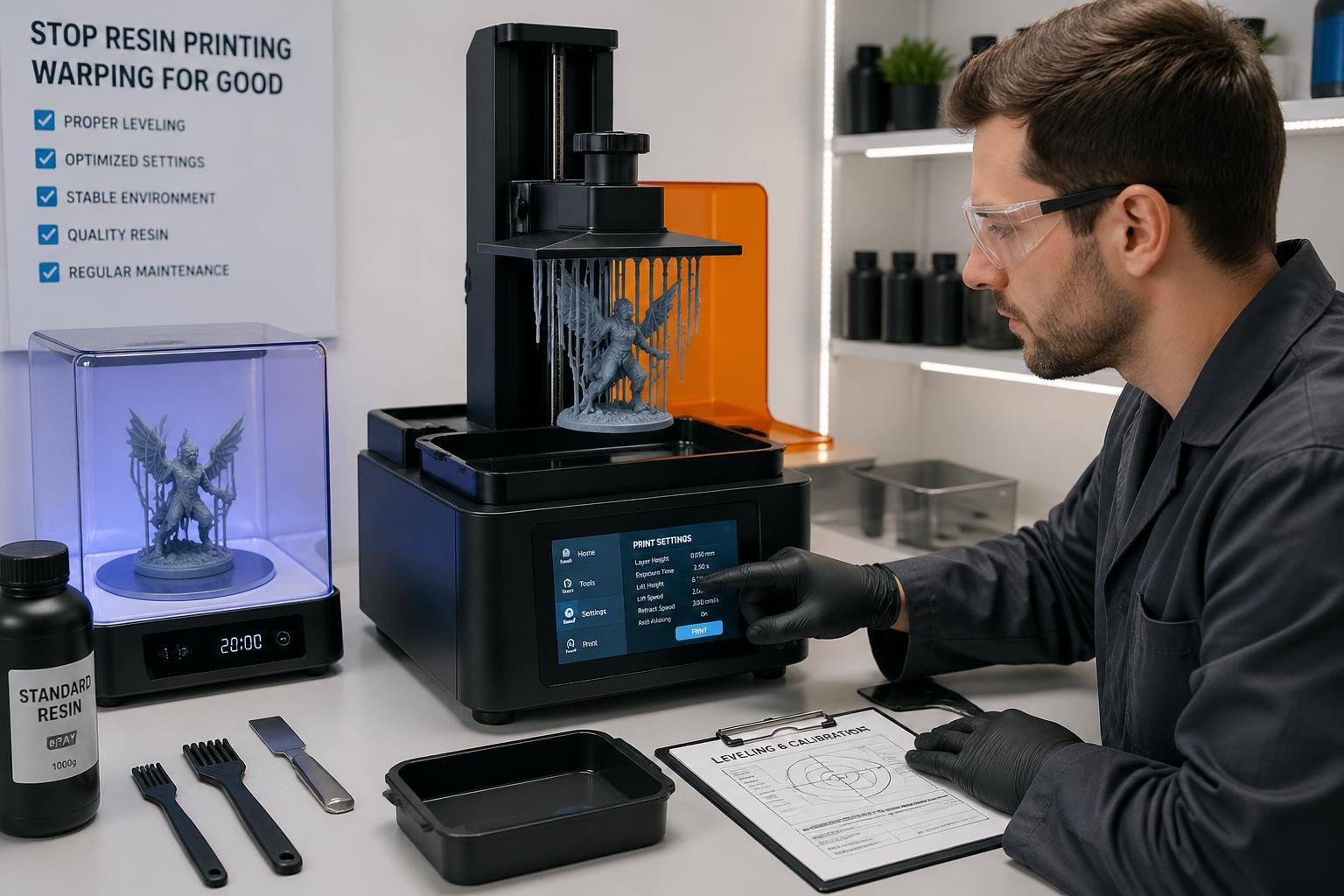
The good news is that warping is almost always preventable. Most cases come down to a handful of fixable issues with exposure settings, temperature, or model orientation. This guide breaks down exactly why warping happens and what you can do to stop it from ruining your prints.
- Support your models with the right mix of light, medium, and heavy supports in the right spots to prevent warping
- Adjust your exposure times and layer heights so the resin cures strong, not brittle
- Orient models at an angle and wash and dry prints fully before UV curing to cut down on internal stress and warping
- Warping often comes down to resin quality. Browse Siraya Tech's full range of 3D printing resins for LCD printers and find a resin that holds its shape and delivers consistent results.
Understanding the Causes of Warping

Warping happens when resin cures unevenly and creates internal stress that pulls the part out of shape. The big culprits? Wrong UV exposure, temperature swings, and bad model orientation.
How UV Exposure Settings Lead to Warping
Your UV exposure time controls how fast and hard each layer cures. If you overexpose, resin hardens too quickly and builds up extra stress. That tension stacks up with each new layer.
Underexposing is a different headache. Layers stay weak, don't bond well, and can shift during the print. That movement causes uneven curing, which shows up as warping later.
Match your exposure settings to your resin and layer thickness. Every resin reacts differently to light. Start with the manufacturer's recommendations, but be ready to tweak things based on your printer and model size.
The first few layers need longer exposure so they stick to the build plate. If those base layers cure with too much stress, they might pull the whole print out of shape as more layers pile on.
How Temperature Affects Resin Warping
Temperature stability is important through the entire print. Cold resin doesn't flow well and cures unevenly, which creates stress. Keep your workspace in the temperature range listed on the resin bottle.
If resin gets too cold during printing, it cures unevenly and increases the risk of warping and layer separation. Most resins like 68°F to 77°F (20°C to 25°C).
Temperature swings while printing make layer properties inconsistent. One layer might cure hard, the next stays flexible. These differences add up as internal stress and warp your print.
Post-curing temperature matters too. If you heat parts too fast or unevenly, you add new stress to the resin. Cure prints at a steady temperature and rotate them for even exposure.
Once you have fixed your warping issues, keep your finished prints protected. Explore Siraya Tech's protective coatings for resin prints and give your models a durable, long lasting finish.
How Model Orientation Causes Warping
Your model's angle on the build plate changes how stress gets distributed. Printing flat surfaces right on the plate creates a lot of tension because the whole layer cures at once and pulls from all directions.
If you angle the model, curing forces spread out across a smaller area. Each layer adds less total stress since less material cures at the same time. A 15 to 45-degree angle usually helps with warping.
Large flat spots need extra care. They act like suction cups during peeling and can pull thin features out of shape. Angle these surfaces or add drainage holes where possible.
Stress direction matters. Internal stress always pulls toward the strongest cured areas. If you position parts thoughtfully, you can steer these forces away from delicate features and toward stronger supported spots.
Proactive Strategies to Prevent Warping

Get your exposure settings right, keep temperature steady, and position your model carefully. These three things work together to stop warping before it starts by making sure your resin cures evenly and stress doesn't build up.
Dialing In the Right Exposure Settings
Exposure time really affects how much stress builds in each layer. Too much exposure and the resin cures too hard, adding tension. Too little, and layers stay weak and can bend or shift.
Start with the manufacturer's recommended exposure time. Run a test print with your resin and printer. Adjust in small steps — maybe 0.5 to 1 second — until layers cure fully without getting too stiff.
The first layers need different settings than the rest. Bottom layers should cure longer to stick to the build plate. Keep notes on your settings for each resin — temperature changes affect how resin cures, so retest if you move your printer or as seasons change.
Controlling Temperature for Consistent Prints
Resin acts differently at different temps. Cold resin is thick and cures unevenly. Warm resin flows better and hardens more evenly across layers.
Keep your workspace between 68°F and 77°F (20°C to 25°C). If your room gets chilly, use a small heater or enclosure. Check the temp near your printer with a thermometer — don't just trust the thermostat.
- If your resin's been in storage, let it warm up to room temp for about 30 minutes before printing. This helps prevent uneven curing and warping.
- Steady temperature is more important than hitting a perfect number. A room that bounces between 65°F and 75°F during a print causes more issues than a constant 70°F.
Quick tip: If your workspace temperature fluctuates throughout the day, consider a printer enclosure to maintain consistent conditions and reduce warping caused by thermal swings.
Orienting Your Model to Reduce Warp
How you place your model on the build plate changes where stress builds up during curing. Printing big flat surfaces directly on the plate almost always leads to warping.
Angle your model somewhere between 15 and 45 degrees from the build plate. This spreads out curing forces over more layers instead of focusing them in one spot. The best angle depends on your part, but avoid printing totally flat.
If your model has a big base, use a raft. The raft absorbs some initial stress and gives you a bigger contact area. Set your raft to 2-3mm thick with solid supports connecting it to your model.
Add supports at points where your model might bend — overhangs, thin spots, and areas far from the build plate. Supports keep the geometry steady while layers cure, stopping the movement that leads to warping.
Effective Solutions When Warping Occurs
When you see warping in your prints, you still have options. You can fix warped parts after printing, tweak your slicer to prevent it next time, or try a different resin that works better for your needs.
Fixing Warped Prints During Post-Processing
If you catch minor warping early, you can often fix it. Remove the print from the build plate while it's still a bit flexible and gently reshape it. Or put the warped print in warm water (around 104°F to 122°F) to soften it, then carefully bend it back.
For tougher warps, clean your print with isopropyl alcohol first. Use a heat gun on low and gently press to straighten the area. Hold the shape until it cools and sets.
Just remember, post-curing can lock in warps. If your print's a bit bent, fix it before you hit it with UV light. Once you post-cure, the shape is pretty much set — heat won't undo what UV has baked in.
Adjusting Your Slicer Settings to Prevent Future Warping
Your slicer settings make a big difference. Try bumping up your bottom layer count to 6-8 instead of the default 4-5. This makes a stronger bond with the build plate and helps with peeling during printing.
- Set your bottom exposure time to 30-40 seconds per layer. That gives each base layer more time to cure and stick.
- Add more supports around edges and overhangs where warping usually starts.
- Angle your model at 25-35 degrees in your slicer instead of printing it flat. This cuts down the cross-sectional area of each layer and lowers suction forces.
- Pack supports densely at stress points where the geometry changes fast.
When to Switch Resins to Solve Warping Problems
Some resins just warp more than others. Standard resins usually warp less than tough or flexible ones because they build up less internal stress. If you keep fighting warping with your current resin, switching formulas might be the answer.
Try a resin that's labeled low-shrinkage or dimensionally stable. These are designed to stay true during and after curing. They're pricier, but you get more accurate parts and less warping.
If your workspace temperature jumps around, look for a resin made for a broader temperature range. Cold rooms make resin brittle and ramp up the risk of warping, so pick a formula that fits your conditions.
Bottom line: If you've tried adjusting exposure, supports, orientation, and temperature and still get warping — switch resins. A low-shrinkage or dimensionally stable formula is often the fastest fix.