
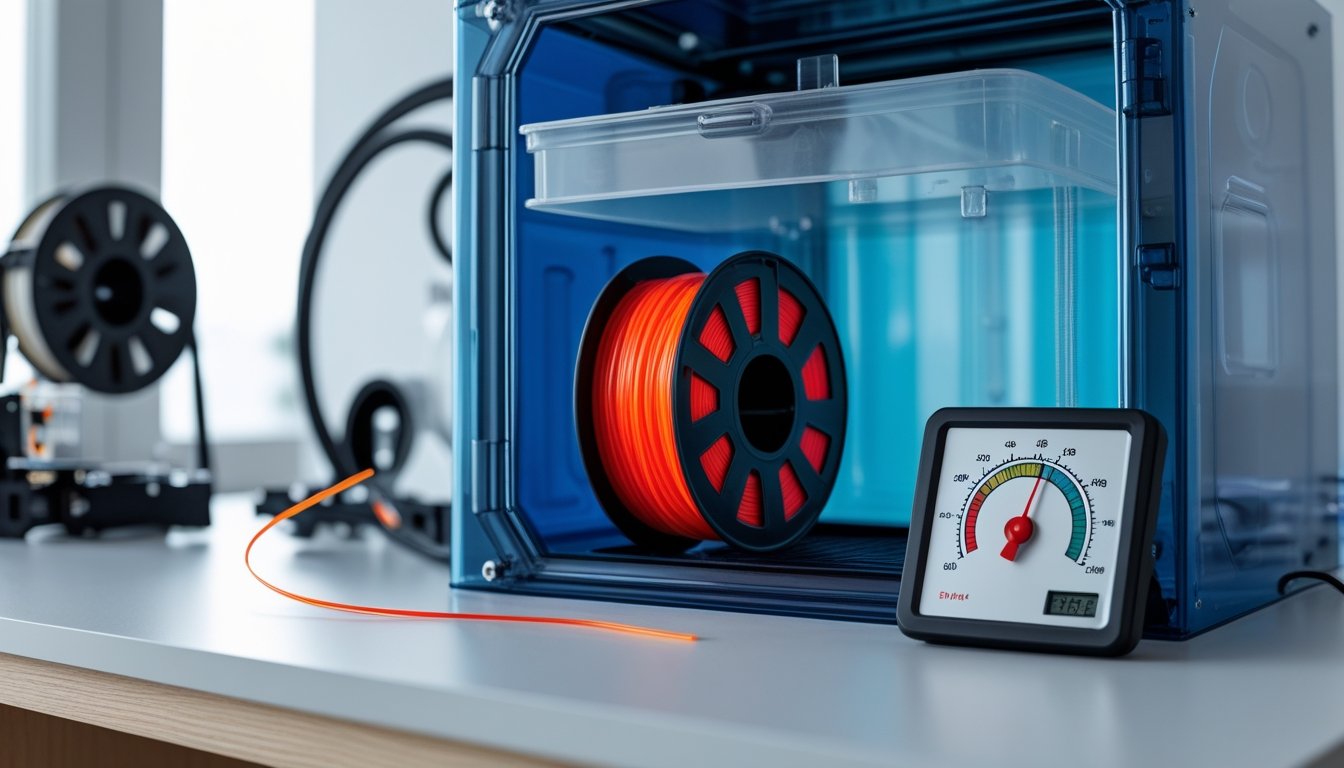
Learning how to dry 3D printer filament at home is essential for achieving high-quality prints and extending the life of your materials. Moisture absorption is one of the most common culprits behind print failures, causing issues like stringing, bubbling, and poor layer adhesion.
Many 3D printing enthusiasts don't realize that even brand-new filament can absorb moisture from the air within days of opening. This is especially true for hygroscopic materials like nylon, PLA, and PETG.
The good news? Drying filament at home is straightforward and doesn't require expensive equipment. With the right techniques, you can restore your filament to optimal condition and prevent costly print failures.
Key Takeaways
- Filament picks up moisture from the air, which leads to print defects, stringing, and weaker parts
- You can dry filament using ovens, dedicated dryers, food dehydrators, or DIY dry boxes, with temps usually between 45-120°C depending on the material
- Stash dried filament in airtight containers with desiccant packs so it doesn’t get damp again
Looking for high-quality filament that stores well and prints beautifully? Explore our complete 3D printing filament collection to find the perfect material for your next project.
Signs Your Filament Needs Drying

Filament that’s sucked up moisture throws off warning signs during storage and printing. Spotting these early can save you a lot of frustration.
Visible Print Quality Issues
Wet filament leaves its mark on your prints. You’ll see stringing—those fine plastic threads stretching where they shouldn’t. Surfaces get rough, layers turn bumpy, and you might spot tiny bubbles in the material.
When moisture turns to steam in the nozzle, you’ll run into under-extrusion: gaps in layers, inconsistent lines, or prints that look too thin. Sometimes, the opposite happens—oozing—since the steam can push out extra material even when you don’t want it.
Layer adhesion gets worse, so prints come out weak and may split along the layers. Dimensions can go off too, with parts coming out warped or just not matching your design.
Unusual Sounds During Printing
Dried filament feeds quietly through the extruder. Wet filament? It makes itself known with crackling, popping, or hissing at the hot end.
That noise is steam—water inside the filament flashes to vapor as it hits the nozzle and bursts out. The more moisture, the louder and more frequent the sounds. Some folks say it sounds a bit like frying food or Rice Krispies. If you keep hearing it, stop and dry your filament.
Brittle or Discolored Filament
Sometimes you can spot moisture damage before you even print. If your filament snaps when you bend it gently, it’s probably too brittle—often a sign of moisture or poor storage.
Check if the filament looks swollen. If calipers show it’s 10% thicker than it should be, it’s probably absorbed water. Sometimes, you’ll see a dull finish or even tiny beads of condensation.
Filament color can shift too, especially with Nylon or PETG. Watch for fading, cloudiness, or weird discoloration compared to a fresh spool.
Need filament for demanding applications? Our heat-resistant filament collection offers superior performance for functional parts and high-temperature environments.
Home Drying Methods for 3D Printer Filament

You’ve got a few solid ways to dry filament at home, from gadgets built for the job to stuff you already have in your kitchen. Each has its pros and cons for cost, control, and how much you can dry at once.
Using a Food Dehydrator
If you’re on a budget, a food dehydrator is a good option. Most are round and fit standard spools, and they do a decent job pulling out moisture.
Keep the heat below your filament’s glass transition point: 45°C for PLA, 65°C for PETG. Most dehydrators can’t hit the higher temps needed for things like polycarbonate (120°C) or ABS (75-80°C).
Usually, 4-6 hours does the trick, but tougher materials might need a couple extra hours. Since most dehydrators aren’t super precise, you’ll have to experiment a bit.
Heads up: Once you use a dehydrator for filament, don’t go back to food. Heated plastic can leave residues you really don’t want on your snacks.
Conventional Oven Method
Your kitchen oven can dry filament if you don’t want to buy new gear. Stick to electric ovens and double-check that the temp stays below your filament’s glass transition point.
Set the oven to the right temp for your filament and bake the spool for 4-6 hours. Convection ovens work faster because of the air movement. Remember, most spools are ABS and will soften around 75-80°C, so don’t overdo it.
Keep an eye on the oven—if the temperature drifts, you could melt the filament or warp the spool. Dried filament might feel a little more brittle, so handle with care.
Dedicated Filament Dryer
If you want the easiest and most reliable results, get a filament dryer. These machines are made for the job, with precise controls for heat and time.
Most come with presets for common filament types, so you don’t have to guess. Some let you dry multiple spools at once, and a lot of them have feed holes so you can print straight from the dryer (though it’s best to finish drying before you start).
The vacuum-sealed chambers double as storage, keeping your filament dry until you’re ready to print. You get a wide temperature range, so you can handle everything from PLA to nylon or TPU.
Best Practices for Keeping Filament Dry

Drying is only half the battle—you’ve got to keep your filament dry too. Storage matters, and you’ll need to re-dry sometimes, no matter how careful you are.
Proper Storage Solutions
Airtight containers are your best friend here. Vacuum-sealed bags with desiccant packs work great, especially for materials like Nylon and TPU that love to soak up water.
Sealed boxes with gasket lids are handy for filaments you use often. Toss a hygrometer in there to track humidity—keep it under 20% RH. Swap out silica gel when it changes color or stops working.
Clear plastic containers with rubber seals are a solid compromise between easy access and protection. Stick one or two spools in each, and label them with the filament type and last drying date.
Store your containers somewhere cool and dry, away from sunlight. Avoid basements or garages where humidity jumps around. A closet or a shelf inside your house is usually better.
Recommended Temperature and Time Settings
PLA: 40–45°C for 4–6 hours. Don’t go hotter or you risk softening the filament or warping the spool.
PETG: 50–55°C for 4–6 hours. This range pulls out moisture without messing up the plastic.
Nylon: 70–80°C for 8–12 hours. Nylon soaks up water like crazy, so partial drying won’t cut it. Lots of people keep it in a heated dry box while printing.
TPU: 45–50°C for 4–6 hours. Lower temps keep it flexible but still drive out moisture.
Start at the low end of these ranges and add time if needed. Food dehydrators and dedicated dryers usually hold temps better than ovens.
When to Re-Dry Your Filament
If you hear popping or hissing while extruding, it’s time to dry again. That steam is a dead giveaway.
Watch for stringing, weak layers, or rough surfaces—those mean moisture crept in. Even if you store filament well, it can pick up water, especially in humid weather.
Nylon needs drying after just a day or two out in the open. PETG and TPU are a little more forgiving, but you should dry them after a week or two outside sealed storage. PLA can last a few weeks, but if you see problems, dry it.
If filament’s been sitting on your printer for a while, dry it before an important print. Check anything stored for months—even in sealed containers—since desiccant can lose its punch over time.
Working on flexible prints? Discover our soft 3D printer filament collection for projects that require elasticity and durability.
Conclusion: How to Dry 3D Printer Filament
Drying your 3D printer filament at home is a simple yet crucial step for maintaining print quality. Whether you choose a dedicated dryer, oven, or food dehydrator, the key is using the correct temperature and time for your specific filament type.
Regular maintenance and proper storage will save you time, money, and frustration in the long run. By keeping your filament dry, you'll enjoy consistently smooth prints with fewer failures.
Want to dive deeper into how moisture affects your printing results? Check out our detailed guide on understanding moisture's impact on 3D printing filament for more expert insights.
Frequently Asked Questions: How to Dry 3D Printer Filament
Drying 3D printer filament means using heat to pull out moisture, usually at 45°C to 120°C depending on the material. Most filaments need 4-6 hours to get back to good printing shape.
How do I dry my 3D printer filament?
You have four main options: dedicated filament dryers, ovens, food dehydrators, or DIY dry boxes with desiccants. Filament dryers are most precise—set the temperature and run for the recommended time. Ovens and dehydrators work similarly but require careful temperature monitoring to avoid exceeding the filament's glass transition temperature.
How long does PLA take to dry out?
PLA needs 4-6 hours at 45°C to remove moisture without softening. The exact time depends on humidity levels and your drying method. Never exceed 45°C as PLA softens easily and may deform.
Can wet filament be dried?
Yes, wet filament can be fully restored through proper drying. Heat removes absorbed moisture and returns the filament to its original print quality. Store dried filament in airtight containers with desiccant to prevent reabsorption.
How dry does 3D printer filament need to be?
Filament should be as dry as possible to prevent bubbling, stringing, and poor layer adhesion. Listen for hissing or popping during extrusion—this indicates moisture turning to steam. Properly dried filament extrudes smoothly with consistent diameter and no surface defects.